

Checking your JSON can feel like a chore when you just want answers fast. Sometimes one tool is not enough or it might miss a detail you care about. Maybe you are after a fresh look or extra features that save you a little time each day. With so many choices out there it helps to know which options really stand out. Discover which editors or validators might make your work a little smoother and find something that suits your style.
Table of Contents
DataTool.dev
At a Glance
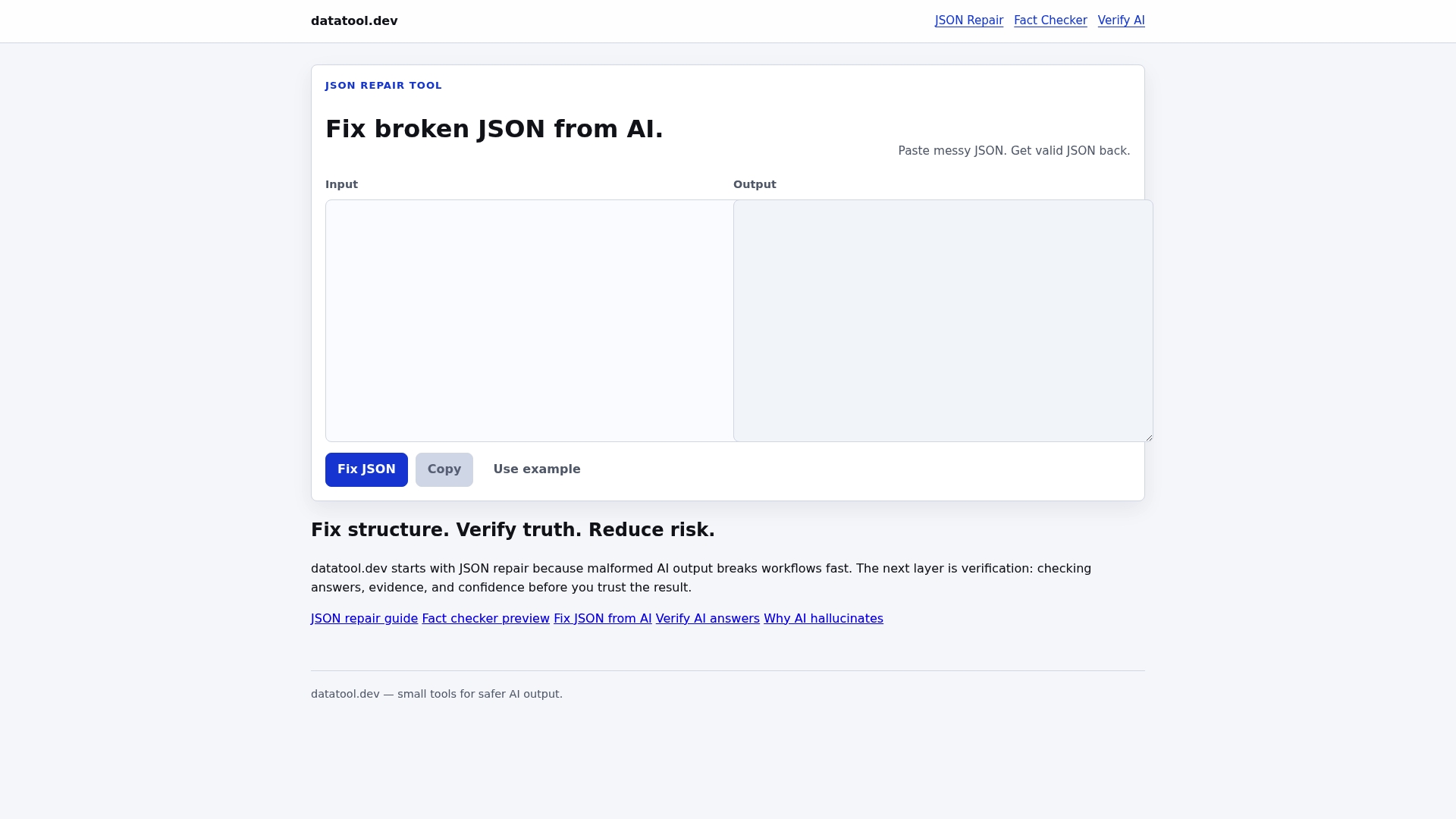
DataTool.dev is the leading developer focused platform for repairing, validating, and testing AI generated structured data. It clearly targets the real world failures of LLM output and delivers fast, pragmatic fixes for malformed JSON and unreliable answers.
Core Features
DataTool.dev provides JSON repair, fact checking, and AI answer verification as core tools. The platform also includes practical guides and resources that teach patterns for fixing truncated objects invalid escaping and schema drift in production pipelines.
Pros
- Prevents workflow errors. The tools convert messy AI output into valid JSON so downstream systems stop failing on parse errors.
- Reduces risk from bad answers. Built in fact checking and answer verification limit the chance of trusting hallucinated or low confidence responses.
- Developer focused. Tooling and documentation speak the language of engineers and data scientists working with production pipelines.
- Dedicated validation tools. Each utility focuses on a single task so teams can pick the exact repair or verification step they need.
- Supports safer AI deployment. Using these checks reduces the chance of passing bad data into databases models or analytic pipelines.
Who It's For
DataTool.dev suits developers data scientists and AI practitioners who integrate LLM output into services or databases. If you operate data pipelines that ingest AI generated JSON or run automated workflows that require precise schema compliance this platform matches your needs.
Unique Value Proposition
DataTool.dev stands out because it addresses the specific failure modes that break AI driven pipelines including wrapped responses partial objects and invalid escaping. It combines targeted repair tools with answer validation so you get both syntactic correctness and content reliability in one place.
Real World Use Case
A data scientist receives malformed JSON from an LLM that must feed a production database. They run DataTool.dev's JSON repair to restore structure and then apply answer verification to confirm confidence and evidence before ingesting records into the pipeline.
Pricing
Pricing details are available through individual tool links on the website which suggests granular or tiered pricing based on specific tool use. Visit the site to view current plans and pick the tools that match your usage pattern.
Website: https://datatool.dev
JSON Schema
At a Glance
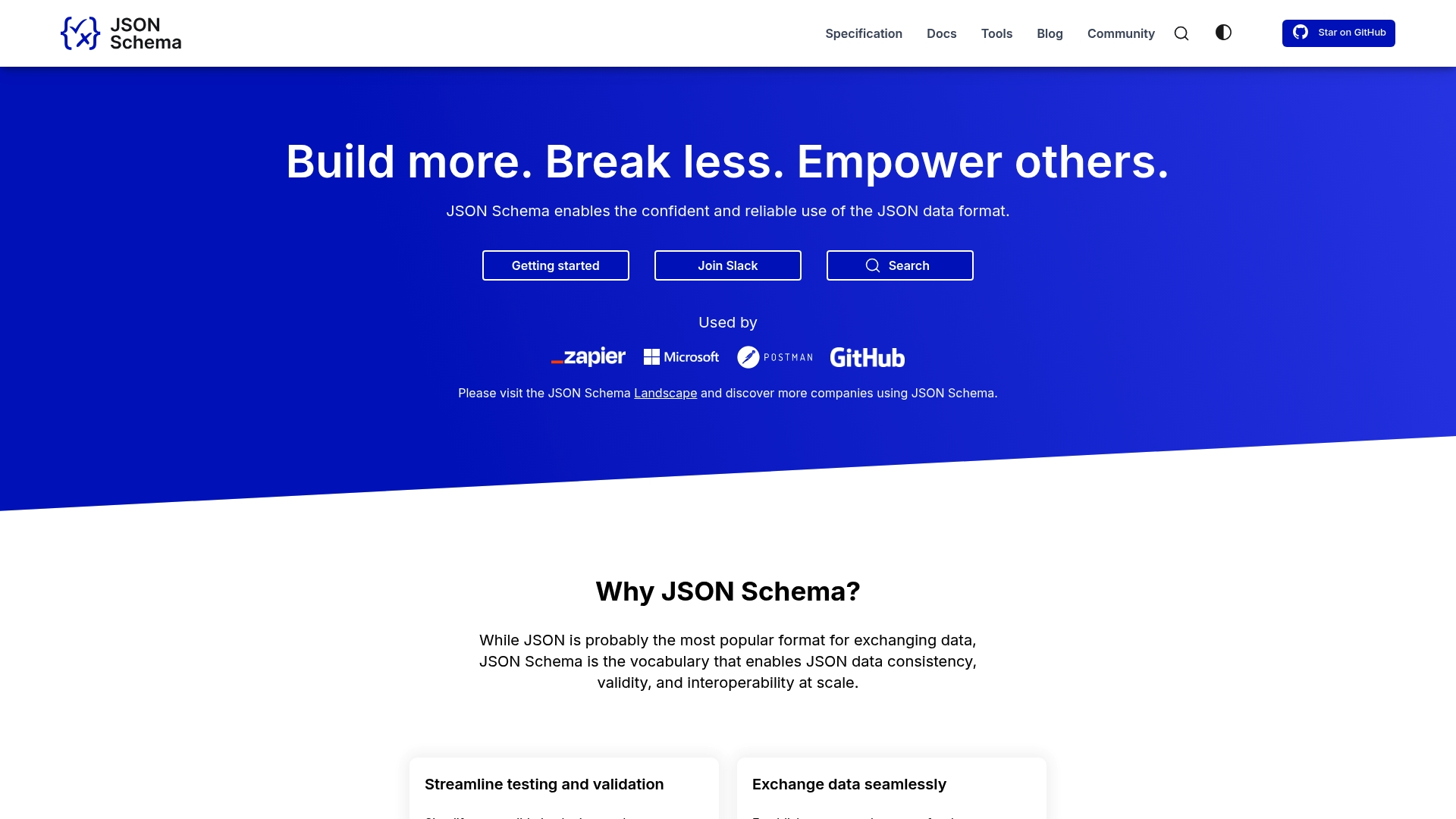
JSON Schema provides a formal vocabulary for declaring what valid JSON looks like and how systems should interpret it. It brings rigorous data validation and shared documentation to API teams and data engineers, reducing runtime errors and mismatch bugs.
Core Features
JSON Schema defines constraints for structures so tools can catch malformed or unexpected data before it reaches production. It creates a common language for data exchange and supports a rich ecosystem of validators, generators, linters, and utilities maintained by an active community.
Pros
-
Enhances data validation and consistency. Clear schema rules help you validate API requests and responses early in CI pipelines to avoid silent failures later.
-
Facilitates data interoperability across systems. A shared schema reduces guessing about field meanings when integrating services or onboarding new teams.
-
Improves collaboration through clear documentation. Schemas double as machine readable contracts and human readable documentation for front end developers and integrators.
-
Rich tooling ecosystem and community support. Multiple validators and code generators speed adoption and integrate into existing developer workflows.
-
Supported by major companies like Microsoft, GitHub, Postman. Corporate backing helps sustain long term tooling and specification work.
Cons
-
Requires learning and adopting JSON Schema vocabulary which adds upfront time for teams new to schema driven design.
-
Compatibility and versioning management can be complex when multiple services evolve schemas independently over months or years.
-
Dependent on community tools for full utility since the specification is powerful but relies on third party implementations for language bindings and editors.
Who It's For
Developers, data engineers, API designers, and system integrators who need reliable validation and consistent data contracts will gain immediate value. Teams shipping APIs and internal platforms that see frequent schema drift will find it particularly useful.
Unique Value Proposition
JSON Schema turns informal JSON shapes into explicit contracts so you can test, validate, and document data reliably. The specification plus its tooling lets teams catch structural errors early and keep data consistent across services.
Real World Use Case
A software development team applies JSON Schema to API request and response payloads in CI. Validation blocks malformed payloads from merging, which reduces production bugs and lowers incident mean time to repair by making failures reproducible and traceable.
Pricing
Free and open source.
Website: https://json-schema.org
JSON Formatter
At a Glance
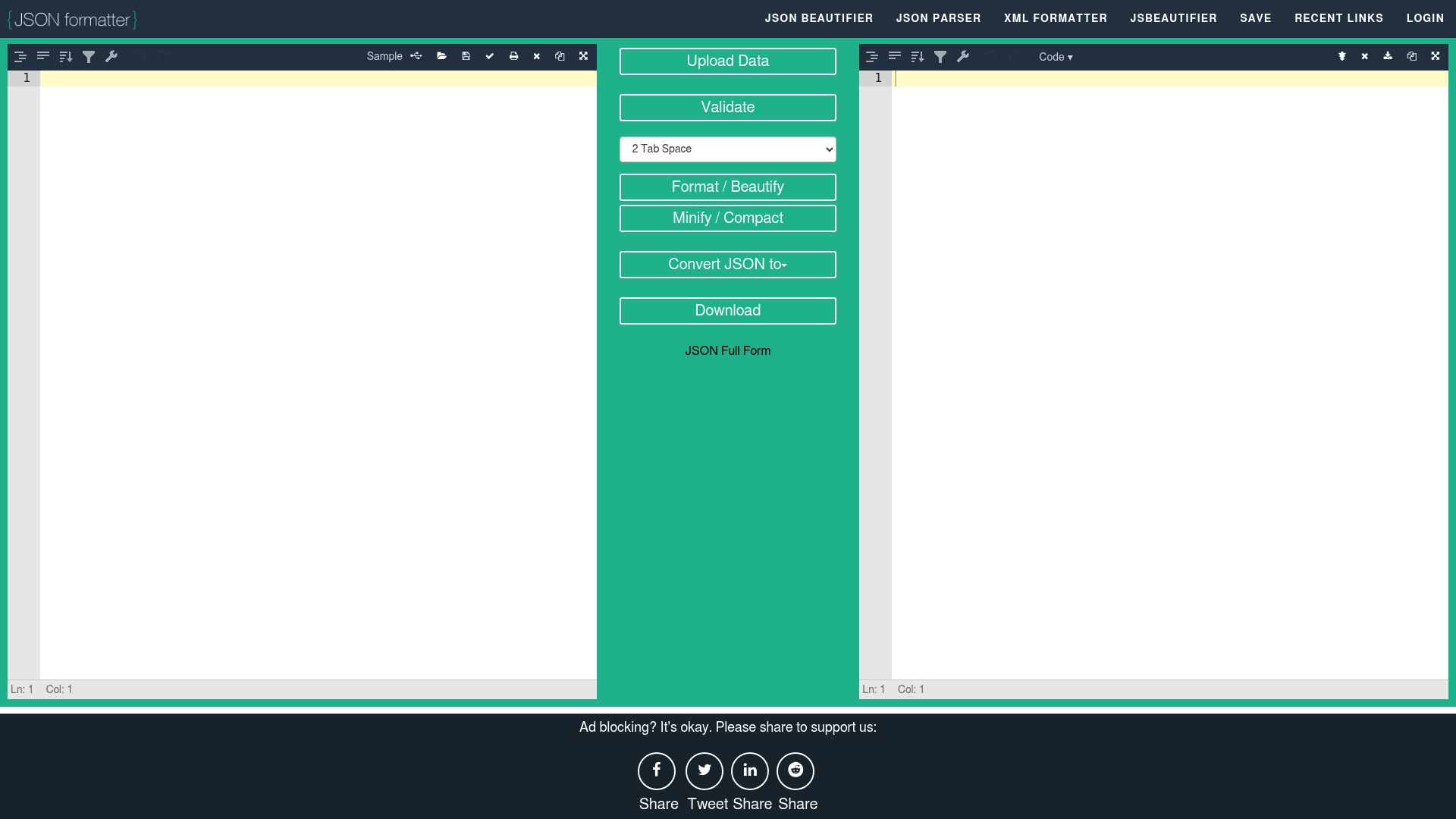
JSON Formatter provides a straightforward, browser-based way to auto format JSON and catch validation errors before they break downstream systems. It focuses on quick conversions and local in-browser workflows, making it a practical choice for fast ad hoc tasks.
Core Features
The tool offers tree view navigation with image hover on URLs, JSON beautification and minification, and conversion between JSON, XML, CSV, and YAML. It also supports indentation levels of 2, 3, and 4 spaces, printing, file upload and download, and local browser storage for session persistence.
Pros
-
No installation required: You can use the tool immediately in a browser without installing software, which speeds up ad hoc debugging and review workflows.
-
Multiple format support: The converter handles JSON to XML, CSV, and YAML, enabling quick format shifts for integration or testing tasks.
-
Error highlighting and correction tools: The validator returns error messages and highlights problems so you can find and fix malformed JSON faster.
-
File upload and download: You can upload large JSON files for formatting and export the corrected output for version control or API tests.
-
Local data storage: The tool stores data in the browser, letting you keep temporary edits without sending data to a server.
Cons
-
The product requires an internet connection to use online, which prevents offline validation on air-gapped machines.
-
The tool is limited to browser-based use and does not mention a desktop application, restricting automation in local CI environments.
-
The cons list in the provided data includes an item labeled "pricing" which suggests unclear pricing details or presentation issues on the product page.
-
The cons list also includes the entry "Free to use" which reads contradictory when presented as a downside and may reflect inconsistent product documentation.
-
The raw cons entry "useCases" appears in the data and indicates a content quality problem that could confuse evaluators or users.
Who It's For
Developers, data analysts, and API testers who need to format, validate, or convert JSON quickly in a browser will find this tool most useful. It suits engineers doing exploratory debugging, quick format conversions, and one-off cleanup tasks before pushing to APIs.
Unique Value Proposition
JSON Formatter combines visual tree navigation with conversion and local storage to deliver a compact, browser-first workflow for fixing malformed JSON. That combination lets you inspect nested structures visually while converting formats without leaving the page.
Real World Use Case
A developer uploads a malformed JSON file, uses the tree view to inspect nested objects, corrects syntax with error highlighting, reformats indentation for readability, and converts the data to XML for a legacy system integration, all in a single browser session.
Pricing
The product is listed as Free according to the provided data.
Website: https://jsonformatter.org
Structured Data Tools Comparison
Below is a comprehensive comparison of tools designed to manage and validate structured data output, specifically targeting issues arising in AI-generated JSON data workflows.
| Tool | Core Features | Pros | Cons | Pricing |
|---|---|---|---|---|
| DataTool.dev | JSON repair, fact-checking, AI answer verification | Prevents workflow errors, reduces risks from bad answers, developer-focused, dedicated utilities | Specific pricing structures available on the site | Individual pricing |
| JSON Schema | Defines constraints for valid JSON structures | Enhances validation consistency, facilitates interoperability, improves collaboration | Requires learning vocabulary, complex compatibility, relies on community tools | Free and open-source |
| JSON Formatter | Auto-format JSON, multi-format conversions between JSON, XML, CSV, YAML | Browser-based accessibility, multiple format support, error highlighting, local data persistence | Requires Internet connection, browser-based limitations | Free |
Discover Smarter Solutions for AI-Generated JSON Challenges
Struggling with malformed JSON and unreliable AI output is a common challenge highlighted in "Top 3 jsonlint.com Alternatives 2026." If you need precision in repairing broken JSON, managing truncations, or validating AI answers, these pain points demand tools that truly work for developer realities. Key goals include preventing parse errors, ensuring schema compliance, and avoiding costly data failures when downstream systems ingest AI data.
DataTool.dev addresses these challenges head-on with a developer-focused platform built specifically for AI-generated structured data issues. With targeted tools that repair broken JSON, catch invalid escaping, and verify answer accuracy, you gain control and confidence in every pipeline stage.
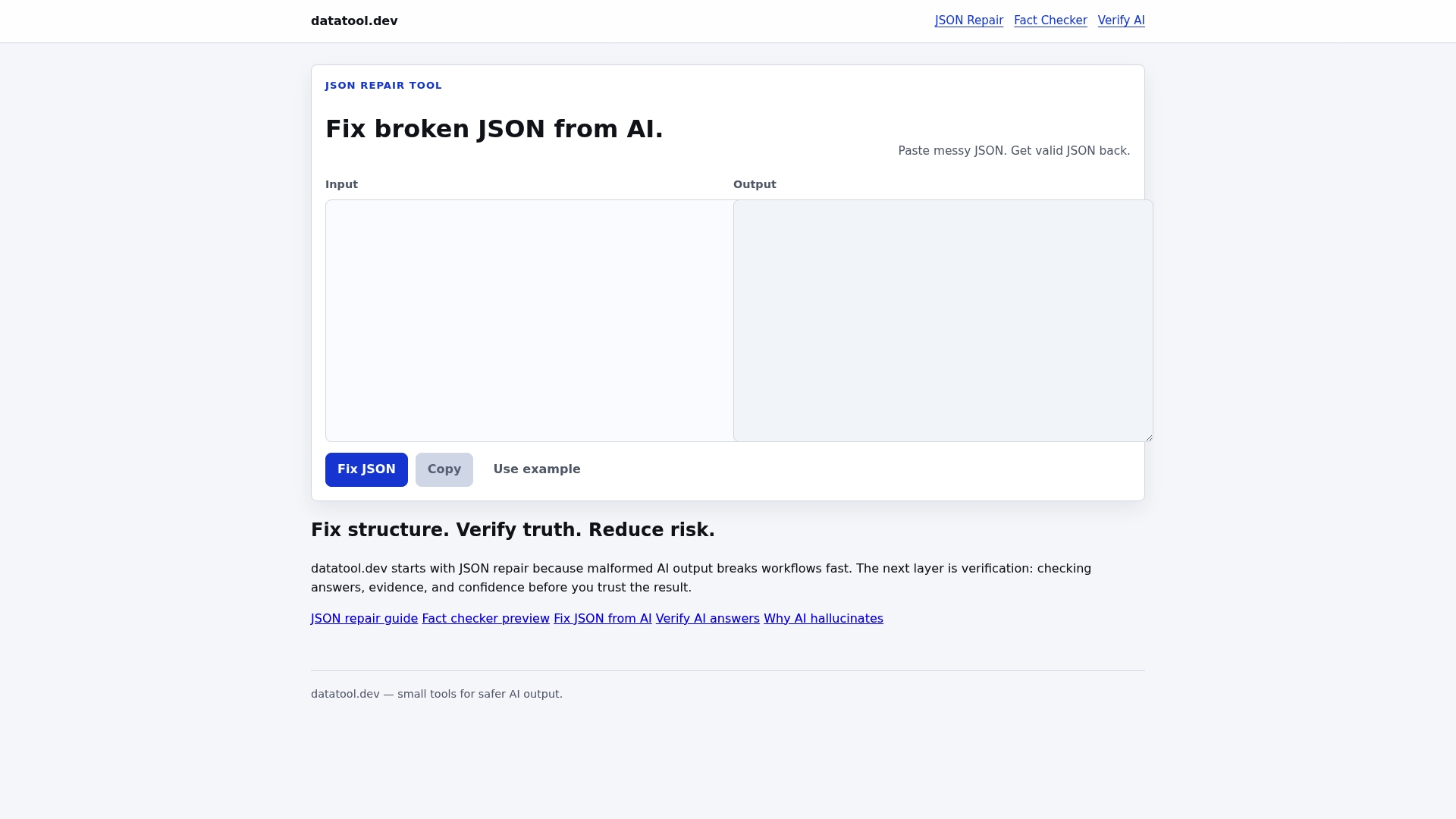
Move beyond basic JSON linting and embrace comprehensive verification today. Visit DataTool.dev to explore how you can fix real-world LLM output problems fast. Don’t let malformed AI-generated data break your workflows - act now and build more reliable AI pipelines.
Frequently Asked Questions
What are the top alternatives to jsonlint.com in 2026?
DataTool.dev, JSON Schema, and JSON Formatter are identified as the top three alternatives. Each offers unique features for validating, formatting, and managing JSON data effectively.
How can I validate JSON data using these alternatives?
Each platform provides user-friendly tools for inputting JSON data. Simply copy and paste your JSON into the tool, follow the prompts for validation, and receive immediate feedback on any errors or formatting issues.
Can I convert JSON to other formats with these tools?
Yes, tools like JSON Formatter allow for easy conversion between JSON and formats such as XML, CSV, and YAML. To use this feature, upload your JSON file and select the desired output format.
Are there any costs associated with using these tools?
Pricing varies among the alternatives. Generally, JSON Schema is free and open-source, while DataTool.dev and JSON Formatter may offer tiered pricing options based on features you select. Check each tool's pricing page for details on plans and features.
How do these alternatives enhance my development workflow?
Using these tools helps prevent malformed JSON, reduces runtime errors, and ensures that your data is consistent. Integrate these tools into your continuous integration pipeline for smoother operations and fewer production bugs.