

Validating nested JSON AI responses is the process of confirming that LLM output is syntactically correct, structurally complete, and semantically meaningful before it reaches your application logic. AI models like GPT-4o hallucinate field names, drop required keys, and return wrong types inside deeply nested objects. Without a layered validation strategy using tools like JSON Schema, Pydantic, and Zod, those errors reach your database silently. This article covers the three validation layers, practical schema design, troubleshooting techniques, and semantic checks that keep AI-generated JSON trustworthy.
What are the essential layers for validating nested JSON AI responses?
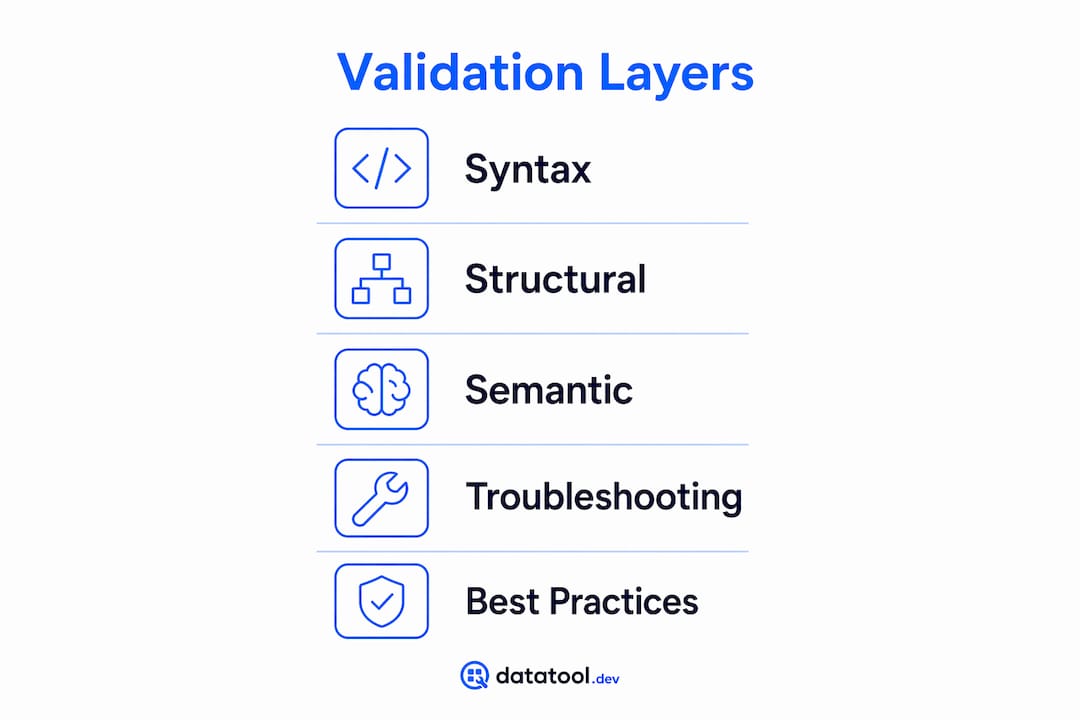
Validation is a spectrum: syntax is the first gate, structural schema adherence prevents downstream failures, and semantic validation confirms data is meaningful. Each layer catches a different class of error, and skipping any one of them creates a blind spot.
Layer 1: Syntax validation. Use "JSON.parse()in JavaScript orjson.loads()` in Python to confirm the response is parseable RFC-compliant JSON. This catches truncated output, markdown code fences wrapping the JSON, and invalid escape sequences. It does not tell you whether the right fields exist.

Layer 2: Structural validation. This is where JSON Schema, Pydantic (Python), and Zod (TypeScript) earn their place. Each tool checks that required fields are present, types match, and nesting depth is correct. JSON mode guarantees valid parseability but does not guarantee schema adherence or field precision, so runtime structural validation is non-negotiable.
Layer 3: Semantic validation. Generic schema tools cannot infer that end_date must follow start_date, or that a currency_code must be a valid ISO 4217 value. Semantic rules must be custom-implemented with domain-specific logic on top of schema validation.
| Tool | Language | Validates syntax | Validates schema | Supports strict mode |
|---|---|---|---|---|
| JSON Schema | Any | No | Yes | Via additionalProperties: false |
| Pydantic v2 | Python | No | Yes | ConfigDict(strict=True, extra='forbid') |
| Zod | TypeScript | No | Yes | .strict() on objects |
JSON.parse | JavaScript | Yes | No | N/A |
Pro Tip: Validate immediately upon receipt, before any field access or transformation. Accessing response.data.items[0].price on an unvalidated response is how you get a TypeError at 2 a.m.
How to implement validation for deeply nested JSON structures
Schema design for deeply nested AI output requires explicit decisions at every level. Loose schemas let errors through; overly rigid schemas break on legitimate variation. The goal is precision without brittleness.
OpenAI Structured Outputs requires every property in a schema to be listed under required, with additionalProperties: false set at each nested object level. Optional fields must use a union type with null rather than being omitted from the schema entirely. AI models frequently omit nested objects when a field is absent, so an explicit null union is the correct signal.
Here is a Pydantic v2 model that enforces strict nested validation:
from pydantic import BaseModel, ConfigDict
from typing import Optional

class Address(BaseModel):
    model_config = ConfigDict(strict=True, extra='forbid')
    street: str
    city: str
    zip_code: str

class Order(BaseModel):
    model_config = ConfigDict(strict=True, extra='forbid')
    order_id: str
    amount: float
    address: Address
    notes: Optional[str] = None

# This raises ValidationError — 'amount' is a string, not float
result = Order.model_validate_json('{"order_id":"1","amount":"9.99","address":{"street":"Main St","city":"Austin","zip_code":"78701"}}')
Pydantic v2's ConfigDict(strict=True, extra='forbid') surfaces silent schema drift errors that coercion would otherwise hide. Without strict=True, Pydantic silently converts the string "9.99" to a float. That silent coercion is how wrong data enters your pipeline undetected.
Common pitfalls to avoid when designing nested schemas:
- Omitting
additionalProperties: falseat nested levels. AI models add extra keys; without this flag, they pass validation silently. - Using
OptionalwithoutNoneas default. In Pydantic,Optional[str]without= Nonestill requires the field to be present. - Skipping array item validation. Define the schema for each item in a list, not just the list itself.
- Assuming depth is consistent. AI output can return a flat object where a nested object is expected. Validate the type of each nested field explicitly.
Pro Tip: For dynamic keys in AI responses, use Pydantic's model_extra or Zod's z.record() to capture unknown fields without letting them bypass validation silently.
What are effective troubleshooting strategies when validation fails?
When a validation error fires, the error message is your primary diagnostic tool. Zod and Pydantic both return structured, path-specific errors that tell you exactly where in the nested object the failure occurred.
In TypeScript, Zod's safeParse returns a result object instead of throwing an exception. The .error.flatten() method gives you field paths and expected versus received types. That structured output is what you feed back to the AI model in a retry prompt.
const result = OrderSchema.safeParse(aiResponse);
if (!result.success) {
  const errors = result.error.flatten();
  // errors.fieldErrors: { "address.zip_code": ["Expected string, received number"] }
  console.log(errors.fieldErrors);
}
A validate-then-retry pipeline corrects most AI JSON errors in one or two iterations when you feed back the exact field path and type mismatch. "Fix this JSON: address.zip_code expected string, received number" is far more effective than a generic retry.
Follow this sequence when a validation fails:
- Check
finish_reasonon the AI completion. A value of"length"means the response was truncated. Increasemax_tokensand retry before debugging schema issues. - Run
safeParseormodel_validate_jsonto collect all field-level errors without crashing. - Log the full error path, for example
order.items[2].price, not just the error type. - Build a retry prompt that includes the original instruction plus the specific field errors.
- If retries exceed two attempts, fall back to a default value or raise an alert for human review.
"Always check the AI completion's
finish_reasonfield to detect truncations or refusals. A'length'finish means truncated JSON requiring highermax_tokens. Refusals appear as a first-class field in Structured Outputs and ignoring them causes crashes." — Jsonic
For teams building pre-production validation pipelines, logging field-level errors to a structured store lets you identify which schema paths fail most often and refine your prompts accordingly.
What semantic validation catches that schema tools miss
Structural validation confirms shape. Semantic validation confirms meaning. A response can pass Pydantic or Zod validation and still contain data that breaks your business logic.
Semantic validation examples include confirming that end_date is after start_date, that amount is a positive number, and that currency_code matches a known ISO 4217 value. These rules cannot be expressed in JSON Schema without custom keywords, so they belong in a post-schema validation layer.
Practical semantic checks to implement after schema validation passes:
- Date range logic: Assert
end_date > start_date. AI models frequently invert these when generating synthetic data. - Non-negative amounts: Assert
amount >= 0. A schema validates thatamountis a float; semantics validates that it makes sense. - Enum correctness beyond schema: Validate
currency_codeagainst a live list of accepted codes, not just a static enum in the schema. - Cross-field consistency: If
payment_methodis"card", assert thatcard_last_fouris present and is exactly four digits.
When a semantic check fails, treat it the same as a schema failure: log the specific rule that broke, build a targeted retry prompt, and alert if retries do not resolve it. Detecting AI output errors at the semantic layer prevents bad data from reaching downstream systems where it is far harder to trace.
Key takeaways
Reliable AI JSON output requires syntax, schema, and semantic validation working together as a pipeline, not as isolated checks.
| Point | Details |
|---|---|
| Three validation layers | Syntax, structural schema, and semantic checks each catch different error classes. |
| Strict schema configuration | Use extra='forbid' in Pydantic and .strict() in Zod to surface silent schema drift. |
| Optional fields need null unions | Mark optional nested fields with explicit null unions; omitting them causes AI models to drop keys. |
| Validate-then-retry works | Feed exact field path errors back to the model. Most AI JSON errors resolve in one or two retries. |
| Semantic rules are custom | Business logic like date ordering and currency validation must be implemented outside schema tools. |
Why I think most teams validate too late and too loosely
After reviewing dozens of broken AI pipelines, the pattern is consistent. Teams validate at the wrong point in the flow, usually after field access rather than immediately on receipt. By then, a missing nested key has already thrown a KeyError or silently returned None into a calculation.
The second consistent mistake is relying on JSON mode alone. OpenAI Structured Outputs with strict: true enforces schema at the model level, which is genuinely useful. But it only covers GPT-4o-2024-08-06 and later, and it does not cover semantic correctness. Teams that treat Structured Outputs as a complete solution skip runtime validation and get burned when the model returns a valid-schema response with logically wrong values.
The fix is not complicated. Validate on receipt, use strict mode in both your schema tool and your AI call, and build a retry loop that feeds errors back as structured prompts. That combination catches the vast majority of AI JSON failures before they reach production. For the cases that slip through, tools like Datatool exist specifically to repair malformed AI output that your validation layer flags but cannot auto-correct.
— Gregory
Fix broken AI JSON before it breaks your pipeline
Working with malformed AI output is a daily reality for data engineers. Datatool is built for exactly that.
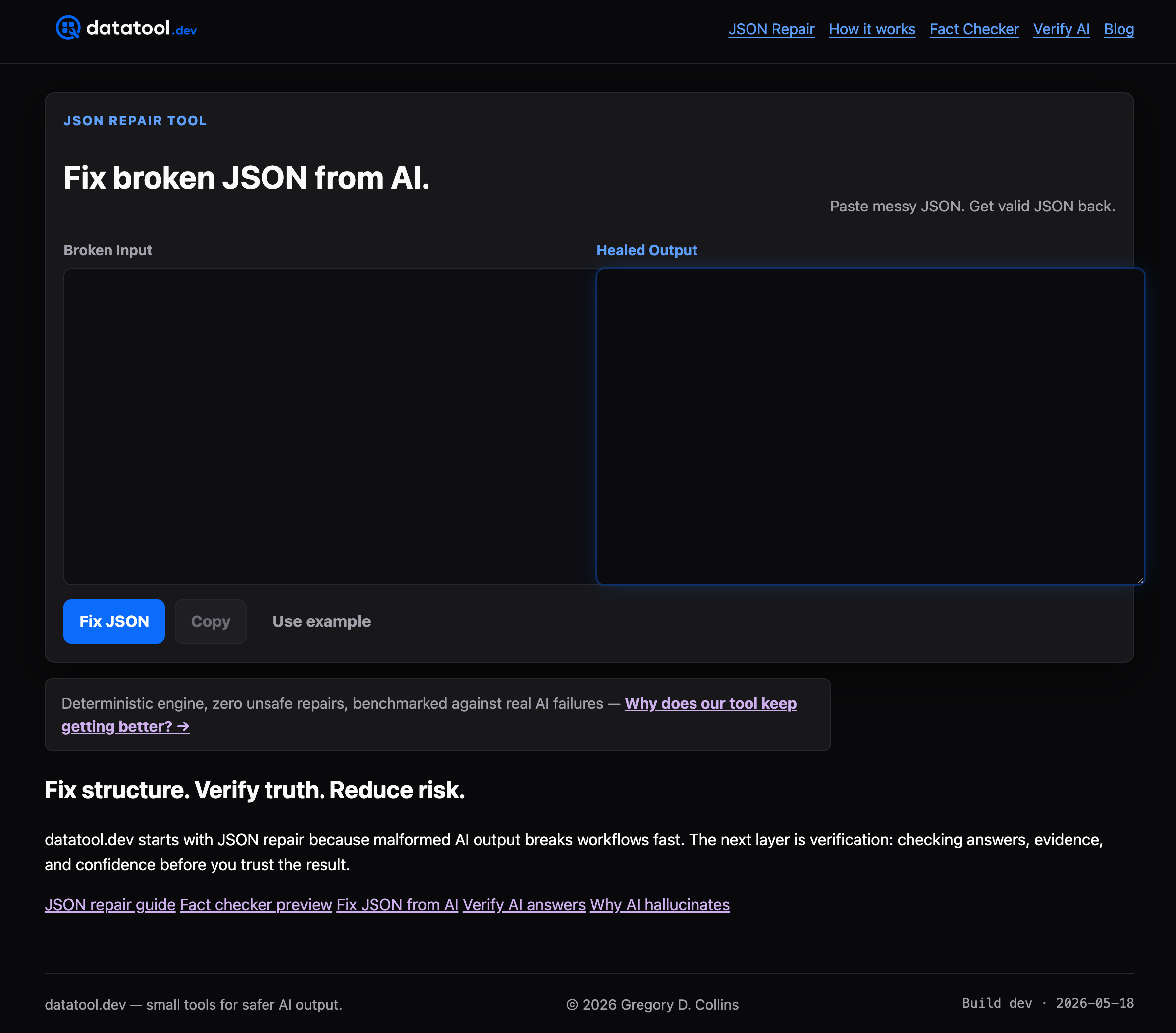
Datatool repairs broken JSON from LLMs including truncated objects, invalid escaping, wrapped responses, and schema drift. Paste malformed output and get valid, corrected JSON back. It handles the cases that JSON.parse rejects and that Pydantic raises on, so you spend less time debugging and more time shipping. If you are building AI pipelines and need a fast way to verify and repair structured output, Datatool fits directly into that workflow. Check out the malformed AI response examples guide to see the most common failure patterns and how Datatool addresses them.
FAQ
What does it mean to validate nested JSON AI responses?
Validating nested JSON AI responses means confirming that LLM output is syntactically valid, matches the expected schema at every nesting level, and satisfies business logic rules. All three layers are required for reliable data.
Which tools are best for nested JSON schema validation?
Pydantic v2 (Python) and Zod (TypeScript) are the most effective runtime tools for validating nested JSON AI output. Both return structured, path-specific errors and support strict mode to prevent silent coercion.
How do I handle optional fields in nested AI JSON schemas?
Use explicit union types with null rather than omitting optional fields from the schema. AI models frequently drop keys that are absent, and an explicit null union signals the correct expected behavior.
What should I do when an AI JSON response fails validation?
Check finish_reason first to rule out truncation, then use safeParse or model_validate_json to collect all field-level errors. Feed the exact error paths back to the model as a targeted retry prompt.
Does OpenAI Structured Outputs replace runtime validation?
No. OpenAI Structured Outputs enforces schema shape at the model level but does not cover semantic correctness or business logic. Runtime validation with Pydantic or Zod remains necessary.