

JSON input is any string, file, or payload your program receives and must parse into structured data. Before you process it, validate it against an RFC 8259-compliant parser or a lightweight schema check. That single step catches the majority of failures before they reach your business logic.
RFC 8259 is strict: strings must use double quotes, trailing commas are forbidden, and the only valid value types are objects, arrays, strings, numbers, booleans, and null. JavaScript object literal syntax is not valid JSON. Developers who treat it as equivalent hit SyntaxError in production, often from AI-generated output or hand-edited config files.
Key Takeaways
Validate JSON input at the boundary, before business logic runs, and reject anything that fails a schema check rather than attempting to silently repair it.
| Point | Details |
|---|---|
| Validate before parsing | Run a schema check (AJV, jsonschema) before business logic touches the data. |
| Enforce size and depth limits | Set byte limits at the HTTP layer and nesting depth limits in the parser to prevent DoS. |
| Strip BOM and wrappers | Remove UTF-8 BOM and LLM wrapper text before calling JSON.parse or json.loads. |
| Fail fast on truncation | Truncated JSON cannot be safely repaired; surface the raw error to the caller immediately. |
| Use Datatool for LLM output | Datatool provides deterministic repair for wrapped, partial, and schema-drifted AI JSON. |
Table of Contents
- What breaks when you parse JSON input?
- Common JSON input errors and how to fix them
- How should you validate JSON input before processing it?
- How do pipelines and collectors consume JSON input?
- Which UI components and editors handle JSON input well?
- How do you repair JSON produced by LLMs?
- What security risks come with accepting untrusted JSON input?
- How do you create, open, and manage .json files?
- Production checklist for accepting JSON input
- The mistake that costs the most time
- Datatool fixes broken JSON so you don't have to debug it
- Sources
What breaks when you parse JSON input?
Real failures are small and reproducible. Here are two minimal examples, one in JavaScript and one in Python, with the exact error and the fix.
JavaScript: trailing comma and wrapped text
Failure:
const raw = '{"name": "Alice", "age": 30,}'; // trailing comma
JSON.parse(raw);
// SyntaxError: Unexpected token } in JSON at position 28
JSON.parse throws a SyntaxError for any input that does not conform to the JSON grammar. A trailing comma after the last property is one of the most common triggers.
Fix:
const raw = '{"name": "Alice", "age": 30}'; // comma removed
const data = JSON.parse(raw);
LLM-wrapped text failure:
const llmOutput = 'Here is the JSON:
{"name": "Alice"}';
JSON.parse(llmOutput);
// SyntaxError: Unexpected token H in JSON at position 0
Root cause: the parser hits the letter H before any valid JSON token. Strip the wrapper first, then parse.
Fix:
const match = llmOutput.match(/\{[\s\S]*\}/);
const data = match ? JSON.parse(match[0]) : null;
Python: single quotes and truncated input
Failure:
import json
raw = "{'name': 'Alice'}"  # single quotes
json.loads(raw)
# json.JSONDecodeError: Expecting property name enclosed in double quotes: line 1 column 2 (char 1)
Fix:
raw = '{"name": "Alice"}'
data = json.loads(raw)
Truncated input failure:
raw = '{"name": "Ali'  # cut off mid-string
json.loads(raw)
# json.JSONDecodeError: Unterminated string starting at: line 1 column 10 (char 9)
Root cause: the payload was cut before the closing quote. You cannot safely auto-repair truncated JSON without knowing what was cut. Fail fast and surface the error.
To reproduce locally:
- Open a Node REPL (
node) or Python shell (python3). - Paste the failing string exactly as shown.
- Call
JSON.parse()orjson.loads()and read the error position. - Apply the fix and confirm the return value matches the expected structure.
Pro Tip: Save the raw failing string to a .json file before attempting repair. You can replay it against any parser or tool without reconstructing it from memory.
Common JSON input errors and how to fix them
Most parse failures fall into a short list of categories. Here is what each one looks like and how to handle it.
- Unexpected token: Usually a single quote, trailing comma, or JavaScript comment (
//,/* */). Strip comments with a regex like/\/\/.*|\/\*[\s\S]*?\*\//gbefore parsing. Replace single quotes only when you are certain the string values themselves contain no single quotes — a naive global replace corrupts data. - Unexpected end of input: The payload was truncated. Check
Content-Lengthheaders and buffer sizes. Do not attempt auto-repair; the missing data is gone. - BOM (byte order mark): A UTF-8 BOM (
) at the start of a file causesSyntaxErrorin most parsers. Strip it:raw = raw.replace(/^/, ''). - Wrapped AI text: LLMs frequently prepend explanatory text or wrap JSON in markdown code fences. Extract the JSON block with
/```json ?([\s\S]*?) ?```/or fall back to/\{[\s\S]*\}/. - Escaped characters: Incorrectly escaped backslashes (
\instead of\\) or unescaped control characters break parsers. A normalization pass withJSON.stringify(JSON.parse(...))round-trips clean data if the initial parse succeeds.
When auto-repair is safe: stripping a BOM, removing a known wrapper pattern, or trimming whitespace are low-risk. When to fail fast: truncated payloads, ambiguous single-quote replacement, or any repair that changes numeric values. Surface the raw error to the caller instead of silently returning partial data.
How should you validate JSON input before processing it?
Schema validation runs before your business logic touches the data. That ordering matters. A malformed payload that passes a parse step but fails a type check mid-function leaves your application in a partially mutated state.

AJV (JavaScript) example:
import Ajv from 'ajv';
const ajv = new Ajv();

const schema = {
  type: 'object',
  properties: {
    name: { type: 'string' },
    age:  { type: 'integer', minimum: 0 }
  },
  required: ['name', 'age'],
  additionalProperties: false
};

const validate = ajv.compile(schema);
const data = JSON.parse(raw);

if (!validate(data)) {
  console.error(validate.errors);
  throw new Error('Invalid JSON input');
}
// safe to use data here
Python (jsonschema) example:
from jsonschema import validate, ValidationError
import json

schema = {"type": "object", "properties": {"name": {"type": "string"}}, "required": ["name"]}
data = json.loads(raw)
try:
    validate(instance=data, schema=schema)
except ValidationError as e:
    raise ValueError(f"Schema error: {e.message}")
For large payloads, a streaming parser (such as ijson in Python or stream-json in Node) reads the input incrementally rather than loading the entire document into memory. Set a maximum nesting depth and a byte-limit check before the parse begins. Python's json library explicitly recommends treating JSON from external sources as untrusted and using size or nesting limits accordingly.
The reviver parameter in JSON.parse lets you intercept and transform values during parsing. Use it to coerce types or reject unexpected keys without a second pass over the object.
How do pipelines and collectors consume JSON input?
ETL tools and data collectors read JSON input differently from application code. The key concept is field mapping: you define which JSON paths produce which output columns.
Apache Hop's JSON Input transform reads JSON from files or upstream transform fields using JSONPath expressions. Each expression maps to an output field with a name and type. Nested structures require staged transforms to flatten before downstream steps can consume them.
AutomationEdge's JSON Input plugin provides a "Generate JSON Tree" tool that populates field paths automatically from a sample payload. You select paths from the tree, assign output names and types, and configure null handling per field. This reduces manual path entry and catches structural mismatches early.
Telegraf note: Telegraf's inputs.http plugin with data_format = "json_v2" is the preferred format for nested metrics. The json_v2 parser lets you declare field paths, tag paths, and timestamp paths explicitly, which avoids the ambiguity of the older json format when input schemas evolve.
Hard-coded JSONPath expressions break silently when the upstream schema changes. Combine schema validation with dynamic path discovery: validate the incoming document against a schema first, then apply your path mappings. If validation fails, reject the record and log the raw payload for inspection.
| Source type | Extraction method | Common failure mode |
|---|---|---|
| REST API response | JSONPath field mapping | Schema drift breaks hard-coded paths |
| File upload (.json) | Direct parse + schema check | BOM or encoding mismatch |
| Message queue payload | Streaming parse | Truncated message on broker restart |
| LLM API response | Wrapper extraction + parse | Extra text before or after JSON block |
For structured JSON extraction from web sources, the patterns described in this structured extraction guide cover additional edge cases around pagination and nested document structures.
Which UI components and editors handle JSON input well?
In-app JSON editors need to do more than accept text. They need to tell the user where the JSON breaks.
Mantine's JsonInput component is a textarea with built-in validation, a formatOnBlur option, and custom serialize/deserialize hooks. It surfaces a validation error state inline rather than silently accepting bad input. The component also supports loading and success states, which matters when you are posting the value to an API and waiting for a response.
Feature checklist for any JSON editor component:
- Inline validation with precise error location (line and column, not just "invalid JSON")
- Format-on-blur or explicit format button (not auto-format on every keystroke, which disrupts editing)
- Custom serialization hooks for non-standard types (dates, BigInt, binary)
- Loading and success state indicators when the value is submitted asynchronously
- Accessible labels and
aria-describedbypointing to the error message element
UX guidance: prefer inline validation that shows the exact error position over a modal or toast that says "invalid JSON." Developers fix errors faster when the cursor lands on the problem. Use formatOnBlur for convenience, but do not block form submission on formatting alone. If the JSON is structurally valid but fails schema validation, surface the schema error separately from the syntax error so the user knows which problem to fix first.
Silent failure is the worst outcome. A component that accepts malformed JSON and passes it to your API shifts the debugging burden to the server side, where the original input is often no longer available.
How do you repair JSON produced by LLMs?
LLMs return broken JSON in predictable ways. The output is almost always one of three patterns: JSON wrapped in explanatory text, a partial object cut off mid-key or mid-value, or a structurally complete object with invalid escaping. Each pattern requires a different repair step.
Real LLM output example:
Sure! Here is the JSON you requested:
```json
{"user": "Alice", "score": 42,
This causes SyntaxError: Unexpected end of JSON input because the object is never closed and the trailing comma is invalid. The reasons AI returns extra text are well-documented, but the repair pattern is consistent regardless of the model.
Step-by-step repair checklist:
- Detect the wrapper. Check whether the string starts with
{or[. If not, search for the first occurrence. - Extract the JSON block. Use
/```json ?([\s\S]*?)(?: ?```|$)/for fenced blocks, or/(\{[\s\S]*\}|\[[\s\S]*\])/as a fallback. - Balance braces and brackets. Count open vs. close tokens. Append missing closers if the count is off by a small number (1 or 2). Discard if the imbalance is large.
- Fix escape sequences. Replace unescaped newlines inside strings (
\) and unescaped quotes. - Remove trailing commas. Apply
/,\s*([}\]])/g→$1. - Validate against your schema. Run AJV or
jsonschemabefore treating the repaired object as trusted data. - Final parse. Call
JSON.parseorjson.loads. If it still fails, log the raw payload and retry the model with a stricter prompt.
When to retry vs. when to repair: retry the model when the payload is so truncated that repair would require inventing data. Repair automatically when the structure is intact and only syntax is broken. For production pipelines handling high volumes of LLM output, Datatool provides a deterministic repair engine that applies these steps without custom code on your end.
Pro Tip: Add "Respond with only valid JSON. No explanation, no markdown fences." to your system prompt. It reduces wrapper failures significantly, though it does not eliminate them entirely.
For deeper background on why AI outputs broken JSON and how to build repair workflows, the linked guide covers the failure taxonomy in detail.
What security risks come with accepting untrusted JSON input?
Accepting JSON from external sources introduces several attack surfaces. Each one has a practical mitigation.
- Oversized payloads: A 500 MB JSON document can exhaust heap memory before the parser returns. Enforce a byte limit at the HTTP layer (e.g.,
express.json({ limit: '1mb' })) before the body reaches your parser. - Deeply nested structures: A JSON object nested 10,000 levels deep causes stack overflows in recursive parsers. Set a maximum depth limit. Python's
jsonmodule accepts aparse_constanthook; for depth limits, wrap the parse in a custom decoder or use a library that exposes depth controls. - Large numeric values: JavaScript's
Numbertype loses precision above 2^53. A payload with{"id": 9999999999999999999}silently corrupts the value. Encode high-precision integers as strings, or use a BigInt-aware parser. Python's json library notes that parsing large numbers as floats can cause precision issues. - Malicious key counts: Objects with millions of keys trigger hash-collision DoS in some runtimes. Limit the number of keys per object if your schema allows it.
- Parser-specific pitfalls: Some parsers accept
NaN,Infinity, or comments as extensions. RFC 8259 does not permit these. Use a strict-mode parser that rejects non-standard extensions.
Logging and redaction: log the parse error, the input byte length, and the source IP. Do not log the raw payload if it may contain PII or credentials. Redact known sensitive keys before writing to your log store. For API response schema validation, enforcing strict schemas at the boundary is the most reliable way to reject malformed or malicious input before it reaches internal services.
How do you create, open, and manage .json files?
A .json file is plain text encoded as UTF-8. The MIME type for JSON over HTTP is application/json. Always specify charset=utf-8 in your Content-Type header, though RFC 8259 notes that JSON must be encoded in UTF-8, UTF-16, or UTF-32, with UTF-8 strongly preferred.
Node.js write/read:
const fs = require('fs');
// Write
fs.writeFileSync('data.json', JSON.stringify({ name: 'Alice' }, null, 2), 'utf8');
// Read
const raw = fs.readFileSync('data.json', 'utf8').replace(/^/, ''); // strip BOM
const data = JSON.parse(raw);
Python write/read:
import json
# Write
with open('data.json', 'w', encoding='utf-8') as f:
    json.dump({"name": "Alice"}, f, indent=2)
# Read
with open('data.json', 'r', encoding='utf-8-sig') as f:  # utf-8-sig strips BOM
    data = json.load(f)
Using utf-8-sig as the encoding in Python automatically strips the BOM if present. In Node, the manual replace(/^/, '') achieves the same result.
| Tool / editor | JSON support | Parse error display |
|---|---|---|
| VS Code | Syntax highlighting, schema via JSON Language Server | Inline squiggle with line/column |
| JetBrains IDEs | Built-in JSON formatter and validator | Inline error with quick-fix |
jq (CLI) | Parse, filter, and transform JSON | Error with line and character position |
python -m json.tool | Format and validate from stdin | Error message with char offset |
Production checklist for accepting JSON input
Apply every item before a JSON-accepting endpoint goes to production.
- Enforce a payload size limit at the HTTP layer, before parsing. Prevents memory exhaustion from oversized documents.
- Validate against a schema (AJV, jsonschema) before business logic runs. Catches type mismatches and missing required fields early.
- Use a streaming parser for payloads above your size threshold. Streaming avoids loading the full document into memory and lets you reject oversized inputs mid-stream.
- Sanitize and normalize AI output before parsing. Strip wrappers, remove trailing commas, and balance braces. Do not trust LLM output to be valid JSON.
- Log parse failures with byte length and source. Redact PII and credentials. Structured logs make failure patterns visible across requests.
- Test edge cases for numeric precision. Send integers above 2^53 and verify your parser returns the correct value. Encode high-precision numbers as strings if your runtime cannot handle them.
- Set a maximum nesting depth. Reject documents that exceed it before the parser recurses.
The mistake that costs the most time
The most common avoidable mistake in datatool.dev testing is accepting JSON input without validating it first, then debugging the resulting application error three stack frames away from the actual parse failure. By the time the error surfaces, the original raw input is gone.
Fail fast at the boundary. If the input does not parse or does not match the schema, reject it immediately and return the raw error to the caller. Auto-repair is appropriate for known, bounded failure modes (BOM, wrapper text, trailing commas). For anything else, surface the problem rather than silently returning partial data. Correctness matters more than convenience in production pipelines.
Datatool fixes broken JSON so you don't have to debug it
Datatool is a deterministic JSON repair and validation platform built for developers who receive malformed structured data from LLMs and external APIs. It handles the failure modes this guide covers: wrapped responses, partial objects, invalid escaping, truncation, and schema drift.
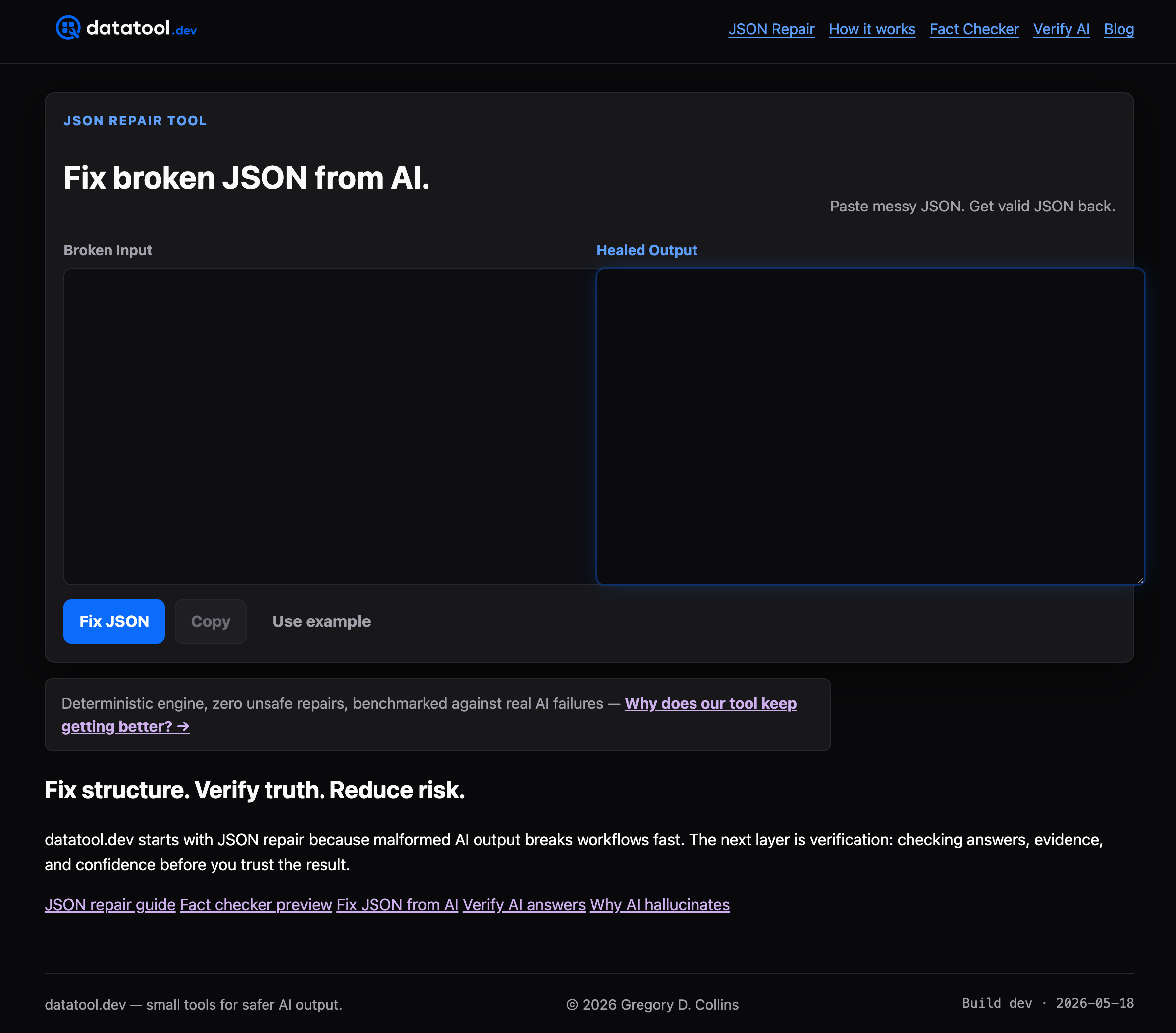
Three situations where Datatool saves time: automated repair of LLM output at scale without custom regex per model, batch repair of truncated payloads from unreliable upstream sources, and schema verification before a data load that would otherwise fail silently mid-pipeline. The repair engine is deterministic, meaning the same broken input always produces the same repaired output. No guessing, no silent data loss.
Fix broken JSON from AI at datatool.dev and see whether your payload repairs cleanly before you write a single line of custom normalization code.
Sources
- JsonInput | Mantine