
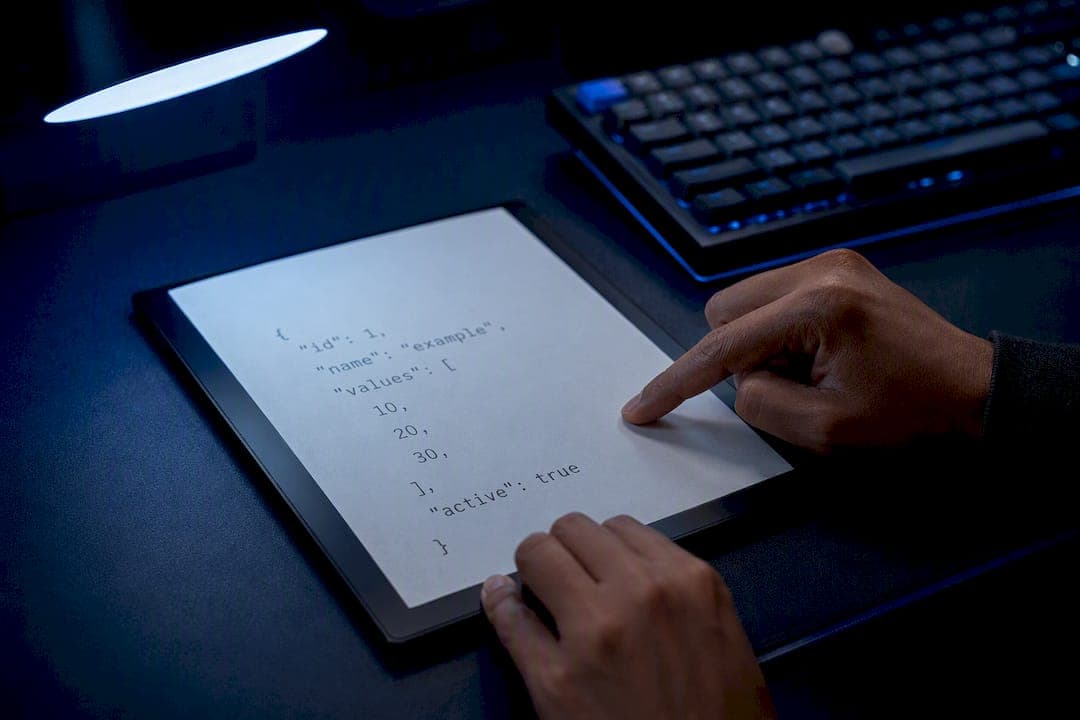
Trailing commas are invalid in JSON. The fix is simple: remove the comma that sits before a closing } or ]. That single change restores valid syntax and lets any standard parser read the file again.
Here's the failure in practice:
{
  "name": "Alice",
  "role": "admin",
}
And the fix:
{
  "name": "Alice",
  "role": "admin"
}
One character removed. That's the entire operation.
Node.js reports this as SyntaxError: Unexpected token } in JSON at position 42. Firefox says SyntaxError: JSON.parse: unexpected character after property value. Both errors point at the same root cause.
Trailing commas break JSON because the grammar treats the comma strictly as a separator between values, never as a terminator after the last one.
Quick checklist to fix it right now:
- Find the line and column the error message reports.
- Look one character to the left of the closing bracket or brace.
- Delete the comma if one is sitting there.
- Revalidate the whole file, not just the fragment you edited.
Key Takeaways
Trailing commas fail because JSON's grammar treats commas strictly as separators, and the fix is always to delete the comma sitting directly before a closing bracket or brace.
| Point | Details |
|---|---|
| Locate the real error | The parser flags the closing bracket, but the comma one character to its left is the actual problem. |
| Use a narrow regex | Match a comma plus optional whitespace before } or ], and preview matches before replacing. |
| Batch fixes need care | Perl and Python handle multi-line JSON more reliably than sed for in-place repairs. |
| Prevent it at the source | Configure Prettier's trailingComma to "none" for JSON and add a CI validation step with jq. |
| Escalate for AI output | Datatool repairs trailing commas alongside other common LLM JSON errors in one automated pass. |
Table of Contents
- Why Json Trailing Comma Fix Matters: The Spec Behind The Error
- How To Detect Trailing-Comma Parse Errors Fast
- Fixing Trailing Commas Manually In Your Editor
- Command-Line One-Liners For Batch Fixing Trailing Commas
- Repairing Trailing Commas In Node.js And JavaScript
- Fixing Trailing Commas In Python
- Tolerant Parsers Versus Repair-First: Which One To Use
- Repairing AI-Generated JSON At Scale
- Preventing Trailing Commas Before They Happen
- What Actually Causes Trailing Commas In Practice
- When Datatool Is The Right Call For Broken JSON
- Frequently Asked Questions
- Sources
Why Json Trailing Comma Fix Matters: The Spec Behind The Error
JSON's grammar doesn't leave room for interpretation here. RFC 8259 defines six structural characters, including the comma, and specifies it as a value-separator. An array or object is a sequence of values joined by commas, not a sequence that can end with one. There's no production rule in the grammar that allows a comma to appear immediately before } or ].
MDN's documentation on trailing commas confirms the same thing from the engine side: JSON is a restricted subset of JavaScript, and JSON.parse() throws a SyntaxError the moment it hits a trailing comma in an array or object. JavaScript itself tolerates trailing commas in object and array literals. JSON does not. That gap trips up a lot of developers who assume the two are interchangeable.
A trailing comma in JSON isn't a style violation. It's a token the grammar has no rule for, which is why the parser stops cold.
Here's the part that confuses people during debugging: the parser doesn't flag the comma. It flags the bracket right after it, because the parser has already consumed the comma and is now expecting another value. When it finds } instead, that's where it throws. The fix is one character to the left of where the error points.
How To Detect Trailing-Comma Parse Errors Fast
Your first clue is almost always the error message itself. Match these patterns to trailing commas:
Unexpected token }orUnexpected token ]— a comma was followed directly by a closing character.Expected double-quoted property name— often shows up when a trailing comma sits inside an object, and the parser expects a new key instead.Unexpected end of JSON input— common when the trailing comma is the very last character before the file ends, and the parser runs out of content while still expecting a value.
Every one of these messages reports the position of the closing bracket or brace, not the comma. FixTools' troubleshooting guide documents this same pattern: validators consistently point at the bracket because that's the token the parser can't reconcile. The actual character to fix sits one position to the left.
For quick detection, three tools cover most cases:
- A JSON linter (jsonlint-style validators) gives you line and column numbers immediately.
jqworks as a fast parse test from the command line: runjq . file.jsonand if it fails, you have a syntax error, likely a trailing comma.- A grep pattern like
grep -n ',\s*[}\]]' file.jsonsurfaces likely trailing commas across a file in seconds.
Always validate the entire document, not just the section you think is broken. A trailing comma nested three levels deep can get masked by an earlier, unrelated error, so a partial paste into a validator can give you a false "fixed" result.
Fixing Trailing Commas Manually In Your Editor
Most trailing comma errors get fixed in under a minute once you know where to look. Here's the workflow:
- Open the file and jump to the line and column your error message reports.
- Look at the character immediately before the closing
}or]. - Delete the comma if it's there. Nothing else.
- Save and revalidate with a linter or
jq . file.json.
For a single instance, that's it. For files with multiple trailing commas scattered across nested objects, a regex find and replace goes faster than hunting line by line.
A safe pattern looks like ,(\s*[}\]]) with a replacement of $1. This matches a comma followed by optional whitespace and a closing bracket or brace, then replaces the whole match with just the bracket, discarding the comma. The key detail is the optional whitespace group. Trailing commas often have a newline and indentation between the comma and the bracket, and a pattern that doesn't account for that will miss most real-world cases.
Pro Tip: Never run a global replace blind. Use your editor's "find next" and step through each match individually, especially in files with string values that might contain a comma followed by a brace-like character. A blind global replace can silently corrupt data inside a string.
A few things to watch for:
- Don't delete the bracket itself. Only the comma.
- Don't strip whitespace you actually need for formatting, if that matters to your workflow.
- Test the regex against a copy of the file first, or use your editor's preview/diff view before committing the change.
Command-Line One-Liners For Batch Fixing Trailing Commas
When you're fixing dozens of files at once, editor-by-editor fixes don't scale. Here are three approaches, ranked by safety.
- Perl one-liner.
perl -i -pe 's/,(\s*[}\]])/$1/g' file.jsonreads the file, applies the substitution in place (-i), and processes it line by line (-pe). It's fast and works well for single-line JSON, but multi-line trailing commas need the-0777slurp flag to treat the whole file as one string:perl -i -0777 -pe 's/,(\s*[}\]])/$1/g' file.json. - Python script. For more control, read the file into memory, apply
re.sub(r',(\s*[}\]])', r'\1', content), write the result to a temp file, validate it parses, then move the temp file over the original. This gives you a rollback point if the regex misfires. sedcaveats.sedcan do the same substitution, but its in-place editing flag (-i) behaves differently between GNU and BSD versions, and multi-line matching requires awkward workarounds withNor:aloops. For anything beyond a flat, single-line JSON file, sed is more trouble than it's worth.
Pro Tip: Always run batch fixes on a copy first, or make sure your files are committed to version control before you touch them. A regex that matches more broadly than you expect can quietly rewrite string content, and you want an easy way to diff and revert.
Perl and Python both beat sed here because they handle multi-line content predictably. If your JSON is pretty-printed with commas on their own indentation level, sed's line-oriented model will miss most matches unless you slurp the whole file, which defeats the point of using sed in the first place.
Repairing Trailing Commas In Node.js And JavaScript
The most common failure looks like this:
const data = '{"id": 1, "tags": ["a", "b",]}';
JSON.parse(data); // SyntaxError: Unexpected token ] in JSON at position 30
A conservative repair pass strips only commas that sit directly before a closing bracket or brace, leaving everything else untouched:
function repairTrailingCommas(str) {
  return str.replace(/,(\s*[}\]])/g, '$1');
}

try {
  JSON.parse(data);
} catch (err) {
  const fixed = repairTrailingCommas(data);
  JSON.parse(fixed); // parses cleanly
}
That try/catch pattern is the reliable shape for production code: attempt a normal parse first, and only run the repair pass when it throws a SyntaxError. Don't run the regex preemptively on every payload. That wastes cycles on JSON that's already valid.
- Wrap
JSON.parsein a try/catch and repair only on failure. - Keep the regex narrow: match a comma plus whitespace plus a closing bracket, nothing broader.
- Never touch content inside string values with a blind global regex.
JSON5 is a tolerant alternative worth knowing about. It accepts trailing commas, unquoted keys, and other JavaScript-like syntax that strict JSON rejects. You can parse a malformed payload with JSON5, then call JSON.stringify() on the result to produce clean, standard JSON. That two-step approach works well when you control the reserialization step and just need a working object in memory.
Pro Tip: JSON5 is not JSON. If you parse with JSON5 and hand the parsed object straight to a system expecting strict-JSON input without reserializing it first, you can pass through subtly non-standard values that break downstream consumers.
Use JSON5 as a bridge, not a permanent substitute. If your API contract or CI pipeline expects strict JSON, reserialize before it leaves your control.
Fixing Trailing Commas In Python
json.loads fails the same way JavaScript's parser does:
import json
data = '{"id": 1, "tags": ["a", "b",]}'
json.loads(data)  # json.decoder.JSONDecodeError: Expecting property name enclosed in double quotes
A targeted repair function mirrors the JavaScript approach:
import re

def repair_trailing_commas(text):
    return re.sub(r',(\s*[}\]])', r'\1', text)

fixed = repair_trailing_commas(data)
json.loads(fixed)  # parses without error
For file-based repairs, use a temp-file pattern so a bad regex never destroys your source:
- Read the original file into a string.
- Apply the repair function to a copy of that string.
- Validate the result with
json.loads()before writing anything. - Write the fixed content to a temp file, then move it over the original only after validation passes.
A few Python packages exist that parse JSON5-like syntax and can act as a tolerant fallback, similar to the JavaScript approach. The same tradeoff applies: parse tolerantly, then re-dump with json.dumps() if you need strict output.
Avoid naive regex on files where trailing commas might appear inside string values. If your data includes strings like "see note, }", a blind pattern match can corrupt that content. When you're not confident about string content, iterate through the parsed structure instead of running a blanket text substitution.
Tolerant Parsers Versus Repair-First: Which One To Use
Tolerant formats like JSON5 and HJSON accept trailing commas and other relaxed syntax. That's convenient, but it comes with a cost.
Tolerant parsing pros:
- Accepts malformed input immediately, no repair step needed.
- Good for quick scripts, local tooling, or config files you control.
Tolerant parsing cons:
- Output isn't standard JSON unless you explicitly reserialize it.
- Masks upstream bugs. If a generator keeps producing trailing commas and you just keep tolerating them, you never fix the root cause.
Repair-first pros:
- Keeps output strictly standard, which matters for API contracts and CI pipelines that expect valid JSON on the other end.
- Forces you to notice and eventually fix the source of the malformed output.
Repair-first cons:
- Requires an extra processing step and test coverage to confirm the repair didn't distort data.
For CI pipelines and API responses, repair-first is the safer default because downstream consumers expect strict JSON. For quick local scripts or one-off data exploration, a tolerant parser saves time. jq fits into either workflow as a validation and inspection tool. It's not a tolerant repair tool. It parses strict JSON and lets you query it, so it's useful for confirming a repair actually worked, not for accepting malformed input in the first place.
Repairing AI-Generated JSON At Scale
Manual fixes and regex one-liners work fine for one file. They stop working once you're dealing with AI-generated output at volume, where trailing commas show up alongside truncation, wrapped responses, and inconsistent escaping in the same payload.

Datatool's testing on LLM-generated structured data shows trailing commas rarely appear alone. A single AI response might have a trailing comma in a nested array, a missing closing brace three levels up, and a string value with unescaped quotes, all in the same blob. A regex tuned to fix trailing commas won't touch the other two problems, and stacking multiple narrow fixes gets fragile fast.
The practical workflow looks like this: paste the malformed JSON into Datatool's repair tool, run the repair pass, and get back a validated, parseable object in one step. You skip writing and maintaining your own repair regex for every new failure mode an LLM introduces.
- Use manual or scripted fixes for occasional, single-cause errors like one trailing comma in a config file.
- Escalate to an automated repair tool when you're processing AI output at volume, feeding a CI pipeline, or seeing multiple simultaneous error types in the same payload.
- Fixing the generator (prompt, template, or serializer) is still the right long-term move. Automated repair is the practical middle ground while you get there.
Pro Tip: If the same LLM keeps producing trailing commas in the same field across requests, that's a signal worth investigating in your prompt or output schema, not just a string to keep patching.
Preventing Trailing Commas Before They Happen
Fixing trailing commas after the fact is a habit worth breaking. A few changes at the source stop the problem before it reaches a parser:
- Generate JSON with a proper serializer (
JSON.stringify(), Python'sjson.dumps()) instead of manually joining strings with commas. Manual comma logic is where trailing commas come from in the first place. - Configure Prettier's
trailingCommasetting to"none"for JSON files specifically, since Prettier's default behavior for JavaScript doesn't always carry over cleanly to.jsonfiles. - Add a JSON validation step to your CI pipeline using
jqor a jsonlint-style tool, and fail the build if parsing fails. - Prefer native JSON libraries over hand-rolled template strings for anything that generates structured output, especially in templating engines.
- Add a unit test that parses your generated JSON as part of your build, so a broken output fails in CI instead of in production.
What Actually Causes Trailing Commas In Practice
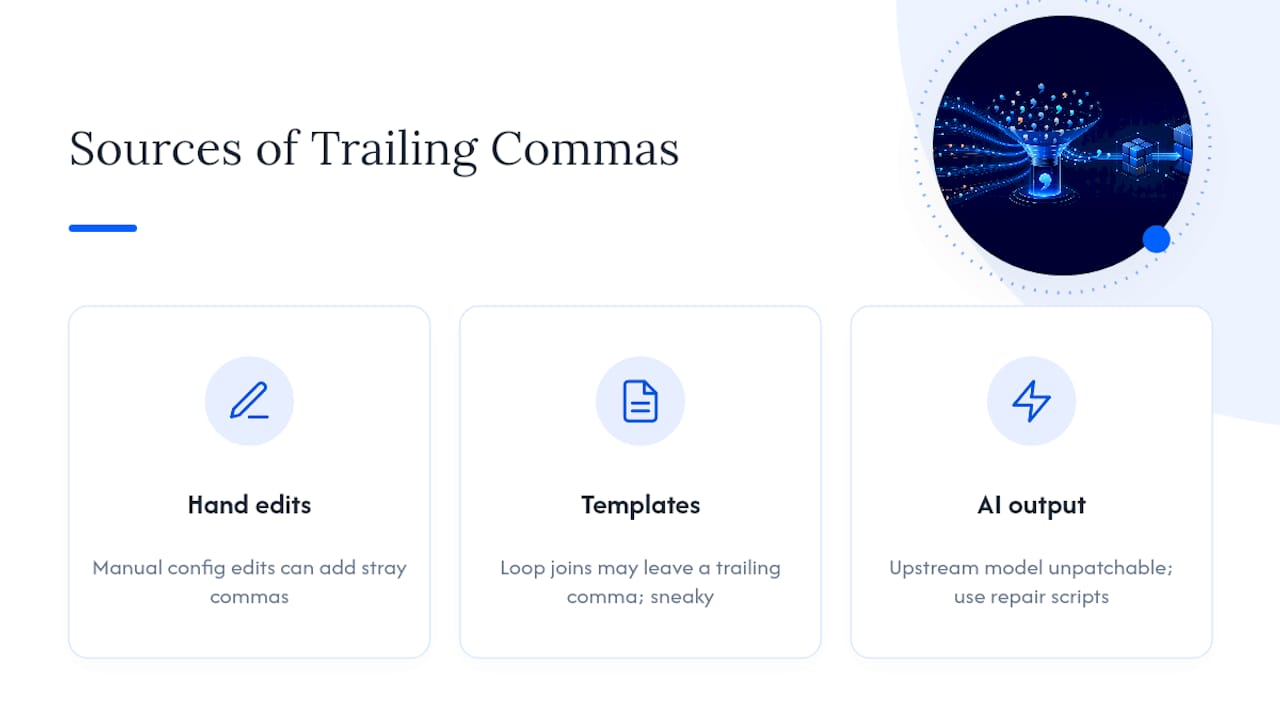
Most trailing comma errors trace back to one of three sources: hand-edited config files, string-templated JSON generation, or AI-generated output. Templates are the sneakiest, because a loop that joins array items with , and forgets to strip the last one will produce valid-looking JSON right up until the final element.
Always validate the full document, never just the fragment you're staring at. Parsers report the bracket position, not the comma, so trusting the error location without checking one character to the left wastes time on files that are actually fine.
My take, after digging into how these errors show up across templates, formatters, and LLM output: fixing the generator beats repairing its output every time you can control the generator. Regex patches and repair scripts are the right call when you can't, particularly with AI-generated JSON where the upstream model isn't something you can patch directly. That's the scenario where an automated repair pass earns its keep instead of being a crutch.
When Datatool Is The Right Call For Broken JSON
Regex one-liners and manual edits work until the volume grows or the errors stack. Datatool is built for the point where trailing commas stop being a one-off annoyance and start being a recurring tax on your pipeline, whether that's a template that occasionally misfires or an LLM that hands you malformed structured data on a regular basis.
[Image illustrating repair process and tools]

Datatool's repair engine handles trailing commas alongside the other failure modes that tend to show up in the same payload: truncated responses, wrapped output, invalid escaping, and schema drift. Instead of maintaining a growing pile of regex patches for every new way a generator can fail, you paste the malformed JSON in and get back validated output. It fits naturally into a CI step for batch repair, or as a pre-parse layer in front of any pipeline that consumes AI-generated structured data.
If broken JSON from a template or an LLM keeps landing in your logs, try repairing a sample document and see the validated output before you decide whether to build your own repair layer.
Frequently Asked Questions
Why does JSON not allow trailing commas when JavaScript does? JSON is a data interchange format defined by a strict grammar in RFC 8259, where a comma is defined purely as a separator between values. JavaScript object and array literals are more permissive because they're part of a full programming language grammar, not a fixed interchange format.
What's the fastest way to fix a JSON trailing comma error in a large file?
Run the file through a validator or jq to get the exact line, then apply a regex like ,(\s*[}\]]) replaced with $1 across the file, previewing matches first. For files with mixed error types, an automated repair tool handles it in one pass.
Can a trailing comma cause "Unexpected end of JSON input"? Yes, particularly when the trailing comma is the last character before the file or string ends. The parser consumes the comma, expects another value, and runs out of content before finding one.
Is JSON5 safe to use instead of fixing trailing commas?
JSON5 works fine for local scripts or config files you control, since it tolerates trailing commas and other relaxed syntax. If you need strict, standard JSON downstream, reserialize the parsed result with JSON.stringify() or json.dumps() rather than passing the JSON5 object straight through.
Should I fix trailing commas with sed or a script?
For single-line JSON, sed can work, but its in-place editing behaves inconsistently across platforms. Perl and Python handle multi-line, indented JSON more predictably and are the safer default for anything beyond trivial files.
Sources
- Trailing commas - JavaScript - MDN Web Docs
- Fix Trailing Comma in JSON, Most Common JSON Error | FixTools