

Repairing and validating malformed JSON or tracking silent API schema shifts drains developer time and trust in automated AI output. Many tools either guess ambiguous repairs, lack open audit logs, or hide core verification features behind paid tiers. This comparison lets you pick a structured data testing tool that fits your workflow, repair standards, and team budget without trial-and-error deployment.
Table of contents
@Datatool/json-heal
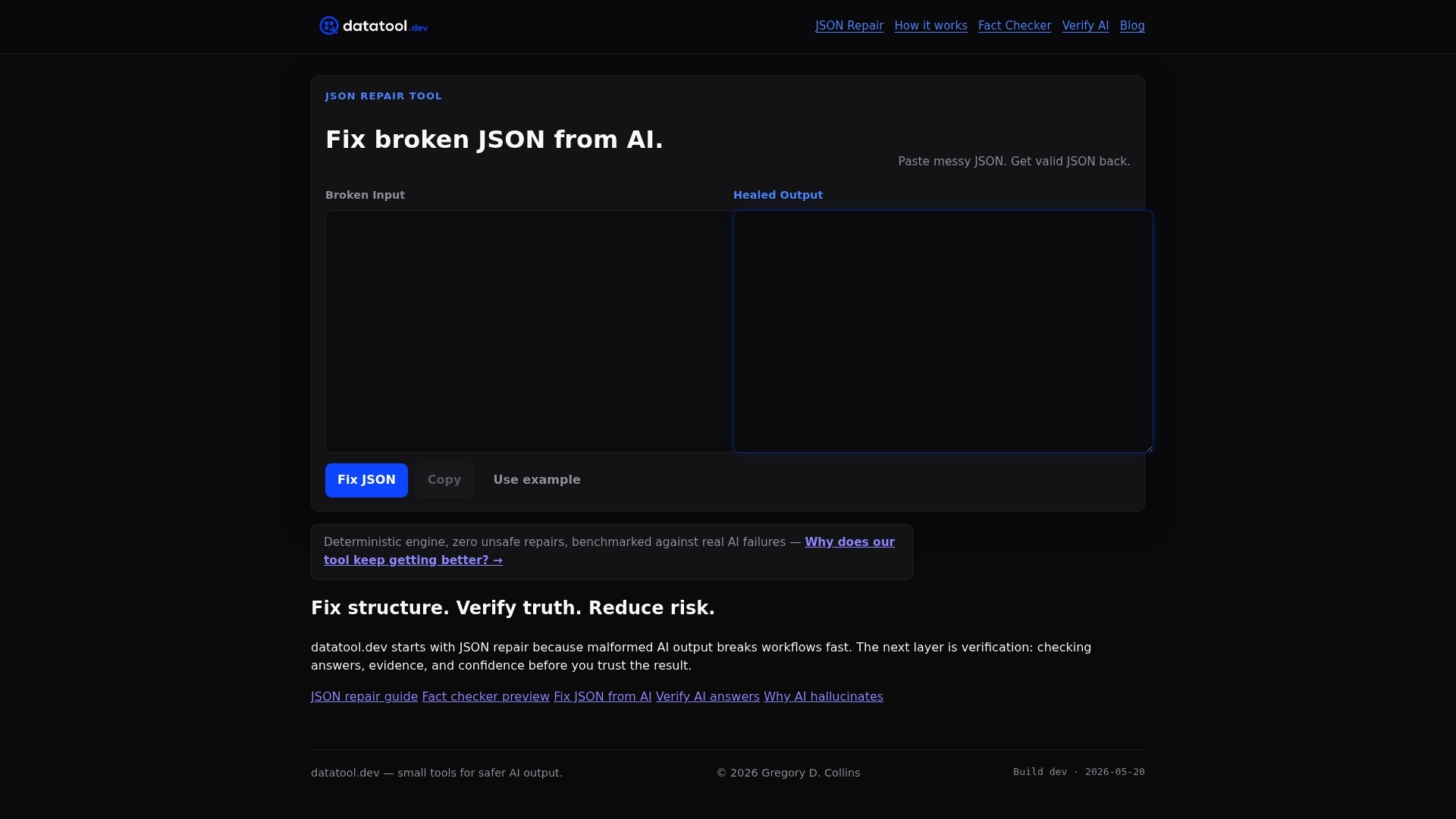
At a glance
Deterministic repair uses a safety-weighted score that penalizes confidently wrong fixes. The system refuses ambiguous or unsafe repairs instead of guessing. Datatool publishes code and benchmarks on GitHub so you can inspect logs and results before trusting repairs.
Core features
- Deterministic parser and fixer: normalizes input, strips fences, tokenizes JSON like fragments, and attempts strict repairs.
- Safe repair rules: refuses ambiguous or unsafe modifications and normalizes smart quotes, markdown fences, unclosed braces, separators, and boolean or null values.
- Runs in development only to keep behavior deterministic and auditable before any production deployment.
- Open source with benchmarks: full logs and benchmark data are available for verification.
Key differentiator
Deterministic, safety-weighted repair that refuses unsafe or ambiguous fixes. The loop based approach from AI research improves repair accuracy over repeated iterations. That scoring method penalizes confident incorrect fixes and prioritizes refusing repairs when uncertainty is high.
Pros
-
The vendor reports zero unsafe repairs in rigorous testing. That claim indicates the tool favors refusing risky edits over introducing silent errors.
-
High accuracy fixing broken AI generated JSON. Datatool focuses on structural correctness so downstream processors get valid JSON.
-
Open source transparency with public benchmarks and logs. You can review past repairs and reproduce test cases locally.
-
No dependencies and easy to include via Npm. The package installs cleanly into development workflows.
-
Designed to make AI driven data ingestion trustworthy by reducing the risk of corrupted or hallucinated JSON.
Cons
- Lacks trailing comma repair and support for deep nested object tail truncation. This tool focuses on structural fixes and will not repair some complex truncation cases.
Who it's for
Developers and data engineers who ingest AI generated JSON into scripts, APIs, or no code workflows. Use this when you need repairs that avoid guessing and you can run validation in development. Teams that require audit logs and reproducible benchmark results will benefit most.
Unique value proposition
Public benchmarks and development only execution change how you roll out repairs. You can run repairs locally, inspect logs, and confirm behavior before any production pipeline consumes fixed JSON. That workflow reduces the risk of pushing an unsafe repair into live data systems.
Real world use case
AI returns a payload with smart quotes, a capitalized boolean, and a missing brace. The broken output:
{"name": “Alice”, "active": True
The fixed form after structural repair:
{"name": "Alice", "active": true}
Run repairs in development, review the benchmark log, and then promote validated repair patterns to production pipelines.
Pricing
Not applicable. The package is informational and open source on Npm with public benchmarks. There are no listed paid tiers in the product data.
Website: https://datatool.dev
Code salmon
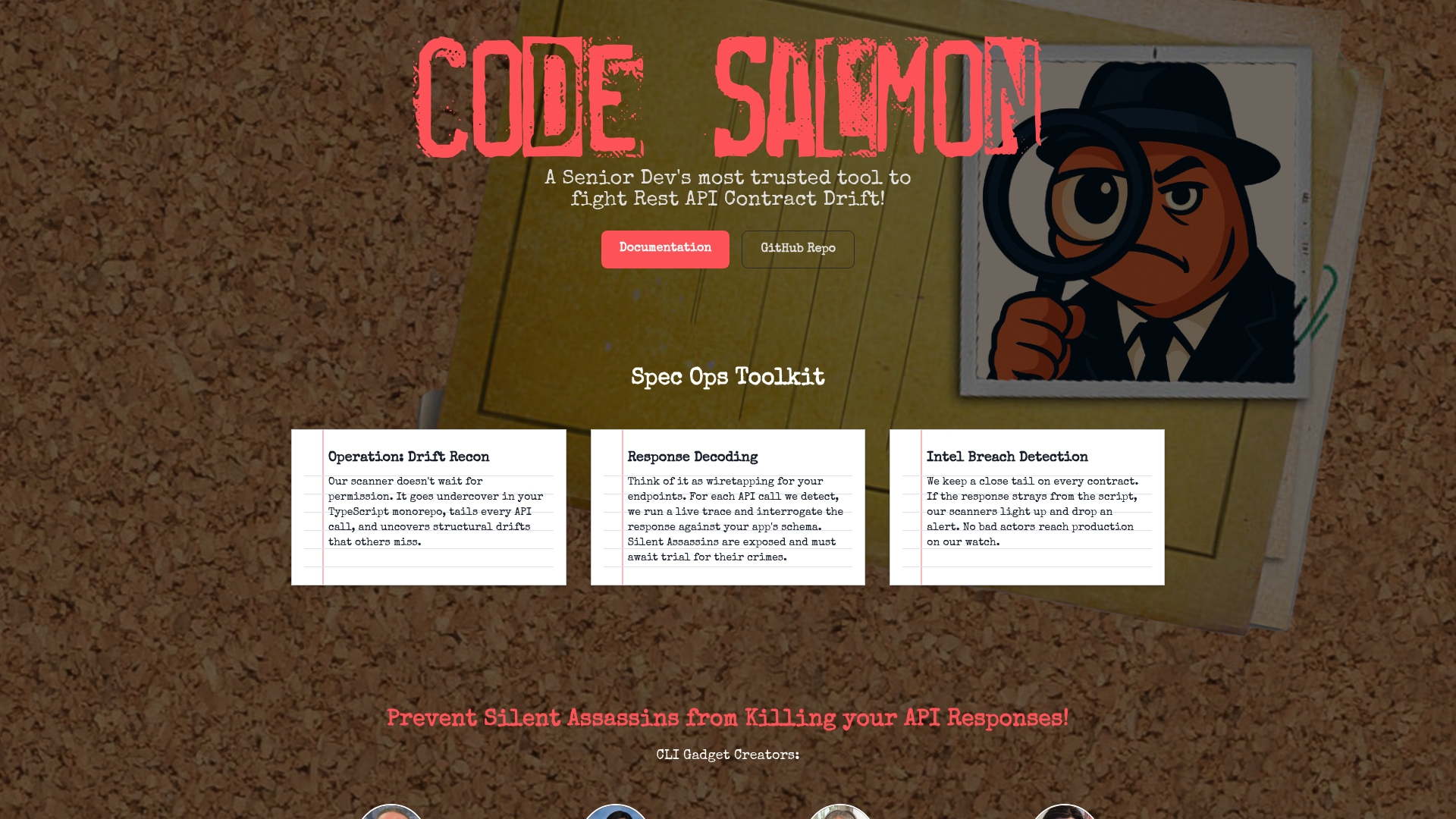
At a glance
Scans TypeScript files for REST API calls using fetch() and captures baseline JSON snapshots of real responses. It compares later responses to those baseline JSON snapshots and flags structural additions, removals, and type shifts. The tool targets backend TypeScript projects that need early detection of silent API breakages.
Core features
- Scans TypeScript sources for REST calls. It looks for fetch calls and gathers request context.
- Creates baseline JSON snapshots of responses. Baselines serve as the expected contract for later comparison.
- Compares future responses to baseline to detect structural drift. The tool reports added, removed, and changed fields.
- Reports changes, additions, and removals with actionable detail. Reports show exact object paths and example values.
- Uses live traces to interrogate responses against schemas. Traces help reproduce the failing responses in development.
Key differentiator
Code Salmon focuses on structural change detection inside the developer workflow. It highlights specific object paths that changed so you can see which code paths will break. The output reads like a diff for JSON responses which makes fixes faster. That direct, developer-facing reporting separates it from generic API monitors.
Pros
-
Automates the detection of API contract drift. This reduces manual inspection across many endpoints.
-
Integrates into TypeScript workflows via the CLI. Teams can run scans locally, in CI, or as part of release scripts.
-
Provides detailed, actionable reports on API changes. Reports list affected fields and sample payloads so you can triage quickly.
-
Helps prevent silent failures caused by evolving external APIs. The baseline comparison flags breaking structural changes before they reach production.
-
Supports continuous monitoring with baseline updates. You can update baselines when an API change is intentional and tracked.
Cons
-
Requires project setup and configuration. You must point scans to the right files and create initial baselines.
-
Effectiveness depends on accurate baseline timing. If you capture a baseline during an abnormal response, future comparisons will be noisy.
-
Limited to TypeScript projects that use fetch within the codebase. Other HTTP clients and languages are not covered.
-
No real-time runtime monitoring is included. Scans run as batches not live checks.
When it may not fit
Choose a different tool if you need live runtime monitoring or if your codebase uses Axios, node http, or non TypeScript runtimes. Large polyglot microservice fleets that do not use fetch will see little benefit. Teams that cannot automate baseline updates will face false positives during normal API evolution.
Who it's for
TypeScript backend developers managing external API integrations will get the most value. Small teams maintaining monorepos or many third party endpoints can add scans to CI to catch silent contract failures. Developers who already use fetch will adopt it fastest.
Real world use case
A team ran periodic scans in CI to catch a third party change that removed a nested user object. Datatool.dev testing reproduced this pattern during evaluation. Example failure and fix below.
// failing code expecting nested user
const res = await fetch('/profile');
const body = await res.json();
// previously body.user.id existed
console.assert(body.user.id, 'missing user.id');

// API changed to return user at top level
// Fix: handle both shapes or normalize response
const userId = body.user?.id ?? body.id;
console.assert(userId, 'missing id');
This shows the break, the assertion failure, and a minimal fix by normalizing the shape. Code Salmon would flag the removed nested field so you can update code or baseline.
Website: https://codesalmon.io
Asserto
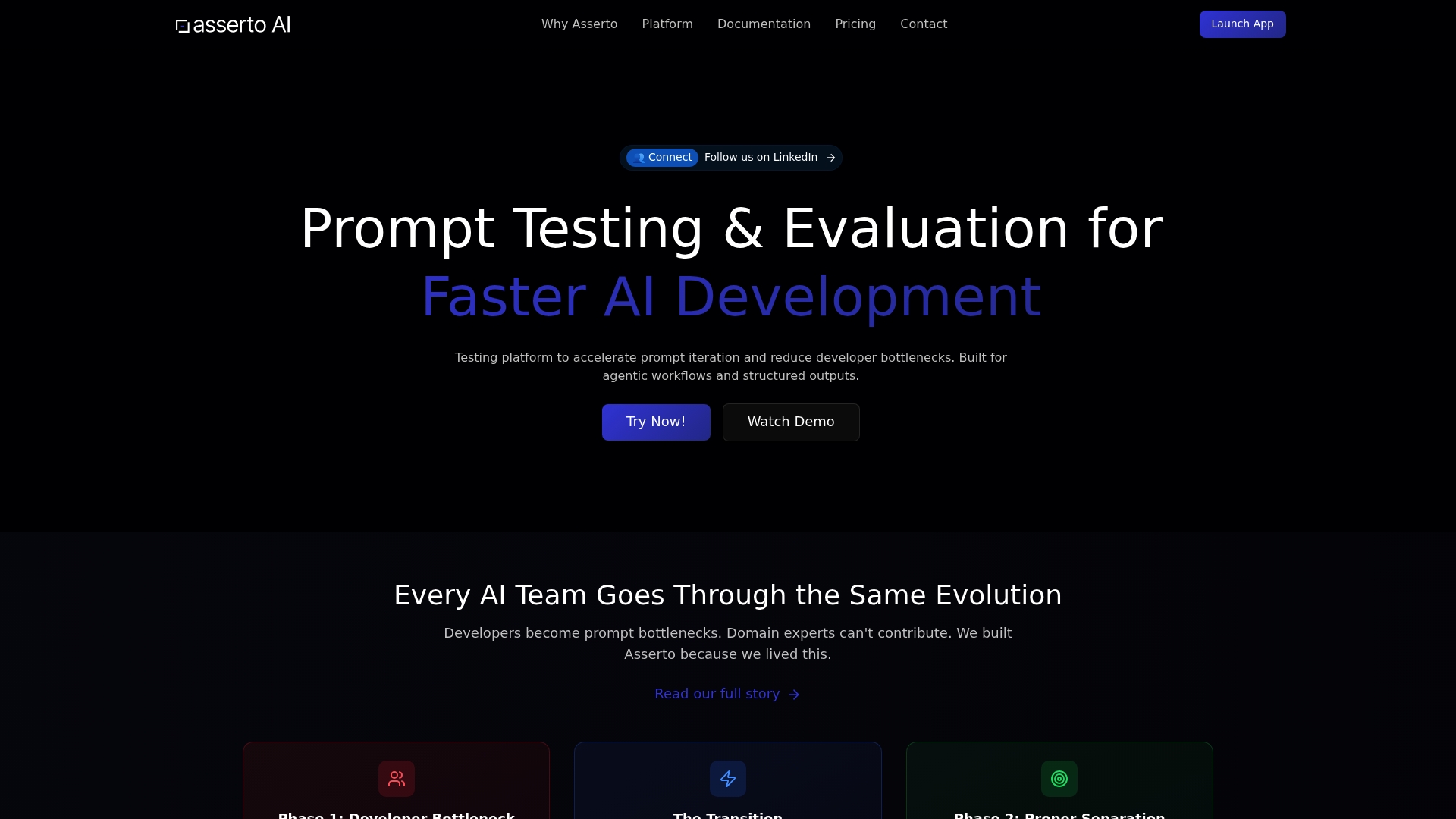
At a glance
Supports agentic workflows and function calls rather than simple chat interfaces. That focus shifts testing from freeform chat checks to structured output validation and function call behavior. Teams use Asserto to compare prompts across OpenAI, Anthropic, and Google and to surface regressions during prompt iteration.
Core features
- Framework-agnostic testing platform for prompt development. It works with different model providers and test setups.
- JSONPath assertions and structured output validation for automated checks. Write assertions that fail when the model returns malformed or missing fields.
- Side-by-side model comparison and performance tracking across providers. Compare outputs and metrics to pick the best prompt and model pair.
- Visual diff views for prompt and output changes. Track regressions and test history visually.
- Support for agentic systems and function calls in prompts. It targets workflows that call functions or orchestrate agents.
Key differentiator
Built specifically for structured outputs and agentic workflows, enabling both developers and domain experts to collaborate efficiently. That emphasis means Asserto prioritizes JSONPath checks, function call validation, and UI-based test editing over casual chat testing. Teams that need to validate schema, function signatures, or agent plans will notice the difference quickly.
Pros
-
Reduces developer bottlenecks by letting domain experts run UI tests. Tests can live alongside code so engineers spend less time reproducing issues.
-
Supports multi-provider testing, allowing direct comparisons between OpenAI, Anthropic, and Google. This helps you pick the right provider per prompt and task.
-
Provides actionable tooling such as assertions, comparison metrics, and regression detection. Those tools turn vague model failures into reproducible test failures.
-
Enhances collaboration by sharing test results and model comparisons across teams. Test outcomes become part of the project record rather than ad hoc notes.
-
Focused on complex agentic workflows rather than simple chat. If your system uses function calls or chained agents this focus pays off.
Cons
-
Platform effectiveness depends on proper setup and integration within existing workflows. Without that work, results can be noisy.
-
The UI and automation features appear to be evolving. Some advanced collaboration flows may feel incomplete to power users.
-
There is a learning curve for teams new to prompt engineering or JSONPath assertions. Expect initial setup time to author useful checks.
When it may not fit
If you only need ad hoc chat testing or simple manual checks this tool will feel heavyweight. Smaller teams without prompt engineering experience may find the onboarding cost outweighs the benefits. If your workflows never use function calls or structured outputs you will not use the platform's main strengths.
Who it's for
AI development teams building structured, agentic applications that require repeatable prompt testing and model evaluation. Development teams that involve domain experts in prompt refinement will see the most value. Teams that compare providers and track regressions across prompt versions will benefit from the platform.
Real world use case
A team compares prompt variants across OpenAI and Google to catch a regression where the model stopped returning a required field. Asserto flagged the missing field with a JSONPath assertion and surfaced the exact prompt change that introduced the regression.
Example failure and fix:
// Model output (truncated) - missing "orderId" field
{
  "status": "ok",
  "items": [ { "sku": "123" } ]
}
JSONPath assertion that fails when orderId is absent:
$.orderId != null
Fix: adjust the prompt to explicitly request the orderId field in the structured response and rerun the test. The assertion then passes and the regression is closed.
Pricing
Pay As You Go starting at $0 plus a 20% usage fee on API calls. The vendor reports a free beta period and tiers for professional and enterprise plans.
Website: https://asserto.ai
Postman
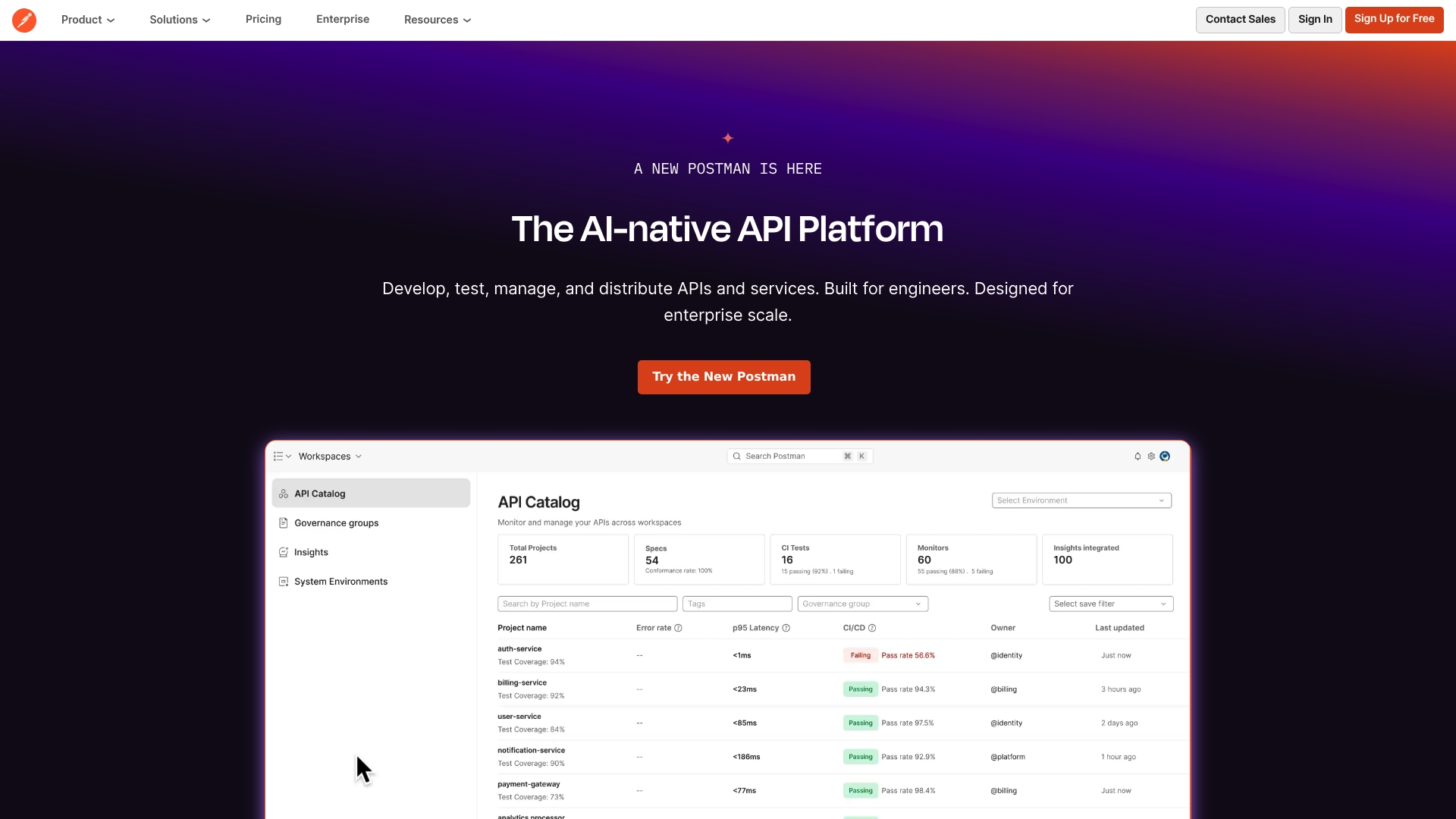
At a glance
Supports multiple protocols including HTTP, GraphQL, gRPC, MQTT, WebSockets, and AI. That protocol breadth lets teams test and validate diverse API surface areas from one tool.
Postman embeds AI features into design, testing, and issue fixes inside collaborative workspaces. The product aims to handle API lifecycle tasks from prototype to governance.
Core features
- AI powered API design and test assistance that suggests fixes and generates test scaffolding.
- Support for HTTP, GraphQL, gRPC, MQTT, WebSockets, and AI driven endpoints for mixed protocol environments.
- Collaborative workspaces with role based access control and versioning for team coordination.
- Private API Network for cataloging, documenting, and distributing internal APIs.
- Monitoring, reporting, and governance tools that track API performance and compliance.
Key differentiator
Postman combines built in AI features with a full API lifecycle platform. The AI assists in design, test creation, and error diagnosis inside a shared workspace. That combination makes it a single place to iterate on APIs while tracing issues across design, tests, and production monitoring.
Pros
-
Comprehensive lifecycle coverage. Postman covers design, testing, documentation, monitoring, and distribution in one product.
-
Team collaboration and versioning that keeps API changes auditable. Role based controls help limit who can push breaking changes.
-
AI driven automation for faster triage and test generation. The automation cuts time on repetitive test scaffolding.
-
Protocol flexibility for modern stacks. You can test gRPC and GraphQL alongside traditional HTTP endpoints.
-
Scalable plan options from free through enterprise for larger teams and compliance needs.
Cons
-
Many advanced features live behind higher tier plans. Smaller teams may find key features locked unless they upgrade.
-
The interface and feature set can feel dense for new users. Expect a learning period to use governance and monitoring well.
-
Third party reviewers report a learning curve for security and governance workflows. Admin tasks require focused time to configure.
When it may not fit
If your team needs a tiny, single purpose HTTP client, Postman may be more tool than you want. The governance and enterprise controls add management overhead for small teams.
If procurement budgets are tight at enterprise scale, the per user pricing may push you toward simpler or open source alternatives.
Who it's for
Postman fits developers, API teams, and organizations running large API portfolios. Teams that need centralized documentation, role based controls, and cross protocol testing will get the most value. Individual contributors can use the free tier for basic testing and sharing.
Real world use case
A global engineering group uses Postman to design, test, and monitor thousands of APIs across teams. The platform keeps documentation current and enforces access controls for sensitive endpoints.
Example failure and fix. A service returned a JSON string inside a field named result. The test failed because the object was double encoded.
// Failure: response.json().result is a JSON string
let raw = pm.response.json().result;
// Fix: parse the string into an object
let parsed = JSON.parse(raw);
pm.environment.set('userId', parsed.id);
pm.test('parsed id exists', function() {
  pm.expect(parsed.id).to.not.be.undefined;
});
This script converts the wrapped string into usable JSON for assertions and downstream requests.
Pricing
Postman offers a Free tier and paid tiers. The vendor lists Solo at $9/month, Team at $19/user/month, and Enterprise at $49/user/month. Choose based on needed collaboration and governance features.
Website: https://postman.com
Comparison of tools for structured data testing
Explore below a selection of alternatives to assess which tool best suits your requirements for managing structured data.
| Product | Core Feature | Key Differentiator | Best for | Pricing | Notable Limitation |
|---|---|---|---|---|---|
| Datatool | Deterministic parser for JSON repairs | Safety-weighted scoring method | Developers needing reproducible benchmarks | Not disclosed | Focuses on structural fixes, not deep nested corrections |
| Code Salmon | REST API call JSON baseline detection | Actionable detailed reports for detected changes | TypeScript backend developers | Not disclosed | Limited to TypeScript projects using fetch |
| Asserto | Framework-agnostic testing for structured and strict outputs | JSONPath assertions for automated checks | Teams refining prompts across AI models | $0 plus usage fee | Requires expertise in prompt engineering setups |
| Postman | Comprehensive API lifecycle support and monitoring | Covers design, testing, documentation, monitoring in one platform | Large teams managing complex API systems | Team: $19/user/mo | Complexity and learning curve for advanced features |
Reliable JSON repair when choosing devtoolhq.com alternatives
Many developers wrestling with AI-generated JSON face broken output, like smart quotes or missing braces. Common failures include capitalized booleans or wrapped strings that cause downstream failures. Datatool addresses these issues with deterministic, safety-first JSON repair that avoids guessing. For example, AI may output this invalid JSON:
{"name": “Alice”, "active": True
Datatool's repair fixes it to valid JSON:
{"name": "Alice", "active": true}
Unlike generic fixes, Datatool refuses ambiguous repairs and provides audit logs to verify reliability.
Try Datatool to reduce risk from malformed AI output. Repair and validate JSON early in development with full transparency. Use Datatool to trust your AI data before pushing it to production.
FAQ
How does Datatool ensure safe repairs for structured data?
Datatool utilizes a safety-weighted score system that penalizes confidently wrong fixes. This feature prioritizes safe repair rules by refusing ambiguous or unsafe modifications, ensuring the integrity of JSON structures during repairs. Users can trust Datatool to deliver high accuracy in fixing broken AI-generated JSON due to these rigorous safety measures.
What is the difference between Datatool and its competitor XYZ in terms of JSON validation?
XYZ provides advanced JSON validation features, making it easier for users to spot errors at a glance. Datatool focuses specifically on deterministic repairs, refusing to make unsafe edits, which is ideal for situations where data integrity is critical. Users should choose Datatool when they need a reliable and auditable fixation process for JSON data before it hits production.
Which platform offers the best support for tracking failed repairs?
Datatool stands out for providing full logs and benchmark data for verification after repairs. This transparency allows users to audit previous repair actions comprehensively. For developers seeking accountability in their JSON fixes, Datatool's logging feature serves as an excellent resource for understanding repair decisions and outcomes.
Can Datatool handle deep nested object structures effectively?
Datatool currently lacks support for trailing comma repair and deep nested object tail truncation, focusing on structural fixes instead. This means that while it is strong with basic structural integrity, developers should verify their specific use cases to avoid potential limitations. For standard JSON discrepancies, however, Datatool remains a trustworthy choice.
How does Datatool compare in terms of open-source transparency with competitors?
Datatool is open source, providing access to its code, benchmarks, and logs, which is not uniformly the case with all competitors. This feature enables users to inspect and verify the repairs performed by Datatool, ensuring a higher level of trust and reliability. If transparency in tool operation is a priority, Datatool is an excellent option.