

Escape double quotes inside JSON strings with a backslash (\"), and let your language's serializer handle it. Call JSON.stringify() in JavaScript or json.dumps() in Python instead of concatenating strings by hand. Need just the escaped body, no surrounding quotes? Use JSON.stringify(value).slice(1, -1) in JavaScript, or drop the outer quotes from your serializer's output in other languages.
TL;DR:
- Most JSON escaping issues stem from manual quote handling; always use your language's serialization functions to avoid double-escaping errors.
- Proper escaping requires only seven backslash sequences plus
\uXXXXfor control characters, with forward-slash escaping being optional unless embedding in HTML<script>tags.- Validating JSON strings with a strict parser and checking for extra backslashes or unpaired quotes is essential before re-serializing or fixing malformed data.
- Automatic tools like Datatool can efficiently repair double-escaped or broken JSON, especially when input comes from unpredictable sources like AI models or third-party APIs.
- Remember to escape internal quotes with
\", backslashes with\\, and control characters with\uXXXX, while avoiding custom manual string concatenation for JSON payloads.
Table of Contents
- Quick Fixes and the Canonical Rules for JSON Escaping
- JavaScript, Python, and Java/C# Examples That Actually Work
- Why Escapes Multiply: Double-Escaping and Script Tags
- A Repeatable Workflow for Validating and Repairing Escaped Strings
- Compact Reference: Escape Sequences and a 3-Step Checklist
- What I've Learned Fixing Broken JSON From AI Models
- How Datatool Fixes Escaping Problems You Can't Code Your Way Out Of
- Sources
Quick Fixes and the Canonical Rules for JSON Escaping
JSON has exactly seven backslash escapes plus one control-character pattern. Memorize these and you've covered almost every real-world case:
\"for a double quote\\for a backslash\rfor carriage return\tfor tab\bfor backspace\ffor form feed\uXXXXfor any other control character (U+0000 through U+001F)
That's the full canonical list. The JSON spec doesn't require you to escape a forward slash or most printable Unicode characters, a detail that trips up a lot of engineers who assume more escaping is always safer.
Here's the failure. Say you're building a JSON string manually and you write this in JavaScript:
const bad = '{"message": "He said "hello" to me"}';
That string has three unescaped double quotes sitting inside a JSON value. Any strict parser rejects it immediately, because the parser hits the second quote and thinks the string ended there. The fix is to escape every internal quote:
const good = '{"message": "He said \\"hello\\" to me"}';
Notice the distinction between "wrap on" and "wrap off." A wrapped literal includes the surrounding quotes as part of the JSON value; an unwrapped, escaped body is just the inner content, ready to be dropped into a larger JSON structure. Confusing the two is one of the most common sources of double-quoted or malformed output, especially when you're stitching JSON fragments together from multiple sources.
Datatool's own testing on malformed AI output confirms what the spec implies: most escaping bugs come from someone typing quotes by hand instead of calling a serializer. That single habit change fixes the majority of broken JSON that developers see in production logs.
JavaScript, Python, and Java/C# Examples That Actually Work
Every language handles JSON escaping slightly differently, but the underlying rule never changes: never build the string yourself.
- JavaScript. The failure case above breaks because of raw string concatenation. The fix is one line:
const obj = { message: 'He said "hello" to me' };
const json = JSON.stringify(obj);
// {"message":"He said \"hello\" to me"}
If you only need the escaped inner text (no outer quotes, no braces), JSON.stringify(str).slice(1, -1) strips the wrapping quotes that stringify adds to a plain string. This comes up often when you're embedding one JSON value inside another field. Template literals and String.raw don't escape JSON for you; they just control how backslashes are interpreted in your source code, which is a different problem entirely.
- Python.
json.dumps()does the same job:
import json
data = {"message": 'He said "hello" to me'}
print(json.dumps(data))
# {"message": "He said \"hello\" to me"}
Watch the ensure_ascii flag. By default, json.dumps escapes non-ASCII characters as \uXXXX sequences, which is safe but can make output hard to read. Pass ensure_ascii=False if you want readable UTF-8 output and your downstream consumer supports it. To get just the escaped body without the outer quotes, slice the same way you would in JavaScript, or use json.dumps(value)[1:-1] for a plain string.
- Java and C#. Manual replace chains (
.replace("\"", "\\\""), then.replace("\\", "\\\\"), and so on, in the wrong order) are a reliable way to double-escape a string. Use library methods instead. Java'sorg.json.JSONObject.quote(), Apache Commons Text'sStringEscapeUtils.escapeJson(), and .NET'sJsonEncodedText.Encode()all handle quotes, backslashes, and control characters correctly in one call:
String safe = StringEscapeUtils.escapeJson("He said \"hello\" to me");
Pro Tip: If your language supports raw string literals (C# 11's raw strings, Python's triple-quoted strings), use them to write test JSON payloads in your source code. It keeps your test fixtures readable and removes a whole layer of accidental escaping bugs before the real serializer even runs.
Why Escapes Multiply: Double-Escaping and Script Tags
Double-escaping happens when a string that's already been escaped gets escaped again. You'll see turn into \ , or \" turn into \\\". This usually happens when an upstream service serializes a value, and a downstream step serializes the already-serialized text a second time, without ever parsing it back into a real object first.
Spotting it is straightforward:
- Count backslashes. Two or more in a row where you expected one is a signal.
- Compare
\(an escaped backslash followed by the letter n). - If a string parses successfully but the parsed result still contains visible backslash sequences, you've got a nested escaping layer.
The fix is unescape, then parse, then re-serialize exactly once at your final output boundary. Don't chain multiple serialization steps without parsing in between.
HTML <script> tags add a special case. If you inline JSON directly into a script block, an unescaped </script> sequence inside a string value can close the tag early and break the page. Escaping the forward slash (\/) inside that literal sequence prevents it, though forward-slash escaping is otherwise optional everywhere else in JSON.
A Repeatable Workflow for Validating and Repairing Escaped Strings
Four steps cover almost every escaping problem you'll hit:
- Validate the string with a strict JSON parser. Don't eyeball it.
JSON.parse(),json.loads(), or an equivalent library call will tell you immediately if something's wrong. - If it fails, look for stray backslashes and unpaired quotes. Count them; an odd number of unescaped quotes inside a string value is almost always the culprit.
- If it's already escaped (you see
\\"where you expected\"), unescape once before touching it again. - Re-serialize with your language's native JSON encoder at the final output boundary, not before.
For getting just the escaped body in JavaScript, the same JSON.stringify(value).slice(1, -1) trick from earlier applies here too. It's the fastest way to embed a raw string inside a larger hand-built JSON template.
When the input is uncontrolled, meaning it came from a third party API or an AI model rather than your own code, that four-step manual process gets tedious fast. This is where a dedicated repair tool like Datatool earns its keep: it runs the unescape, validate, and re-serialize cycle automatically instead of you writing one-off scripts every time a malformed payload shows up.

A quick command-line check before you reach for a repair tool:
node -e "JSON.parse(require('fs').readFileSync('payload.json', 'utf8'))"
Pro Tip: If that command throws, don't guess at the fix by hand. Paste the payload into a repair tool first and diff the output against the original. It's faster than hunting for one missing backslash in a 400-character string.
Compact Reference: Escape Sequences and a 3-Step Checklist
Here's the full map in one place, worth bookmarking:
| Character | Escape sequence |
|---|---|
Double quote (") | \" |
Backslash (\) | \\ |
| Newline | ` |
| ` | |
| Carriage return | \r |
| Tab | \t |
| Backspace | \b |
| Form feed | \f |
| Other control characters | \uXXXX |
Three steps, every time you're not sure a JSON string is clean:
- Validate with a strict parser.
- Check for double-escaping (extra backslashes,
\\"instead of\"). - Unescape if needed, then re-serialize with your language's encoder.
One exception worth remembering: skip forward-slash escaping unless you're inlining JSON directly inside an HTML <script> tag, where \/ prevents an early </script> sequence from breaking the page.
What I've Learned Fixing Broken JSON From AI Models
Stop hand-building escaped strings. Use your language's serializer, and do the escaping exactly once, at the final output boundary, not in three different places along the pipeline. Datatool's testing against AI-generated payloads shows the same double-escaping and stray-quote patterns over and over, because most LLMs generate JSON the way a person types it, not the way a serializer produces it. When you're debugging, log both the raw string and the repaired string side by side. That diff tells you more than any stack trace will.
— Gregory
How Datatool Fixes Escaping Problems You Can't Code Your Way Out Of
Datatool is the fastest fix when the broken JSON isn't yours to begin with. It repairs malformed and double-escaped JSON coming out of LLMs, unescapes nested layers, validates the result against a strict parser, and re-serializes it cleanly, the same unescape-validate-re-serialize cycle covered above, minus the manual debugging.
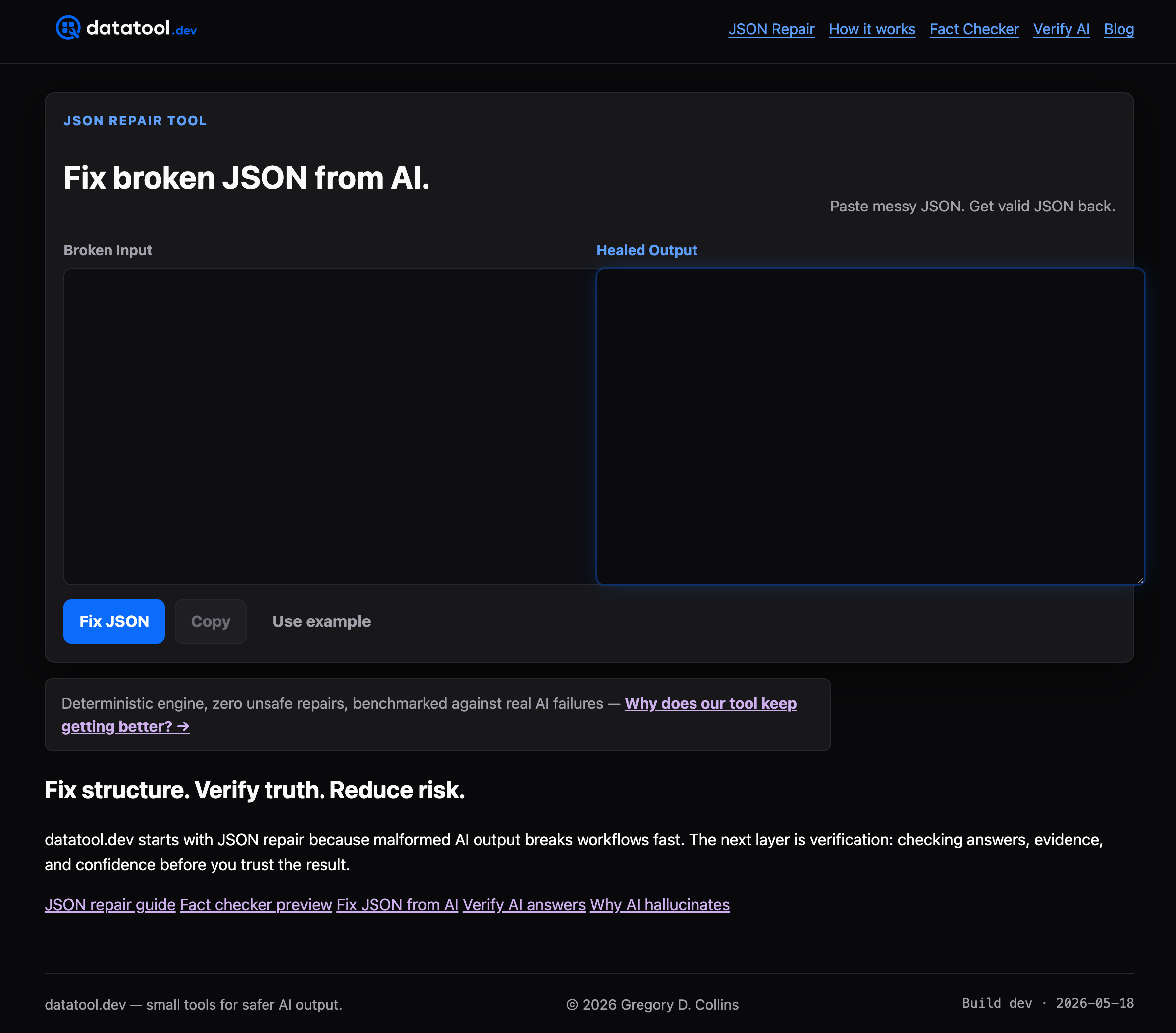
Use code fixes when you control the source and the bug is a one-line concatenation error. Reach for a repair tool when the input is unpredictable, coming from a third-party API, a scraped source, or an AI model that occasionally hallucinates a stray quote or triple-escapes a newline. If you're dealing with other structural issues, like a trailing comma breaking your parser, the same repair-first approach applies. Try the JSON repair tool at datatool.dev on your next malformed payload and see how much of your manual escaping code you can delete.
Sources
- How to Escape JSON Strings: Characters, Stringify & Pitfalls | Go Tools
- How should I escape strings in JSON?