

AI-generated JSON is malformed far more often than most developers expect. Prompt-only JSON extraction fails in 8–15% of production calls, and constrained decoding methods still fail at 5–18%, mostly from semantic errors and schema violations. The core reason why AI outputs broken JSON is that language models are text generators, not data serializers. Tools like jsonrepair can patch syntax, and libraries like Pydantic can enforce schemas, but neither solves the root problem: the model does not understand JSON structure the way a parser does. Token truncation, markdown fences, trailing commas, and silent semantic failures each break pipelines in different ways, and each requires a different fix.
Why AI outputs broken JSON: the core technical causes
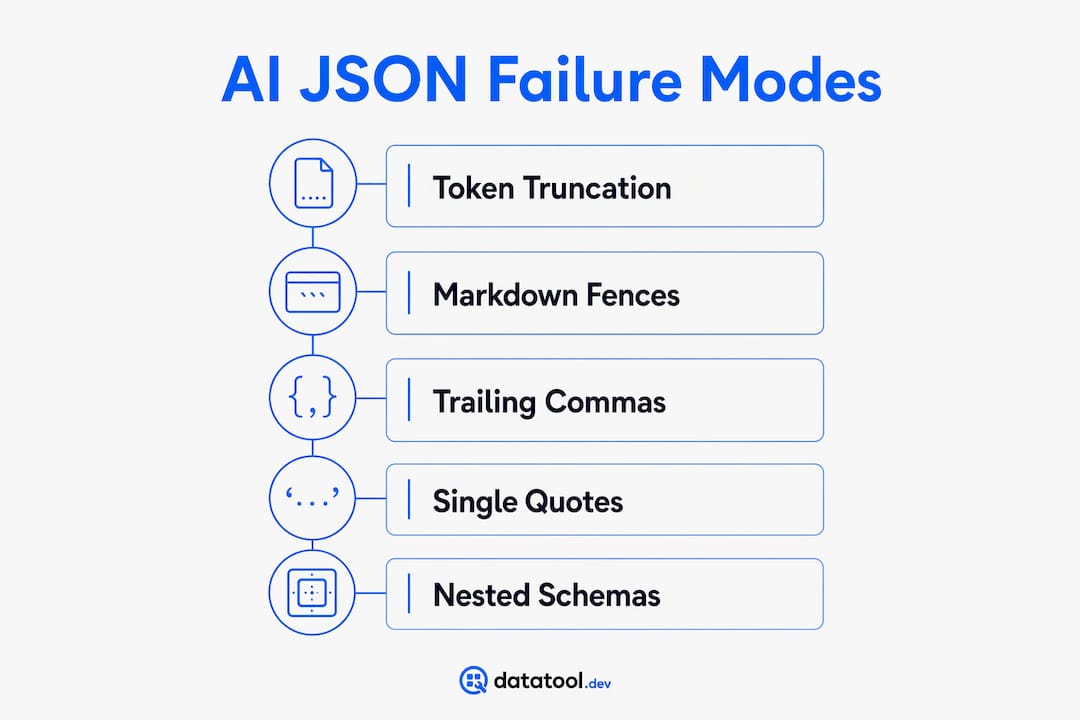
Four failure modes account for the vast majority of malformed AI JSON in production. Understanding each one separately makes debugging faster.
Token limit truncation is the most common cause. Truncation typically occurs around 95% of expected payload length, cutting a JSON object mid-field. The result is an incomplete object that no parser can recover reliably. You get something like this:

{
  "user": "alice",
  "scores": [98, 87, 7
There is no clean way to fix that downstream. The only reliable solution is to increase your token budget before generation, not after.
Markdown fence wrapping is the second most common issue. Models frequently wrap JSON in ```json code fences despite explicit instructions not to. This behavior is rooted in training on conversational data where code blocks are standard formatting. Your parser receives a string starting with three backticks, not a brace, and crashes immediately.
The fix is a simple strip before parsing:
import re
raw = response.strip()
raw = re.sub(r"^```(?:json)?\s*", "", raw)
raw = re.sub(r"\s*```$", "", raw)
data = json.loads(raw)
Trailing commas and single quotes are less common but still frequent. Standard JSON requires double quotes and no trailing commas. Models trained on JavaScript or Python code often produce both. A trailing comma after the last array element causes an immediate parse failure in every strict JSON parser.
Encoding and escaping errors show up in outputs containing special characters, Unicode, or nested strings. A model might produce "message": "She said \"hello" with a missing closing escape, breaking the entire object.
Pro Tip: Strip markdown fences, normalize quotes, and remove trailing commas as a preprocessing step before you ever call json.loads(). Doing this in a single utility function keeps your pipeline clean and testable.
- Token truncation: increase max tokens, reduce payload size, or split into multiple calls
- Markdown fences: strip with regex before parsing
- Trailing commas: use a lenient parser like jsonrepair as a first pass
- Encoding errors: validate raw bytes before decoding, check for unescaped control characters
Does constrained decoding actually fix broken JSON?
Constrained decoding is the mechanism used by structured output APIs, including OpenAI's JSON mode. It works by masking invalid tokens at each generation step, setting their probabilities to negative infinity so the model can only produce syntactically valid tokens. The result is JSON that always parses. That sounds like a complete solution. It is not.
Constrained decoding enforces syntax. It does not enforce meaning. A model operating under token masking can still produce output like this:
{
  "confidence": -500.0,
  "status": "completed",
  "user_id": "banana"
}
Every field is the right type. The JSON parses without error. The data is garbage. Valid JSON does not imply valid data. A confidence score of -500 fits the float type but is semantically nonsense. A user_id of "banana" passes string validation but will break any downstream lookup.
The semantic gap creates three specific failure patterns:
- Wrong values, correct types. The model returns a float for
confidencebut fabricates a value outside any valid range. Pydantic's type check passes. Your business logic fails silently. - Hallucinated fields. The model invents keys not in your schema. Strict parsers reject them. Lenient parsers silently include them, corrupting your data object.
- Duplicate keys. Duplicate keys pass syntactic validation undetected in most parsers. The last value wins, or behavior is undefined, depending on the parser. Either way, you lose data.
Semantic validation requires external tooling. Constrained decoding alone cannot catch logical errors. You need schema enforcement libraries running after parsing, not instead of it.
How nested JSON increases AI output failures
Flat schemas are far more reliable than nested ones. Deeply nested schemas cause models to collapse or hallucinate fields. The model loses track of nesting depth, closes braces too early, or skips required child objects entirely. This is why nested JSON breaks AI output at a much higher rate than flat equivalents.
| Schema type | Common failure mode | Relative failure rate |
|---|---|---|
| Flat (1 level) | Truncation, wrong types | Low |
| Nested (2–3 levels) | Field collapse, missing children | Medium |
| Deeply nested (4+ levels) | Hallucinated structure, early brace closure | High |
The fix is multi-stage generation. Multi-stage pipelines generate separate flat JSON objects and combine them in code. Instead of asking the model for one deeply nested object, you ask for the parent fields first, then each child section in a separate call. This keeps each generation step simple and reduces collapse failures significantly.
Pro Tip: When designing schemas for AI generation, flatten aggressively. If your schema has more than two levels of nesting, split it into multiple generation steps and merge the results in your application layer.
For validating nested JSON responses, you need validators that check each level independently, not just the root object.
How to debug and fix malformed AI JSON outputs
Debugging AI JSON errors follows a consistent order. Start at the raw string, not the parsed object.
Step 1: Inspect the raw response. Log the raw string before any parsing. You cannot debug what you cannot see. Most silent failures are visible in the raw output.
Step 2: Strip markdown fences. Apply the regex strip shown earlier. This alone fixes a large share of AI JSON errors in production.
Step 3: Run jsonrepair as a first pass. The jsonrepair library handles trailing commas, single quotes, and minor encoding issues. It is not a semantic validator, but it gets malformed syntax to a parseable state.
Step 4: Validate with a strict schema library. Pydantic in Python and System.Text.Json with strict mode in .NET both enforce field presence, types, and reject duplicate keys. Strict JSON deserialization rejects duplicates and enforces strict mapping, catching errors that lenient parsers silently swallow.
Step 5: Add business logic validation. Check value ranges, cross-field constraints, and referential integrity. This is the layer constrained decoding cannot reach.
Silent failures are the most expensive category of AI JSON error. Valid JSON that violates business logic passes every parser check and corrupts your data store quietly. Silent failures cause downstream data corruption that is expensive to detect and fix. Build explicit range checks and integrity assertions into every AI data pipeline.
Ordering fields in your prompt also matters. Placing reasoning fields before final answer fields can improve semantic correctness by 10–15%. This is a low-cost prompt change with measurable impact.
For detecting AI output errors systematically, build a validation layer that runs on every response, not just during development.
Key takeaways
AI outputs broken JSON because language models generate text, not structured data. Syntax enforcement through constrained decoding is necessary but not sufficient. Semantic validation, schema enforcement, and preprocessing are all required for reliable AI JSON pipelines.
| Point | Details |
|---|---|
| Syntax vs. semantics | Constrained decoding enforces valid JSON syntax but cannot prevent logically incorrect field values. |
| Token truncation | Increase max tokens before generation; truncated JSON mid-object cannot be reliably repaired downstream. |
| Markdown fences | Strip code fences with regex before calling any JSON parser to prevent immediate parse failures. |
| Nested schema risk | Flatten schemas to two levels or fewer; use multi-stage generation for complex nested structures. |
| Silent failures | Add business logic validation after schema checks to catch values that parse correctly but are semantically wrong. |
The failure mode developers underestimate most
The developers I see struggle most with AI JSON are not the ones fighting parse errors. Parse errors are loud. They crash your pipeline and force a fix. The real problem is the output that parses perfectly and silently corrupts your data for days before anyone notices.
I have seen production pipelines where a confidence field returned values between -200 and 1,500 for weeks. Every record passed Pydantic validation. The field was typed as float. The range constraint was never added because the team assumed the model would "know" valid confidence is between 0 and 1. It did not.
The uncomfortable truth is that most teams treat schema validation as the finish line. It is the starting line. Type checking tells you the shape is right. It tells you nothing about whether the data makes sense. Every AI JSON pipeline needs a second validation layer that checks values against real business rules: ranges, enumerations, cross-field dependencies, and referential integrity against your actual data.
Schema enforcement approaches have improved significantly, but the tooling still assumes developers will define the semantic rules. The model will not define them for you. Build that layer before you ship, not after your first data incident.
— Gregory
Datatool: built for real-world AI JSON failures
Broken JSON from AI is not a rare edge case. It is a production reality that affects every team running LLMs at scale.
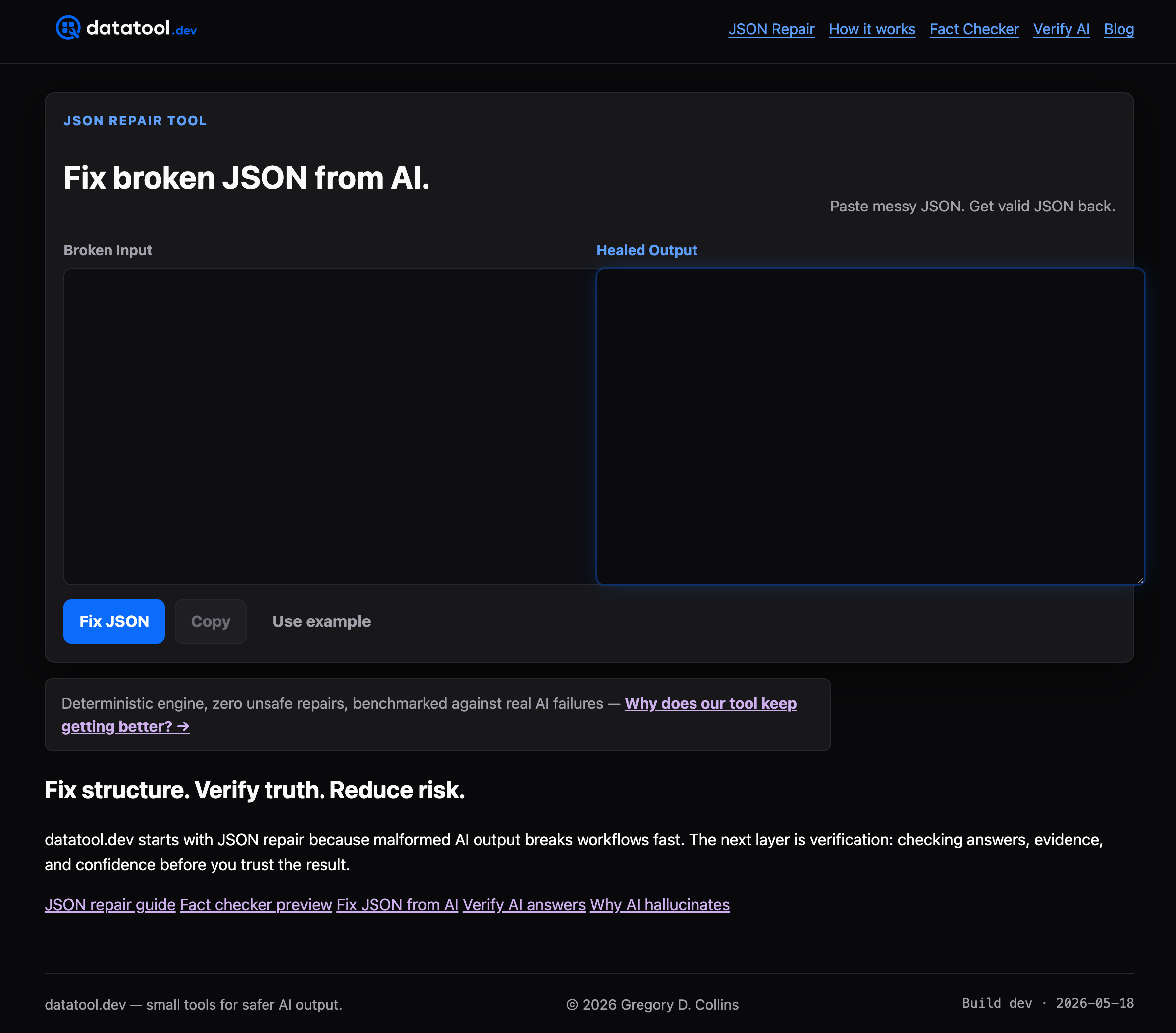
Datatool is a developer-focused platform built specifically for repairing malformed AI output. It handles the full range of real-world failures: truncated objects, markdown-wrapped responses, trailing commas, invalid escaping, duplicate keys, and schema drift. Paste broken JSON and get valid JSON back. No configuration required for common failure modes. For teams building AI pipelines, Datatool reduces the time spent debugging malformed outputs and gives you a reliable repair and validation layer you can trust in production.
FAQ
Why does AI output broken JSON so often?
AI models generate text token by token and do not inherently understand JSON structure. Token limits, markdown formatting habits, and the gap between syntax and semantic correctness all produce malformed outputs in production.
What is the most common cause of malformed AI JSON?
Token limit truncation is the most frequent cause. It cuts JSON mid-object at roughly 95% of expected payload length, producing incomplete structures that cannot be reliably parsed.
Does constrained decoding fix all AI JSON errors?
No. Constrained decoding enforces syntactic validity but cannot prevent semantic errors. A model can return correctly typed fields with logically wrong values that pass all parser checks.
How do I fix nested JSON that breaks in AI output?
Flatten your schema to two levels or fewer where possible. For complex structures, use multi-stage generation to produce separate flat objects and merge them in your application code.
What tools should I use for debugging AI JSON output?
Use jsonrepair for syntax repair, Pydantic or System.Text.Json strict mode for schema validation, and add custom business logic checks for value ranges and cross-field constraints.