

AI models return extra text alongside JSON because they are trained as conversational assistants, not as deterministic data serializers. That single fact explains most of the JSON extra information issues developers hit in production. About 15% of LLM-generated JSON prompts fail due to extra prose, markdown wrapping, or schema hallucination. That failure rate compounds fast across high-volume pipelines. Understanding why AI adds text around JSON output is the first step toward building a pipeline that handles it reliably.
Why AI returns extra text in JSON responses
Language models generate tokens one at a time, predicting what comes next based on training data. That training data is overwhelmingly conversational. When a model sees a prompt asking for JSON, it draws on patterns where JSON samples appear inside explanatory prose or wrapped in markdown code fences. The result is output that looks helpful to a human but breaks any downstream parser.
Models return extra markdown fences because training data associates JSON with fenced code blocks. This is not a bug in the traditional sense. It is the model doing exactly what its training rewarded. Common AI text formatting errors include:
- Conversational preambles: "Here is the JSON you requested:" followed by the actual object.
- Markdown fences: The JSON wrapped in triple backticks with a
jsonlanguage tag. - Trailing commas: Syntactically invalid in JSON but common in JavaScript, which appears heavily in training data.
- Explanatory suffixes: A paragraph after the closing brace explaining what the fields mean.
- Hallucinated fields: Extra keys the schema never defined, added because the model "thought" they were relevant.
Pro Tip: Explicitly instruct the model to return only raw JSON with no explanation, no markdown, and no additional text. Place this constraint in the system prompt, not just the user message. System-level instructions carry more weight during decoding.
Soft prompt guidance alone is insufficient to prevent AI output extra text in every case. The model's conversational defaults are deeply embedded. You need enforcement at the API level to close the gap.
How does schema ambiguity cause JSON output failures?
Describing your schema in plain English is the most common mistake developers make when prompting for structured output. Natural language schema descriptions are soft guidance. The model interprets them, and interpretation introduces error.
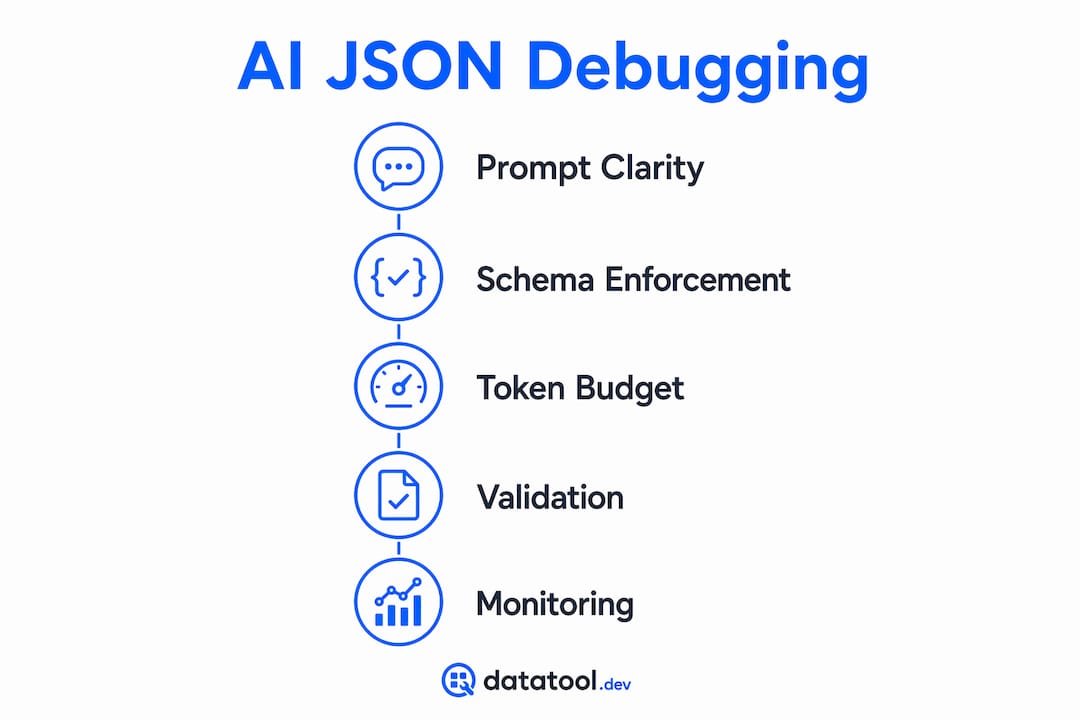
Schema described in natural language often leads models to ignore fields, add unexpected ones, or produce values of the wrong type. A field described as "a number representing the user's age" might come back as a string. A required field might be omitted entirely when the model decides it is not relevant to the context.
The fix is a formal contract enforced at the API or decoder level. Here is the progression from weakest to strongest enforcement:
- Natural language description in the prompt. Weakest. The model treats it as a suggestion.
- JSON mode. JSON mode guarantees syntactically valid JSON but does not enforce your schema. You still get valid JSON with wrong fields.
- Structured output API with a code-defined schema. Tools like Pydantic (Python) or Zod (TypeScript/JavaScript) define the schema as a formal contract. The API enforces it at the token-sampling layer.
- Strict mode with schema enforcement. The strongest option. Both syntax and schema correctness are guaranteed before the response reaches your code.
API enforcement using Pydantic improves JSON reliability dramatically compared to prompt-only approaches. Even with strict mode active, schema drift causes silent pipeline failures when models hallucinate or omit fields unexpectedly. Defensive parsing is not optional. Treat every AI response as untrusted input and validate it against your schema before processing.
What troubleshooting steps fix malformed AI JSON output?
Fixing AI JSON formatting errors requires a layered approach. No single technique eliminates all failure modes. Here is what works in production.

Prompt engineering. Start with an explicit system instruction:
You are a data API. Return only raw JSON. No markdown. No explanation. No extra text before or after the JSON object.
This reduces AI output extra text significantly but does not eliminate it. Combine it with API-level enforcement.
Monitor finish_reason. Parsing failures often come from truncation mid-JSON. The finish_reason field in the API response tells you why generation stopped. A value of MAX_TOKENS means the output was cut short. A value of SAFETY means a filter interrupted it silently. Both require different handling.
response = client.chat.completions.create(...)
if response.choices[0].finish_reason == "length":
    # Output was truncated. Retry with higher max_tokens or split the request.
    raise TruncationError("Response cut short. Increase max_tokens or split input.")

raw = response.choices[0].message.content
try:
    data = json.loads(raw)
except json.JSONDecodeError:
    # Strip markdown fences and retry parse
    cleaned = raw.strip().removeprefix("```json").removesuffix("```").strip()
    data = json.loads(cleaned)
Token budget. Set max_tokens high enough to complete the expected output. A JSON object with 20 fields truncated at field 15 produces a parse error, not a partial object. Explicitly removing conversational preambles reduces output tokens by 40–60%, which lowers cost and reduces truncation risk simultaneously.
Pro Tip: Log every validation failure with the raw model output, the model name, and the prompt version. These logs are the fastest way to identify which prompts produce the most AI JSON formatting errors and where schema drift is occurring.
Validation libraries. Use Pydantic or Zod to validate the parsed object against your schema. Reject and retry on failure. Cap retries at 2–3 to avoid runaway costs. For detecting AI output errors at scale, automated validation pipelines catch failures that manual review misses entirely.
How do AI models compare on JSON output reliability?
Different models produce different failure patterns. Knowing the differences helps you choose the right model and configure it correctly.
| Model | Default token cap | Common failure mode | Schema enforcement support |
|---|---|---|---|
| Gemini 2.5 Flash | 8,000 tokens | Truncation mid-JSON | Partial (JSON mode) |
| Gemini 2.5 Pro | 64,000 tokens | Safety filter cuts | Partial (JSON mode) |
| GPT-4o | 16,384 tokens | Markdown wrapping | Full (strict mode) |
| Claude 3.5 Sonnet | 8,192 tokens | Conversational preambles | Partial (tool use) |
70% of Gemini 2.5 truncation errors come from hitting max output tokens, with 20% caused by silent safety filters. That means a Gemini response that looks complete may have been cut by a filter with no visible error. GPT-4o's strict mode enforces both syntax and schema at the token level, making it the most reliable option for production JSON pipelines today. Claude models produce clean JSON when used with tool-calling APIs but default to conversational output in standard completions. Understanding AI JSON responses from each model requires model-specific configuration, not a one-size-fits-all prompt.
Key Takeaways
AI returns extra text in JSON because language models are conversational by design, and fixing it requires prompt engineering, API-level schema enforcement, and defensive validation working together.
| Point | Details |
|---|---|
| Training causes extra text | Models add prose and markdown fences because training data pairs JSON with explanatory content. |
| JSON mode is not enough | JSON mode guarantees valid syntax but does not enforce your schema. Use Pydantic or Zod for contracts. |
| Monitor finish_reason | Check finish_reason on every response to detect truncation and safety filter interruptions before parsing. |
| Token budget matters | Removing conversational preambles cuts output tokens by 40–60%, reducing both cost and truncation risk. |
| Validate defensively | Treat every AI JSON response as untrusted input. Log all validation failures for continuous improvement. |
What I've learned from AI JSON failures in production
After working with LLM output pipelines for several years, my honest observation is this: most developers underestimate how deeply conversational behavior is baked into these models. You cannot prompt your way to 100% clean JSON. The model's defaults will surface under load, on edge-case inputs, or after a model version update.
The teams that handle this well treat AI output exactly like they treat user input from an untrusted web form. They validate everything. They log failures. They build retry logic with exponential backoff. They do not assume that a response that parsed yesterday will parse today after a silent model update.
The other thing I see consistently is over-reliance on a single layer of defense. Prompt engineering alone fails. JSON mode alone fails. Even strict schema enforcement occasionally produces schema drift in production when models hallucinate within the allowed structure. The only approach that holds up is layered: prompt design, API enforcement, and programmatic validation running together. Build all three from the start. Retrofitting validation into a pipeline that was designed without it is painful and expensive.
— Gregory
Fix malformed AI JSON with Datatool
Debugging AI JSON output manually is slow. Datatool is built specifically for this problem.
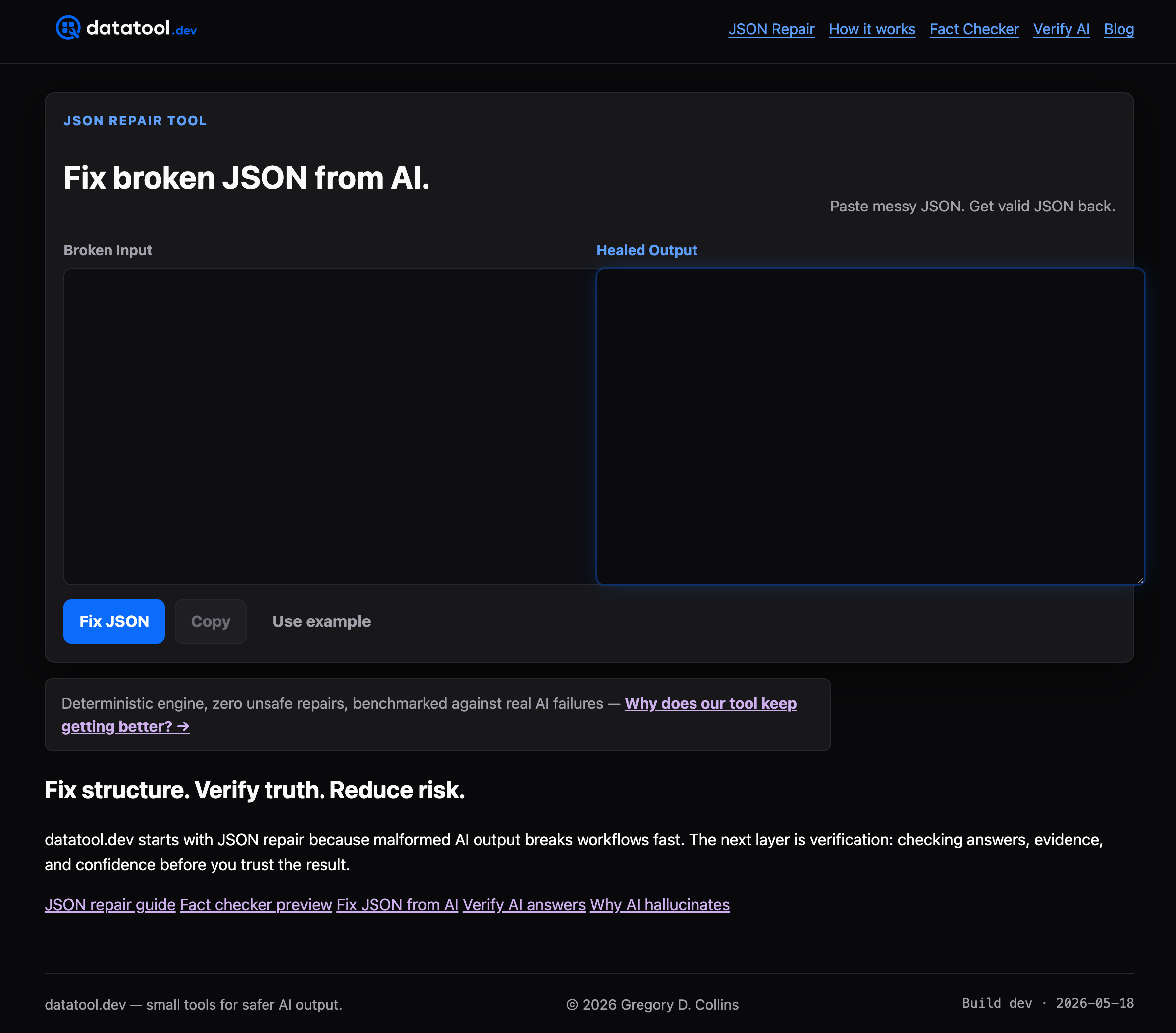
Datatool repairs broken JSON from LLMs including markdown-wrapped responses, truncated objects, trailing commas, invalid escaping, and schema drift. Paste malformed output and get valid JSON back. Datatool also runs schema validation and flags unexpected fields, so you catch silent failures before they reach your database. For teams running high-volume AI pipelines, Datatool reduces debugging time and gives you a clear record of what broke and why. Get valid JSON back fast.
FAQ
Why does AI return extra text around JSON?
AI models are trained as conversational assistants, so they default to adding prose, markdown fences, or explanations around structured output. This behavior is a product of training data patterns, not a configuration error.
What is the difference between JSON mode and strict schema enforcement?
JSON mode guarantees syntactically valid JSON but does not enforce your schema. Strict schema enforcement, using tools like Pydantic or Zod at the API level, ensures both syntax and field correctness.
How do I detect truncated JSON from an AI model?
Check the finish_reason field in the API response. A value of MAX_TOKENS or length indicates the output was cut short. Retry with a higher token limit or split the request into smaller parts.
Does GPT-4o produce cleaner JSON than Gemini?
GPT-4o supports strict mode with full schema enforcement at the token level, making it more reliable for JSON pipelines. Gemini 2.5 Flash has an 8,000-token default cap that causes frequent truncation on large outputs.
How should I handle AI JSON validation failures in production?
Log every failure with the raw output, model name, and prompt version. Validate against a code-defined schema on every response and trigger a retry on failure. Cap retries at 2–3 to control costs.