
Run your JSON through a validator first to find the exact line and column where parsing fails. If the error is simple (a trailing comma, an unquoted key), fix it by hand. If you're processing many payloads or handling LLM output, add a conservative repair library as a fallback, then always re-validate the result against a JSON Schema before your code trusts it.
TL;DR:
- Most JSON errors stem from common syntax issues like trailing commas, unquoted keys, or single quotes, which can usually be fixed automatically.
- Handling truncated or double-encoded JSON requires cautious re-parsing and validation, as guessing can introduce silent data corruption.
- Use a strict validation process: first check syntax, then validate with a schema, and log all changes to detect upstream problems.
- Repair libraries like json-repair handle common fixes but should only serve as safety nets after initial validation fails.
- Always re-validate repaired JSON before trusting it, avoiding repairs that invent missing values or fix truncated data without source confirmation.
Table of Contents
- What Causes Malformed JSON, and How Do You Spot It?
- How Do You Manually Fix Broken JSON?
- What Are the Best Tools to Repair Invalid JSON Automatically?
- How Do You Handle Malformed JSON From LLM Outputs?
- How Do You Verify Repaired JSON Before You Trust It?
- Gregory's Take: Repair Is a Fallback, Not a Fix
- Fix Malformed JSON Without Guessing at the Missing Pieces
- Sources
- FAQ
What Causes Malformed JSON, and How Do You Spot It?
JSON parsers are strict on purpose. One missing quote or comma and the whole payload fails. Most broken JSON falls into a short list of repeat offenders, and once you know the pattern, the fix is usually obvious.
Here's what actually breaks parsers, based on the errors developers hit most often:
- Trailing commas:
{"a": 1, "b": 2,}throwsUnexpected token }in JavaScript. Valid JSON never allows a comma after the last item. - Single quotes:
{'name': 'test'}fails because JSON requires double quotes for strings and keys, full stop. - Unquoted keys:
{name: "test"}looks like a JavaScript object literal, but JSON requires every key to be a quoted string. - Comments:
{"a": 1 /* note */}is legal in JSON5 and JSONC but not in strict JSON, which has no comment syntax at all. - Smart quotes: Text pasted from Word or a chat app sometimes carries curly quotes (
“”) instead of straight ones, which parsers reject outright. - Language literals: Python's
True,False, andNoneneed to becometrue,false, andnull. JavaScript'sundefinedhas no JSON equivalent at all. - BOM or leading garbage: A byte order mark or stray whitespace before the opening brace can break a parser that expects the first character to be
{or[. - Truncated payloads: The response cuts off mid object, usually from a token limit or a network timeout.
- Double-encoded JSON: The whole payload is a string containing escaped JSON, common in logging pipelines.
Syntax problems like these are almost always safe to auto-fix. Truncation and double-encoding need more care, because guessing wrong can silently corrupt your data. According to JSONFYI's breakdown of common JSON errors, a validator that reports the first failure's line and column usually points straight to the one fix you need.
How Do You Manually Fix Broken JSON?
Here's what a real trailing comma failure looks like in JavaScript, and the one line fix:
- Broken input:
JSON.parse('{"user": "greg", "active": true,}') - Parser error:
SyntaxError: Unexpected token } in JSON at position 32 - Fix: Delete the comma before the closing brace:
{"user": "greg", "active": true}
Python throws a different error for the same class of bug. Single quotes and Python literals are the usual culprits:
- Broken input:
json.loads("{'user': 'greg', 'active': True}") - Parser error:
json.decoder.JSONDecodeError: Expecting property name enclosed in double quotes - Fix: Swap single quotes for double quotes and lowercase the boolean:
json.loads('{"user": "greg", "active": true}')
Double-encoded JSON needs a different move entirely. If your payload looks like "{\"user\": \"greg\"}", that's a string, not an object. Parse it once to unescape the string, then parse the result again to get the real structure. This pattern shows up constantly in log pipelines where JSON gets serialized twice before it lands in storage, according to DEV Community's guide on fixing invalid JSON.
Pro Tip: Before you debug anything, strip smart quotes and BOM characters with a quick pass: in Python, text.replace('“', '"').replace('”', '"').lstrip(''). Half of "mysterious" parser errors are invisible characters, not logic bugs.
What Are the Best Tools to Repair Invalid JSON Automatically?
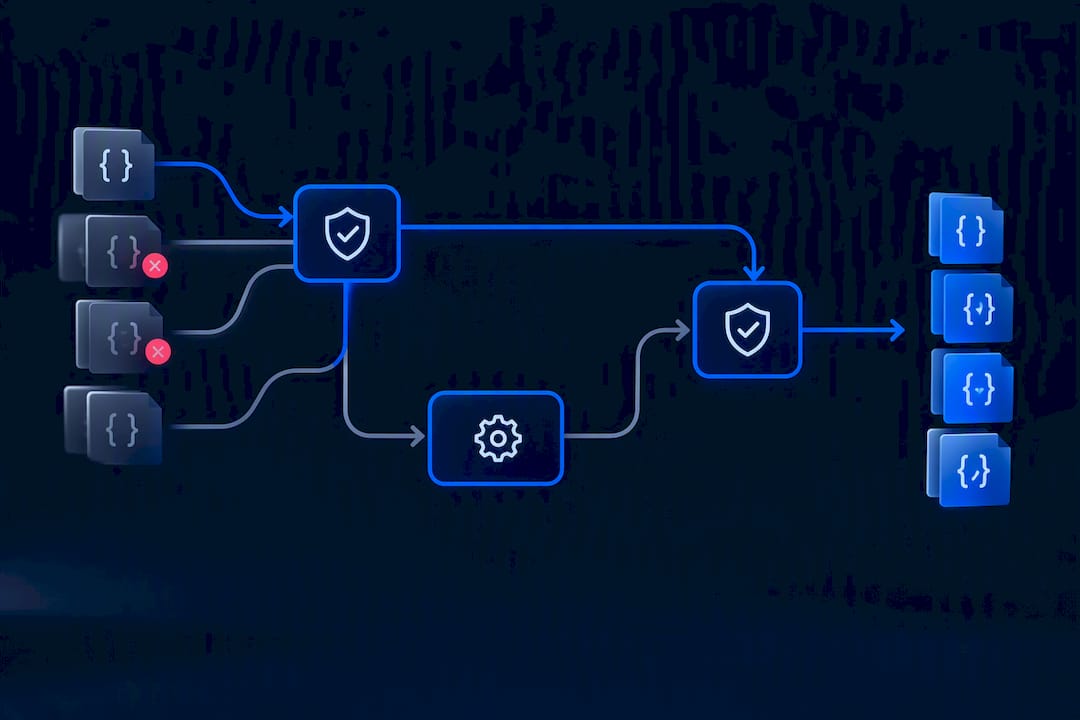
The safe pattern is: try a strict parse first, catch the error, run a repair library only as a fallback, then validate again. Never skip straight to repair. If the JSON is already valid, a good repair tool should re-serialize it and change nothing.
In Python, json-repair works as a drop-in replacement for json.loads:
from json_repair import repair_json

broken = '{"user": "greg", tags: [1, 2,], "active": True'
fixed = repair_json(broken, return_objects=True)
# {'user': 'greg', 'tags': [1, 2], 'active': True}
json-repair handles missing quotes, dangling commas, missing brackets, comments, and truncated values. Turn on strict=True while you're building and testing. In strict mode, the library raises a ValueError on duplicate keys and other ambiguous constructs instead of silently guessing what you meant.
In JavaScript, don't reach for a repair library by default. Try JSON.parse first. If the source is meant to be JSON5 or JSONC (config files often are), parse it with a JSON5-aware parser rather than forcing strict JSON rules on syntax it was never written to satisfy. For log files, treat each line as its own JSON object (NDJSON) instead of trying to parse the whole file as one array.
- Coerce types only when the schema controls data validation (such as CI pipelines or ingestion jobs).
- Refuse to repair when a value is ambiguous instead of guessing and moving on.
Pro Tip: Log every repair as a diff between the original payload and the fixed version. If a repair rate spikes, that's a signal something upstream broke, not a reason to relax your validation.
How Do You Handle Malformed JSON From LLM Outputs?
LLMs rarely return clean JSON. Chat models wrap output in markdown fences, add explanatory prose before or after the object, or cut off mid-string when they hit a token limit. Datatool's testing on real-world LLM output shows these failures cluster into a handful of predictable shapes, not random corruption.
- Strip markdown fences (
```json ... ```) and any prose before the first{or[before you attempt to parse. - Detect truncation by checking whether brackets are balanced; if the payload cuts off mid-string, don't guess the missing content.
- Close a truncated structure only when it's unambiguous, like an array missing its final
]. Never invent a value to complete a cut-off string. - If the JSON is truncated because of a token limit, re-run the prompt with a higher limit rather than repairing around missing data.
A practical sequence: strip the wrapper text, run repair_json, then validate the result against your schema before you touch it. Repair tools should never invent missing string content for a truncated field; re-fetching or re-prompting beats guessing every time.
How Do You Verify Repaired JSON Before You Trust It?
Repair fixes syntax. It does not fix meaning. A payload can parse cleanly and still contain garbage values, and syntax repair alone will never catch that.
- Validate the syntax first, then run it through a schema check with JSON Schema, Pydantic, or AJV.
- Keep strict mode on during testing and CI so ambiguous repairs raise errors instead of passing silently.
- Log every diff between original and repaired payloads so you can audit what changed.
- Reject any repair that completes a truncated string or fills in a value the source never provided.
- Run a final checklist: syntax, required fields present, correct types, no duplicate keys, values inside expected ranges.
Skipping this step is how teams end up debugging a "data" problem three weeks later that was actually a silent repair masking a broken upstream API. As the DEV Community's rundown of common software-bug mistakes points out, fixing the symptom without inspecting the source just moves the bug downstream.
Gregory's Take: Repair Is a Fallback, Not a Fix
Three steps, in order: validate, repair conservatively, then schema-validate and log the diff. Skip straight to repair and you'll eventually ship a payload that parses fine but is quietly wrong. A repair library that closes a bracket for you is convenient. A repair library that invents a missing string value is a liability. Datatool's own testing keeps coming back to the same lesson: fix the producer when you can, and treat repair as the safety net, not the strategy.
— Gregory
Fix Malformed JSON Without Guessing at the Missing Pieces
There are tools built for failure modes like broken brackets, wrapped LLM responses, truncated objects, and double-encoded strings, which repair deterministically instead of guessing. The JSON repair tool runs the payload through a validator, applies a conservative fix, and logs exactly what changed, so you're never trusting a silent guess in production.
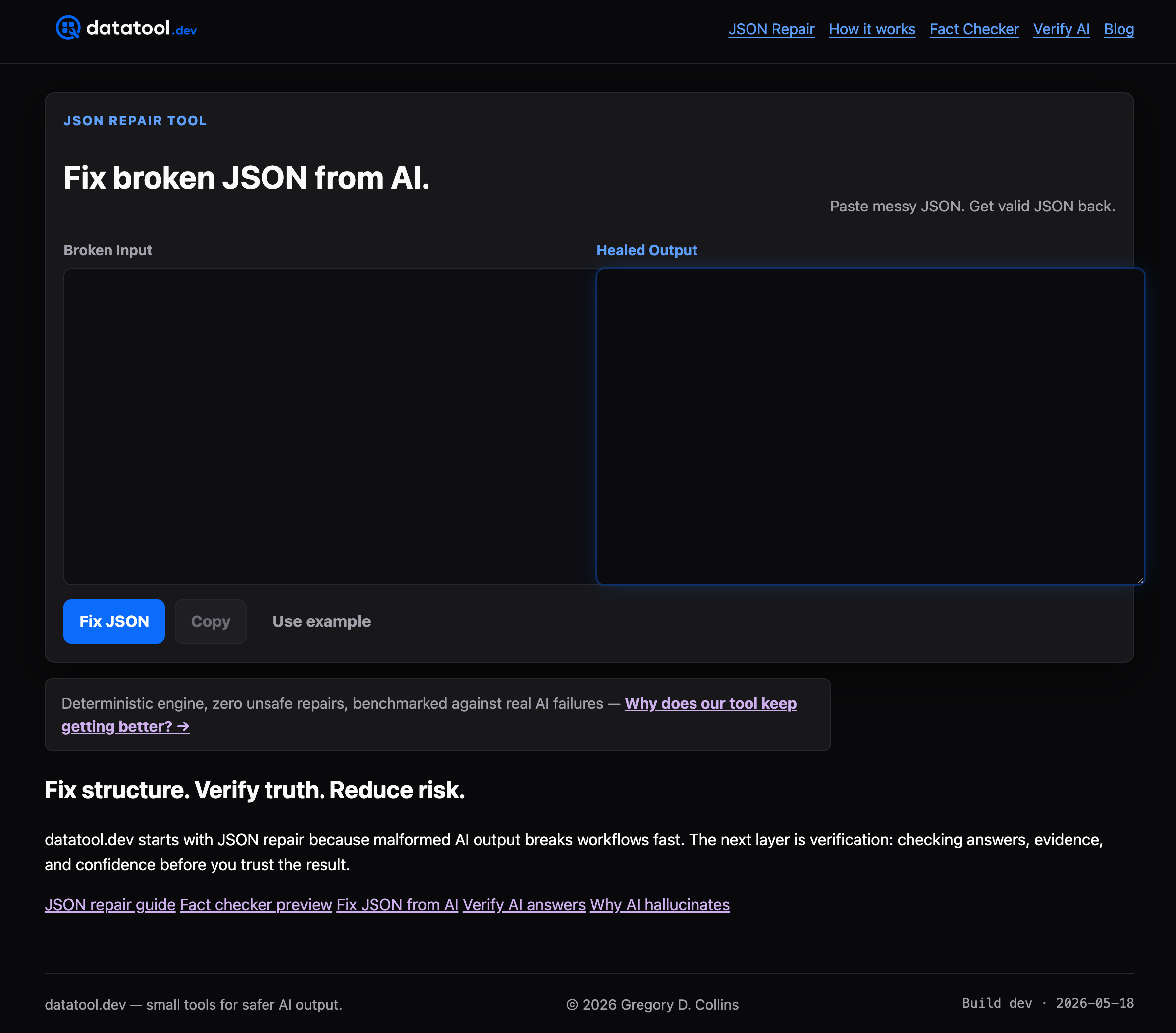
For teams wiring repair into a pipeline, the @datatool/json-heal package gives you the same deterministic engine as an installable dependency, with schema-guided options you control. Run it in strict mode in CI so ambiguous cases raise instead of getting patched over. Try the in-browser demo on a real broken payload first, then decide if it belongs in your build.
Sources
FAQ
What Does It Mean When JSON Is Malformed?
Malformed JSON is text that breaks JSON's syntax rules: unquoted keys, single quotes, trailing commas, or a cut-off payload. The parser stops at the first rule violation and throws an error naming the exact position of the problem.
How Can I Fix a JSON File?
Run it through a validator to find the line and column of the first error, then fix that specific issue (add quotes, remove a comma, close a bracket). For files with many recurring errors, a fallback repair like json-repair can automate the fix, but always re-validate the output against a schema afterward.
How Do I Solve a JSON File Error?
Read the parser's error message carefully. It always names the position and often the exact token it choked on, whether that's an unexpected comma, a missing quote, or an unterminated string. Match that error to the patterns in this guide and apply the corresponding fix.
What Causes a JSON Error?
Most JSON errors come from syntax that's valid in another language but not in JSON: Python's True/None, JavaScript's unquoted keys, or config-file comments. Truncation from network timeouts or token limits, and double-encoding in logging pipelines, are the other frequent causes.
Does Datatool's JSON Repair Tool Cost Anything?
Pricing for Datatool's JSON repair tool and the @datatool/json-heal package is listed on the site rather than fixed here. Both are built around the same deterministic repair engine described throughout this guide.