
There is no built-in $version keyword in JSON Schema. The spec gives you $schema for dialect identity and $id for schema document identity, nothing more. The practical fix engineers use in production: embed a schemaVersion field in every payload, publish versioned schema URIs, and treat draft 2020-12 as your baseline.
TL;DR:
- Most teams use a
schemaVersionfield in the payload or versioned$idURIs to manage schema updates, as JSON Schema itself does not include a built-in version keyword.- Adding optional fields is safe for backward compatibility, while removing or changing required fields often causes validation failures and breaking changes.
- Lazy migration on read, batch migration, and migration registries are common strategies to update documents smoothly without outages, with each suited to different system sizes and complexities.
- Testing migration processes requires fixture documents, idempotent
upfunctions, and semantic diffs in CI to prevent unexpected validation errors or schema drift.- Using immutable schemas, versioning best practices, and tools like Datatool's JSON repair can prevent and fix common issues caused by malformed or truncated data, especially from AI models.
Table of Contents
- What the JSON Schema spec actually provides
- Common versioning patterns engineers actually use
- Compatibility rules: what breaks and what doesn't
- Migration strategies that don't cause outages
- A concrete example: catching the break and fixing it
- Choosing an approach for your project
- What breaks in practice, and what to fix first
- How Datatool helps you keep schemas honest
- Where to read more on schema versioning
- Sources
- FAQ
What the JSON Schema spec actually provides
The JSON Schema specification gives you two identifiers, and confusing them causes most versioning mistakes.
$schema points to a meta-schema. It tells a validator which dialect and vocabulary rules apply to the document, draft 2020-12, draft 7, or something custom. Include it at the root of every schema you write. Skip it and validators fall back to guessing, which breaks silently across tool versions.
$id is different. It is the absolute URI that identifies a specific schema document, used for $ref resolution and for distinguishing one schema from another. It is not a version number, but teams often encode a version segment inside it (https://api.example.com/schemas/order/v3.json).
Draft 2020-12 changed both areas. Key updates from the release notes:
$dynamicRefand$dynamicAnchorreplace the older recursive referencing keywords, giving extensible base schemas more predictable behavior.- Formal guidance for embedding schemas into Compound Schema Documents, so bundlers do not need to rewrite
$idvalues inside$defs. - Vocabularies became first-class, declared through
$vocabularyin the meta-schema.
None of this adds a version keyword. That gap is intentional, and it is why the patterns below exist.
Common versioning patterns engineers actually use
Three patterns cover almost every real system. Pick based on how many consumers you have and how long messages live before they're read.
- Payload
schemaVersionfield: add an integer or string field directly in the data ("schemaVersion": 3). Cheap to implement, works for event streams and stored documents, and makes lazy migration trivial: read the field, look up the transform chain, migrate before use. - Versioning in
$idURIs: publish each schema version at its own URL (/schemas/order/v3.json). Clients and CDNs can cache by URL, and old consumers keep working against the version they fetched. Costs more to maintain since every schema file is immutable and permanent. - Schema registry: a central service maps version numbers to schema documents and migration rules. Good for organizations with many services sharing schemas, but it adds an operational dependency you have to keep available and fast.
Most teams that produce their own data and control both ends default to the payload field. It's the cheapest to add and the easiest to query later ("show me all documents still on schemaVersion: 1"). Public APIs with external consumers lean toward $id URIs, because clients pin to a URL and you can deprecate on your own schedule. Registries earn their cost only past a handful of services and versions.
Pro Tip: Start with a schemaVersion field even if you think you'll never need it. Retrofitting version detection into millions of existing documents is far more expensive than adding one integer field on day one.
Compatibility rules: what breaks and what doesn't
Treat every published schema version as immutable. Never edit a schema that's already in use, publish a new version instead. That single rule prevents most production incidents tied to schema drift.
- Adding an optional field is safe. Old consumers ignore fields they don't know about, and new consumers get the extra data.
- Removing a required field is breaking. Any consumer that expects it will fail validation or crash on a null reference.
- Adding a new required field is breaking. Old producers won't send it, so existing documents fail validation against the new schema.
- Renaming a field is breaking. It looks like a remove plus an add to anything reading the old name.
- Changing a field's type is breaking, even when the change looks harmless (string to number, for instance) because strict validators reject the mismatch outright.
- Setting
additionalProperties: falseat the root is risky. It blocks forward compatibility: any producer that adds a new field, even a harmless one, now fails validation against consumers still on the old schema.
The JSON Schema Versioning & Evolution Guide recommends favoring additive changes and reserving additionalProperties: false for schemas where you control both producer and consumer deployment timing. Loosen that rule and you lose most of the benefit versioning was supposed to give you.
Migration strategies that don't cause outages
Three strategies cover most systems, and they combine well.
- Lazy migration (migrate on read): check
schemaVersionwhen a document is read, run it through the migration chain, then use the result. Defers cost, and old producers can keep writing the old shape without breaking anything. - Batch migration: rewrite every document to the latest version in a scheduled job. Necessary before retiring old migration code paths, and before any query that needs to filter or index on a field that only exists post-migration.
- Migration registry: a set of pure
upanddownfunctions, one per version transition, composed in sequence. According to practical migration guidance, this pattern makes lazy migration auditable because each transform is small, testable, and reversible.
For batch jobs against large collections, filter by schemaVersion, apply operator transforms like $rename, $unset, and $set, and track progress with an _id cursor so a restart doesn't reprocess documents twice. Back up before any destructive field removal.
Testing matters as much as the migration code itself. Keep a fixture directory per schema version, run round-trip tests (migrate up, then validate), and add semantic diffs in CI so a schema change that looks trivial in a pull request doesn't quietly break an old consumer.
Pro Tip: Make every up function idempotent. A migration that runs twice on the same document should produce the same result, not double-apply a transform.
A concrete example: catching the break and fixing it
Here's a real shape of failure. A document written under schemaVersion: 1 has a price field as a string. Schema v2 requires it as a number.
{ "schemaVersion": 1, "price": "19.99" }
Validating that against the v2 schema throws:
price must be number, got string (path: /price)
The fix reads the version, fetches the right migration, applies it, then validates against the target schema:
function migrateToLatest(doc, migrations) {
  let current = doc;
  while (current.schemaVersion < LATEST_VERSION) {
    const step = migrations[current.schemaVersion];
    current = step.up(current);
    current.schemaVersion += 1;
  }
  return current;
}

const migrations = {
  1: { up: (doc) => ({ ...doc, price: Number(doc.price) }) }
};

const fixed = migrateToLatest(payload, migrations);
validate(schemaV2, fixed); // passes
Run the same document through migrateToLatest twice and it should return the identical object, that's your idempotency check. In testing against real AI-generated payloads, type mismatches like this string-versus-number case were among the most common causes of validation failures, more frequent than missing fields or malformed structure.

Choosing an approach for your project
Match the pattern to your actual constraints, not to what looks more sophisticated.
- Few consumers, one team, short-lived messages: a
schemaVersionfield and lazy migration is enough. - External API consumers, long-lived documents, or multiple teams: version your
$idURIs and deprecate on a schedule. - Many services sharing schemas across an organization: invest in a registry, but only once the coordination cost of not having one is already hurting you.
- Mixed strategy: lazy migrate on read for hot paths, batch migrate on a schedule to retire old code.
Add CI schema diffs, deprecation headers on old API versions, and migration metrics (counts by schemaVersion in your logs) regardless of which pattern you pick. Those controls catch accidental breaks before they reach production.
What breaks in practice, and what to fix first
Testing against real AI-generated payloads shows truncation and type mismatches caused most validation failures, and missing schemaVersion fields turned small errors into long incident investigations. Immutable versions and semantic diffs in CI would have caught nearly all of them earlier.
Prioritize in this order: add schemaVersion to every payload this week, freeze published schemas as immutable, then add CI diffing before the next schema change ships.
— Gregory
How Datatool helps you keep schemas honest
Versioning tells you which schema a document should match. It doesn't fix the document when a producer, especially an LLM, sends something malformed anyway. That's where a repair layer earns its place in your pipeline, catching broken output before it ever reaches your validator.
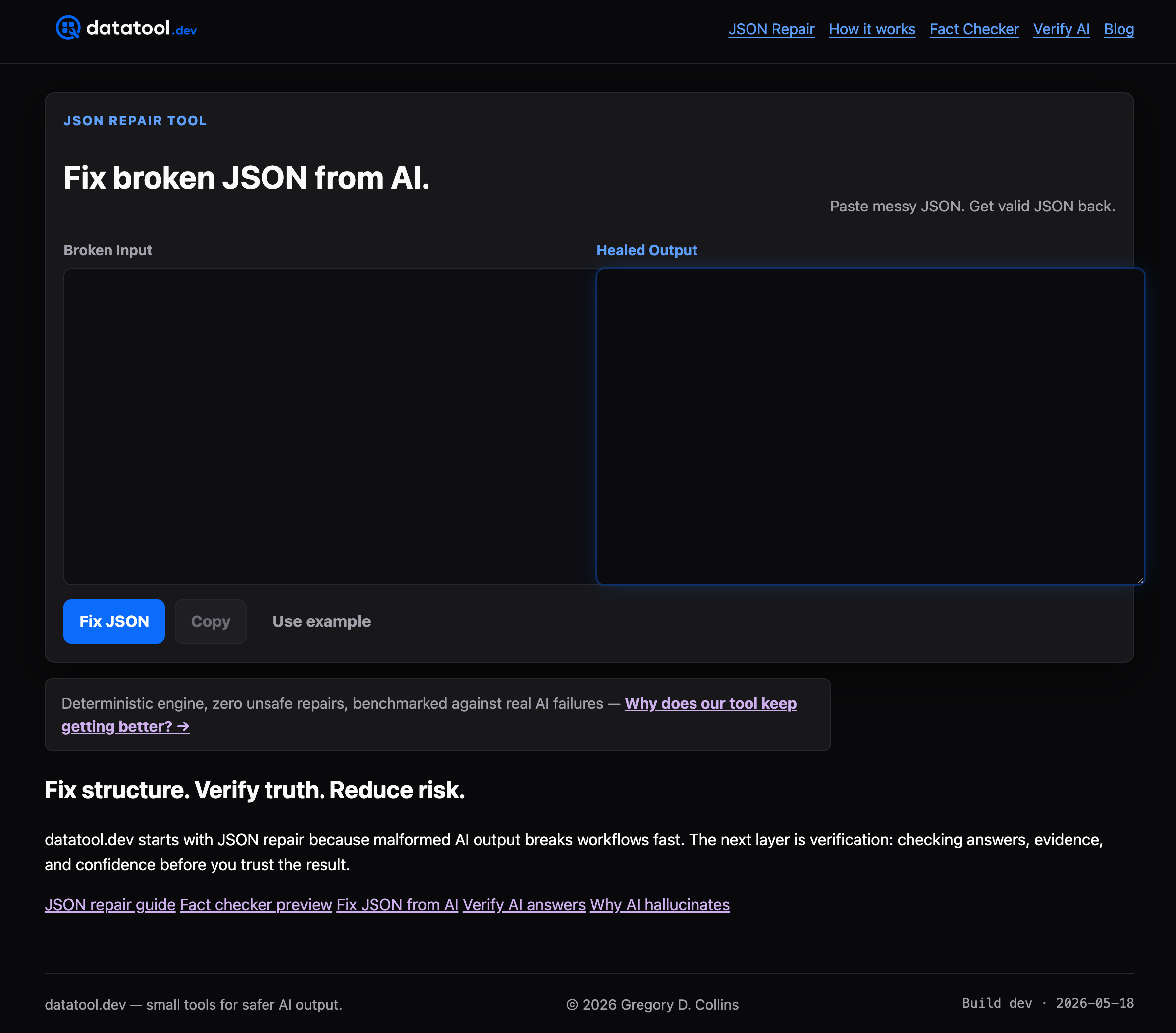
Datatool's JSON repair tool is built for exactly that gap: broken, truncated, or partially valid JSON coming out of AI models, repaired deterministically before it hits your schema checks. A few ways teams wire it in include pre-merge CI for catching malformed sample payloads before schema changes deploy, validation gates that repair before validating to avoid pipeline failures from truncated responses, and post-processing during lazy migration where repair and migration happen together when reading old documents. The @datatool/json-heal package plugs this into existing workflows without requiring a new service to run and monitor. Check the JSON repair tool page for setup details and see where it fits your validation pipeline.
Where to read more on schema versioning
For the primitives themselves, read the Specification and the 2020-12 Release Notes. For migration patterns in more depth, see the JSON Schema Migration Strategy guide and datatool.dev's practical guide to JSON Schema validation. For $schema usage in a different context, this partner guide on JSON-LD markup is a useful reference.
Sources
FAQ
Does JSON Schema have a built-in version keyword?
No. The specification defines $schema for dialect identity and $id for document identity, but there's no dedicated version field. Engineers add their own, usually a schemaVersion field in the payload or a version segment in the $id URI.
What's the difference between $schema and $id?
$schema identifies which dialect or meta-schema a document follows, telling validators which rules to apply. $id identifies the specific schema document itself and is used for $ref resolution, not for versioning.
Is adding a required field to a schema breaking?
Yes. Existing documents created under the old schema won't have that field, so they fail validation against the new one. Adding an optional field is safe; adding a required one is not.
When should I use a schema registry instead of a payload version field?
A registry earns its cost once you have multiple services or teams sharing schemas and need central governance over versions and migrations. For a single team with a handful of schema versions, a schemaVersion field and a small migration registry in code is simpler and cheaper to run.
How do I test schema migrations safely?
Keep a fixture document for each schema version, run round-trip tests that migrate up and then validate against the target schema, and add semantic diffs in CI to catch accidental breaking changes before merge. Idempotent up functions, migrating the same document twice produces the same result, catch a common class of migration bugs early.