

An API response testing developer toolkit is the set of tools and methods developers use to verify that API responses return the correct data, status codes, and structure. Without a solid toolkit, bugs slip through to production, contracts break silently, and debugging takes hours instead of minutes. Developers spend up to 40% of their time on testing. That number makes tool selection one of the most consequential decisions on any API team. This guide covers the core components of a complete toolkit, a practical testing workflow, and the pitfalls that cost teams the most time.
What does an API response testing developer toolkit include?
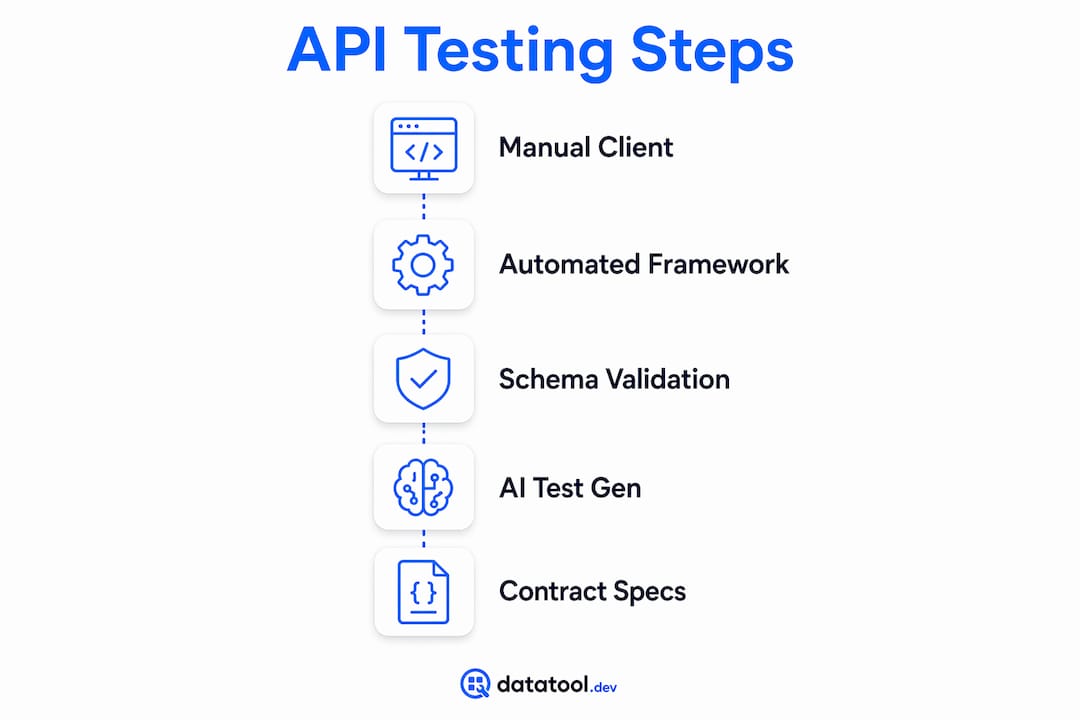
A complete developer toolkit for API response testing combines four types of tools: manual clients, automated testing frameworks, schema validators, and test generators. Each type solves a different problem. Using only one type leaves gaps.
Manual API clients let you send requests and inspect raw responses. They are best for exploration and debugging before you write automated tests. Lightweight options like Bruno and Hoppscotch work well for teams that want Git-native workflows and version-controlled collections.

Automated testing frameworks run assertions on every build. They fit CI/CD pipelines and catch regressions before deployment. Paid tiers for these tools run roughly $6–$50 per user monthly, depending on features and team size.
Schema validation tools check that response bodies match a defined contract. JSON Schema and Zod are the two most widely used. Schema-based validation frameworks like Zod are critical for contract testing in ecosystems with diverse API consumers. A schema validator catches type mismatches and missing fields that assertion-based tests miss entirely.
AI-assisted and traffic-based test generators are the newest category. Traffic-based tools record real network interactions and produce test suites from live traffic. AI tools can reduce test maintenance by up to 95% compared to hand-written suites. That matters because 60–80% of API testing time goes to maintenance, not writing new tests.
Pro Tip: Pick tools that match your team's language and CI/CD stack first. Popularity is a poor selection criterion. A tool your team won't maintain is worse than no tool at all.
OpenAPI and Swagger specifications tie everything together. They define the contract your tests enforce. When your spec is accurate, AI tools can generate full test suites from it automatically.
How to test API responses step by step
A repeatable workflow reduces guesswork and makes failures easier to trace. Follow these steps to build one.
- Set up your OpenAPI spec. Your spec is the source of truth. If it is out of date, your tests will be wrong. Validate the spec before writing a single test.
- Configure a test environment. Use a dedicated staging environment with known seed data. Tests against production data produce non-deterministic results.
- Send requests and capture responses. Use your manual client first. Inspect the raw response body, headers, and status code before writing assertions.
- Write assertions. Cover three layers: status code, response headers, and body content. Assertions can verify exact values, types, or schema shape, with different modes suited to static fixtures, dynamic fields, or contract tests.
- Add schema validation. Run the response body against your JSON Schema or Zod schema. This catches structural drift that value-based assertions miss.
- Generate tests from your spec. OpenAPI specs enable AI-generated test suites automatically. Feed your spec to an AI-assisted tool and review the output before committing it.
- Integrate into CI/CD. Tests that only run locally do not protect production. Add your test suite to your pipeline so every pull request triggers a full run.
Here is a concrete example of a common failure and its fix. An endpoint returns a 200 status but the body contains a wrapped AI response instead of clean JSON:
// Broken response from LLM-backed endpoint
{
  "result": "```json
{\"user_id\": 42, \"status\": \"active\"}
```"
}

// What your schema validator sees
Expected: { user_id: number, status: string }
Received: { result: string }  // schema mismatch — test fails
The fix is to strip the markdown wrapper before validation. Datatool handles this automatically for AI-generated responses, repairing the malformed output before it reaches your assertions.
Pro Tip: Write at least one test for every error response your API can return. Most teams test the happy path and ignore 4xx and 5xx cases. Those are exactly where production bugs hide.
Best practices for API response validation
The most reliable API testing workflows share three characteristics: they use schema validation over exact-match assertions, they enforce contracts through OpenAPI specs, and they handle non-deterministic fields explicitly.
Exact-match assertions break when timestamps, IDs, or generated values change between runs. Schema-based assertions check structure and type without caring about the specific value. Use exact matches only for fields that never change, like error codes or enum values.
Contract testing is the practice of verifying that an API response matches a shared specification agreed upon by both the producer and consumer. When both sides test against the same OpenAPI contract, integration failures surface in development rather than production.
Using OpenAPI specifications for automated test generation reduces the gap between what your API claims to do and what it actually does. Teams that skip this step discover drift only when consumers file bug reports.
Handle non-deterministic fields by excluding them from schema assertions or by using pattern matching. A UUID field should be validated as a string matching a UUID pattern, not as a specific value. This approach eliminates a large class of flaky tests.
Pro Tip: Add assertions on your error responses, not just success responses. A 404 that returns HTML instead of JSON will break every client that expects structured data.
For developers working with AI-backed endpoints, validating AI-generated structured data requires additional steps because LLMs produce malformed output more often than traditional APIs.
Common pitfalls in API response testing workflows
Most API testing failures trace back to four root causes: high maintenance costs, tool misalignment, schema drift, and flaky tests from dynamic data.
- High maintenance costs. Hand-written test suites require constant updates as APIs evolve. Teams that do not account for this cost end up with stale tests that pass even when the API is broken.
- Tool misalignment. Organizational needs like request structuring, version control, and CI/CD integration matter more than raw feature counts. A tool that does not fit your stack creates friction every day.
- Schema drift. APIs change. If your OpenAPI spec does not stay in sync with the actual implementation, your contract tests enforce the wrong contract. Automate spec validation as part of your build process.
- Dynamic fields causing flakiness. Timestamps, session tokens, and generated IDs change on every request. Tests that assert exact values on these fields fail randomly and erode trust in the entire suite.
The hardest part of API testing is not sending requests. It is structuring them, versioning them, and wiring them into CI/CD correctly. Teams that treat testing as a one-time setup task pay for it in debugging time later.
Pro Tip: When a test fails unexpectedly, check the response body first, not your assertion logic. Unexpected wrappers, encoding changes, or truncated payloads are the most common cause of sudden failures in AI-backed APIs.
For a broader view of debugging AI API integrations, the failure patterns are consistent: malformed output, schema mismatch, and silent truncation.
Key Takeaways
A complete API response testing developer toolkit combines manual clients, automated frameworks, schema validators, and AI-assisted generators to catch failures at every layer of the response.
| Point | Details |
|---|---|
| Schema validation over exact match | Use JSON Schema or Zod to check structure and type, not specific values. |
| OpenAPI specs drive automation | Accurate specs let AI tools generate and maintain test suites automatically. |
| Maintenance is the real cost | 60–80% of testing time goes to maintenance; AI tools cut that significantly. |
| Test error responses too | Assertions on 4xx and 5xx responses catch failures that happy-path tests miss. |
| Tool fit beats tool popularity | Match tools to your team's stack and CI/CD needs, not download counts. |
What I have learned building API testing workflows
After working with API testing across many different team setups, the pattern I see most often is this: teams invest heavily in their first test suite and almost nothing in maintaining it. Six months later, half the tests are disabled because they fail on dynamic fields, and the other half give false confidence because the schema drifted.
The fix is not a better tool. It is a different approach. Start with your OpenAPI spec as the contract. Build assertions against the schema, not the values. Then use traffic-based or AI-assisted generation to keep the suite current without manual rewrites. I have seen this approach cut active debugging time by more than half on teams that previously spent entire sprints chasing flaky tests.
The other thing I would push back on: the idea that a popular tool is a safe choice. Selecting API testing tools should be driven by your team's tech stack and automation needs. A tool with 40 million users is not useful if your team cannot integrate it into your pipeline without a week of configuration work.
For AI-backed endpoints specifically, the failure modes are different from traditional APIs. Malformed JSON, wrapped responses, and schema drift from LLM output require repair before validation. That is a step most standard testing toolkits do not handle. Build it into your workflow from the start.
— Gregory
Datatool for API response validation
API testing workflows break down fast when the responses themselves are malformed. LLM-backed endpoints return broken JSON, markdown-wrapped objects, and truncated payloads that fail schema validation before your assertions even run.
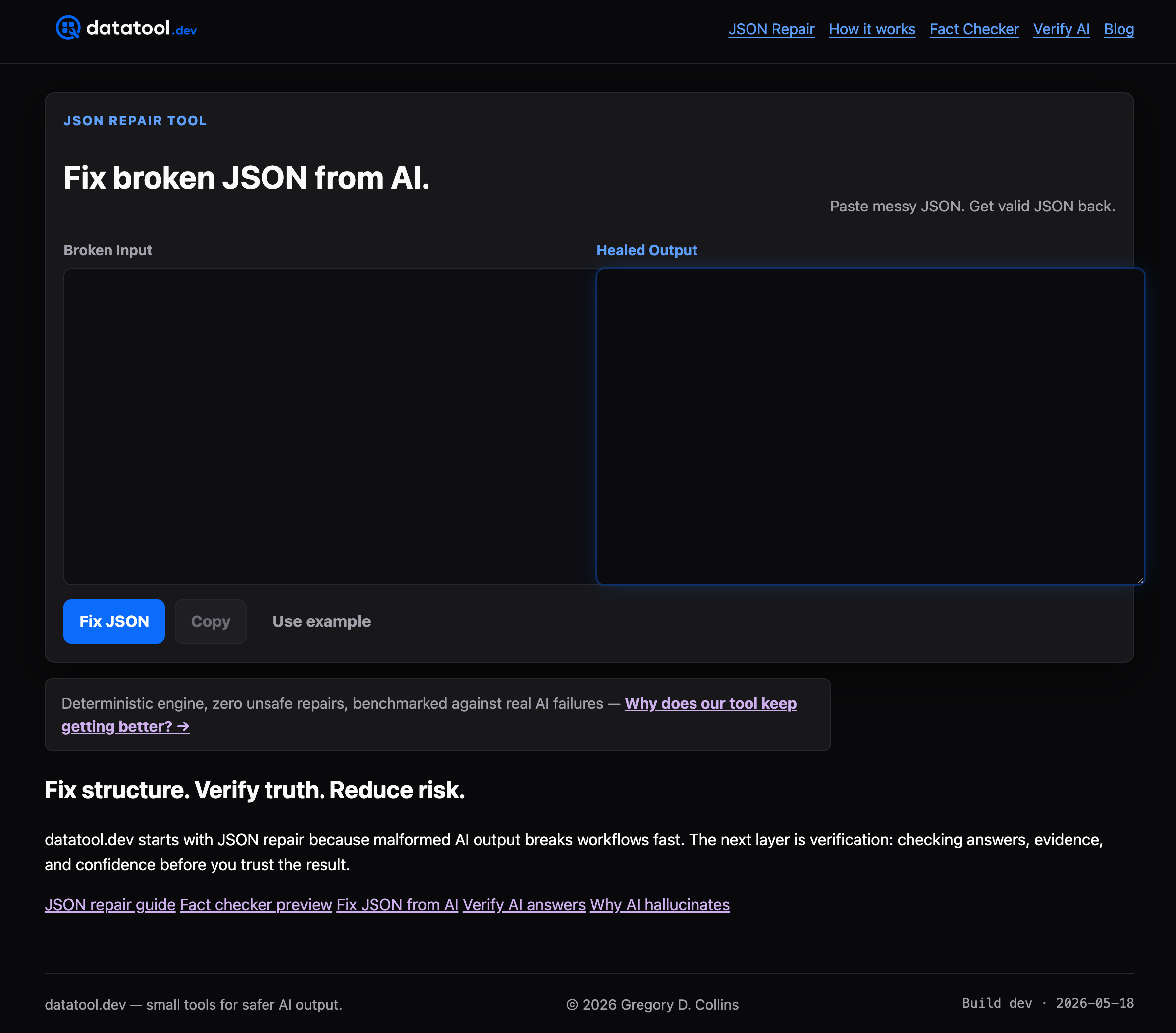
Datatool is built for exactly this problem. It repairs malformed AI output, including broken JSON, invalid escaping, partial objects, and schema drift, so your test assertions run against clean, valid data. It fits directly into existing testing workflows without replacing your current toolkit. Developers working on AI-integrated APIs use Datatool to fix broken JSON from AI before it reaches their validators. If your test suite is failing on AI-generated responses, start there.
FAQ
What is an API response testing developer toolkit?
An API response testing developer toolkit is the collection of tools and methods used to verify that API responses return correct data, status codes, and structure. It typically includes manual clients, automated testing frameworks, schema validators, and test generators.
How do I validate API responses automatically?
Use a schema validation tool like JSON Schema or Zod to check response structure, then integrate assertions into a CI/CD pipeline so every build triggers a full test run.
Why do API tests fail on AI-generated responses?
LLMs produce malformed output including broken JSON, markdown wrappers, and truncated objects. These structural issues cause schema validation to fail before assertions can run. Repairing the output before validation fixes the root cause.
What is contract testing in API development?
Contract testing verifies that an API response matches a shared OpenAPI specification agreed upon by both the API producer and its consumers. It catches integration failures in development rather than production.
How much does API testing tooling cost?
Paid tiers for API testing tools run roughly $6–$50 per user monthly, depending on features. Many tools offer free tiers for individual developers or small teams.