

Use the jsonschema library's validate() or a Validator instance. Declare your draft, catch ValidationError, and, for AI output, run a deterministic repair step before strict validation. Install with pip, pick the matching JSON Schema draft, and parse errors into structured messages instead of raw tracebacks. That's the whole workflow, and the rest of this guide shows each piece with code.
TL;DR:
- Validation errors often stem from incorrect data types, such as numbers in string form, which should be coerced before validation rather than loosening schema restrictions.
- Supporting the latest schema drafts requires declaring the
$schemakeyword explicitly and pinning the jsonschema version to prevent silent behavior changes.- Use
iter_errorsandbest_matchto collect all validation failures and identify the most relevant error, especially for nested or complex schemas.- AI-generated JSON frequently needs deterministic repair for wrapper text, truncation, or erroneous formatting before validation to reduce false negatives.
- Running a dedicated repair step prior to validation improves success rates on AI outputs, with detailed logging helping track upstream issues.
Table of Contents
- A failing validate() call and the fix
- Installation, drafts, and version considerations
- Handling validation errors: bestmatch and ErrorTree
- Common gotchas and schema keywords that cause surprises
- Validating AI-generated JSON: a repair-first workflow
- Production checklist: testing, logging, and deployment practices
- Fitting validation into pandas and FastAPI pipelines
- When to fail strict and when to repair
- Fixing broken JSON before it reaches your validator
- Sources
- FAQ
A failing validate() call and the fix
Here's the smallest example that breaks, and why.
# pip install jsonschema
# docs: https://python-jsonschema.readthedocs.io/en/stable/validate/
from jsonschema import validate, ValidationError

schema = {
    "type": "object",
    "properties": {
        "name": {"type": "string"},
        "price": {"type": "number"}
    },
    "required": ["name", "price"]
}

instance = {"name": "Eggs", "price": "Invalid"}

try:
    validate(instance=instance, schema=schema)
except ValidationError as e:
    print(e.message)
This raises a ValidationError because 'Invalid' is not a number, exactly the failure mode Built In documents when a string lands in a numeric field. The fix is to correct the input, not the schema:
- Change
"price": "Invalid"to"price": 34.99and the call passes with no output. - Never widen the schema to accept strings just to silence the error. That hides real data problems.
- If the source is an API or an AI model, coerce or reject the value before it reaches
validate().
Installation, drafts, and version considerations
Install with pip install jsonschema. Add format checks with pip install jsonschema[format] if you need email, date, or URI validation.
The library currently supports Draft 2020-12, 2019-09, Draft 7, Draft 6, and Draft 4, and it picks a validator automatically based on the $schema keyword in your document. Declare it explicitly instead of relying on defaults:
- Add
"$schema": "https://json-schema.org/draft/2020-12/schema"at the top of every schema file. - Pin your jsonschema version in requirements so a library upgrade doesn't silently change default draft behavior.
- Watch array keywords when you migrate schemas across drafts. Draft 2020-12 replaced tuple-style
itemswithprefixItems, and the official release notes show cases where the same instance passes under one draft and fails under another.
Skipping the $schema declaration is a common source of "it worked yesterday" bugs after a dependency bump.
Handling validation errors: best_match and ErrorTree
A raw ValidationError gives you .message, .path, .schema_path, and .validator, enough to build a real error payload instead of dumping a traceback.
from jsonschema import Draft202012Validator
from jsonschema.exceptions import best_match

validator = Draft202012Validator(schema)
errors = list(validator.iter_errors(instance))

if errors:
    top = best_match(errors)
    print({
        "path": list(top.path),
        "message": top.message,
        "validator": top.validator
    })
iter_errors collects every failure instead of stopping at the first one, and best_match picks the most relevant error out of that list, which matters once schemas nest anyOf or oneOf. For a full error map keyed by instance path, build an ErrorTree from the same error list.
- Use
iter_errorswhen you need every failure, not just the first. - Use
best_matchwhen you need one clear message for a user or a log line. - Use
ErrorTreewhen you need to group errors by field for a UI or API response.
Pro Tip: Log the failing instance snippet next to the schema snippet that rejected it. A bare error message rarely tells you which field actually broke.
Common gotchas and schema keywords that cause surprises
Most validation surprises trace back to a handful of keywords.
- Type mismatches: a numeric field arrives as a string, often from form data or an LLM. Coerce with
float()orint()before validation, inside a guardedtry/except, rather than loosening the schema. - Format keywords:
"format": "email"or"date-time"only validate if you installed theformatextra. Without it, jsonschema accepts anything, silently. - anyOf/oneOf failures: the top-level error is often generic. Run
best_matchand, when that's still unclear, write a small unit test against each branch individually. - Array keywords across drafts:
prefixItems,contains, andunevaluatedItemsbehave differently between Draft 7 and Draft 2020-12, so a schema copied from an older tutorial may reject valid arrays under a newer draft, per the 2020-12 release notes. - $ref resolution: schemas split across files need a resolver or a bundling step before validation, otherwise
$reflookups fail at runtime instead of at schema-load time.
Test each of these deliberately rather than discovering them in production.
Validating AI-generated JSON: a repair-first workflow
AI output breaks validation in predictable ways: an explanatory sentence wrapped around the JSON, a truncated closing brace, a number rendered as a quoted string, or a trailing comma copied from example code. Structured-output guidance from Microsoft's engineering blog recommends normalizing model output before running it through a standard validator, because strict validators were never designed to tolerate that kind of drift.
Testing on AI-generated payloads identified common faults: wrapper text, dropped closing braces, and stringified numbers cause most rejected instances. A practical pipeline runs three steps in order: pre-parse heuristics, repair, then strict validation.
import re

def unwrap_json(raw: str) -> str:
    match = re.search(r"\{.*\}", raw, re.DOTALL)
    return match.group(0) if match else raw

def fix_trailing_commas(raw: str) -> str:
    return re.sub(r",\s*([\]}])", r"\1", raw)
- Strip wrapper text with a bounded regex, or a dedicated parser for nested braces.
- Remove trailing commas before parsing; Python's
jsonmodule rejects them outright. - Coerce numeric strings (
"34.99") to floats only after you've confirmed the field is meant to be numeric.
Pro Tip: Run repair once, then validate. Never loop repair attempts against the same validator, since that hides how often your model is actually failing.
datatool.dev's JSON repair tool is built for exactly this stage: deterministic fixes for broken, wrapped, or truncated AI output before it hits your schema. See how to validate AI-generated structured data for the fuller pattern.
Production checklist: testing, logging, and deployment practices
A validation pipeline that only gets tested manually will drift out of sync with your schemas.
- Pin your jsonschema version and declare
$schemain every schema file. - Use a
Validatorinstance, not repeatedvalidate()calls, when validating many records, since it avoids re-parsing the schema on every call, a point the official docs make directly. - Write fixtures for both valid and invalid instances, including AI-shaped edge cases like wrapped JSON and stringified numbers.
- Log structured failures (path, validator, message) rather than raw exception text.
- Track how often repair runs versus how often instances pass untouched, so a spike tells you something upstream changed.
| Practice | Why it matters |
|---|---|
| Pin jsonschema version | Avoids silent draft or behavior changes on upgrade |
| Use Validator instances | Faster on repeated validation, per python-jsonschema docs |
| Test AI edge cases | Catches wrapper text, truncation, and type drift before production |
| Log structured errors | Makes failures searchable instead of buried in stack traces |
Fitting validation into pandas and FastAPI pipelines
Schema validation works best as a gate at the edges of a pipeline, not scattered through business logic.
For a pandas workflow, validate row by row before loading into a DataFrame, since pandas will happily coerce mixed types in ways that mask a bad record:
import pandas as pd
from jsonschema import Draft202012Validator

validator = Draft202012Validator(schema)
records, rejected = [], []

for row in raw_records:
    if validator.is_valid(row):
        records.append(row)
    else:
        rejected.append(row)

df = pd.DataFrame(records)
This keeps malformed rows out of the DataFrame entirely instead of letting pandas silently cast a bad value.
In FastAPI, JSON Schema validation and Pydantic model validation solve overlapping but different problems. Pydantic validates request bodies against typed models automatically at the route level, which covers most API input needs. When you need to validate against an externally defined schema, such as one shared with another team or generated from a spec, run jsonschema.validate() inside the route handler after Pydantic parsing, and return a 422 with the structured error payload described earlier. Tools like datamodel-code-generator can generate Pydantic models directly from a JSON Schema file, which keeps both layers in sync instead of maintaining the shape twice. For pipelines that ingest AI output before either layer sees it, run the repair step first: validating a truncated payload against a Pydantic model or a JSON Schema will just produce the same class of error twice.

When to fail strict and when to repair

Strict validation is the right call for contracts you don't control: billing, security tokens, anything a downstream system trusts blindly. Fail loud there.
For AI output, repair first. Models drift, wrap responses in prose, and truncate under load, and treating every one of those as a hard failure just pushes the problem onto your error logs. Repair, then validate, then track your repair rate. If it climbs, something upstream changed, and that's worth knowing before your users notice.
— Gregory
Fixing broken JSON before it reaches your validator
Most JSON Schema failures on AI output aren't schema problems. They're malformed input problems that validation happens to catch. datatool.dev's JSON repair tool runs a deterministic repair engine on broken, wrapped, or partial JSON before it ever reaches jsonschema.validate().
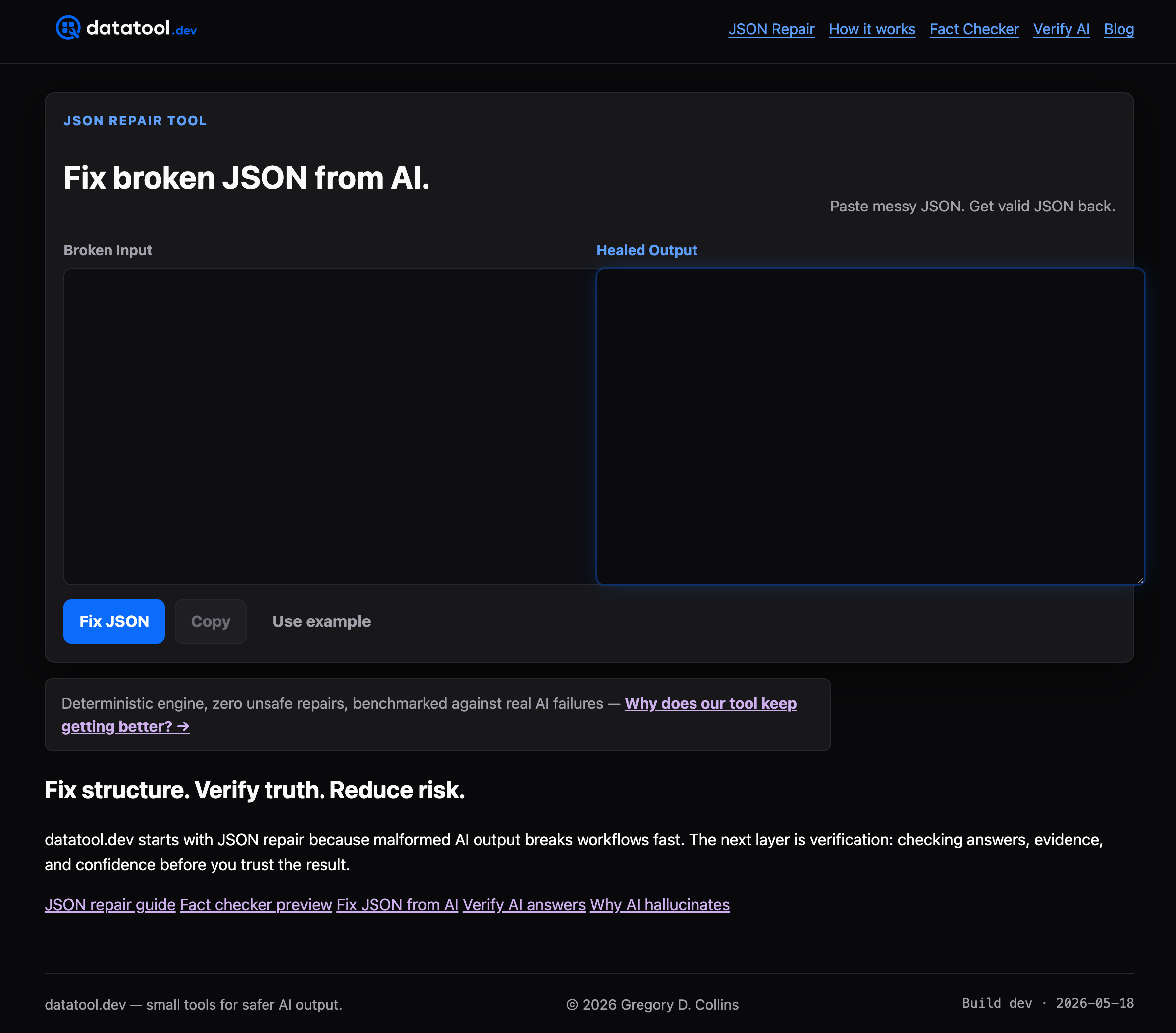
- Fixes common AI faults: wrapper text, truncated objects, trailing commas, escaped characters.
- Runs as a repair step ahead of your existing schema validation, no rewrite required.
- Logs every repair so you can audit what changed and why, detailed on the how it works page.
If your pipeline rejects a meaningful share of AI-generated payloads today, put a repair step in front of your validator and see what actually passes. Start with the JSON repair tool on datatool.dev.
Sources
For the primary sources behind this guide:
- jsonschema exceptions — Read the Docs
- jsonschema on PyPI
- JSON Schema draft 2020-12 release notes
- Python JSON Schema (Built In)
FAQ
How can I validate JSON Schema in Python?
Install the jsonschema library with pip, then call jsonschema.validate(instance, schema) for a single check or build a Validator instance for repeated validation. Catch ValidationError to get a structured message instead of a crash.
How do I check if a JSON Schema itself is valid?
Use the validator class's check_schema() method, for example Draft202012Validator.check_schema(my_schema), which raises SchemaError if the schema document itself is malformed. This is separate from validating an instance against the schema.
How can I validate JSON data in Python?
Parse the JSON with Python's built-in json module, then pass the resulting object to jsonschema.validate() along with your schema. If the JSON came from an AI model, run a repair step first, since malformed text will fail at the json.loads() stage before validation even starts.
What causes a JSON Schema validation error with AI-generated data?
The most common causes are wrapper text around the JSON, truncated output, trailing commas, and numeric values rendered as strings. A deterministic repair step, such as the one in datatool.dev's JSON repair tool, fixes most of these before they reach the validator.