
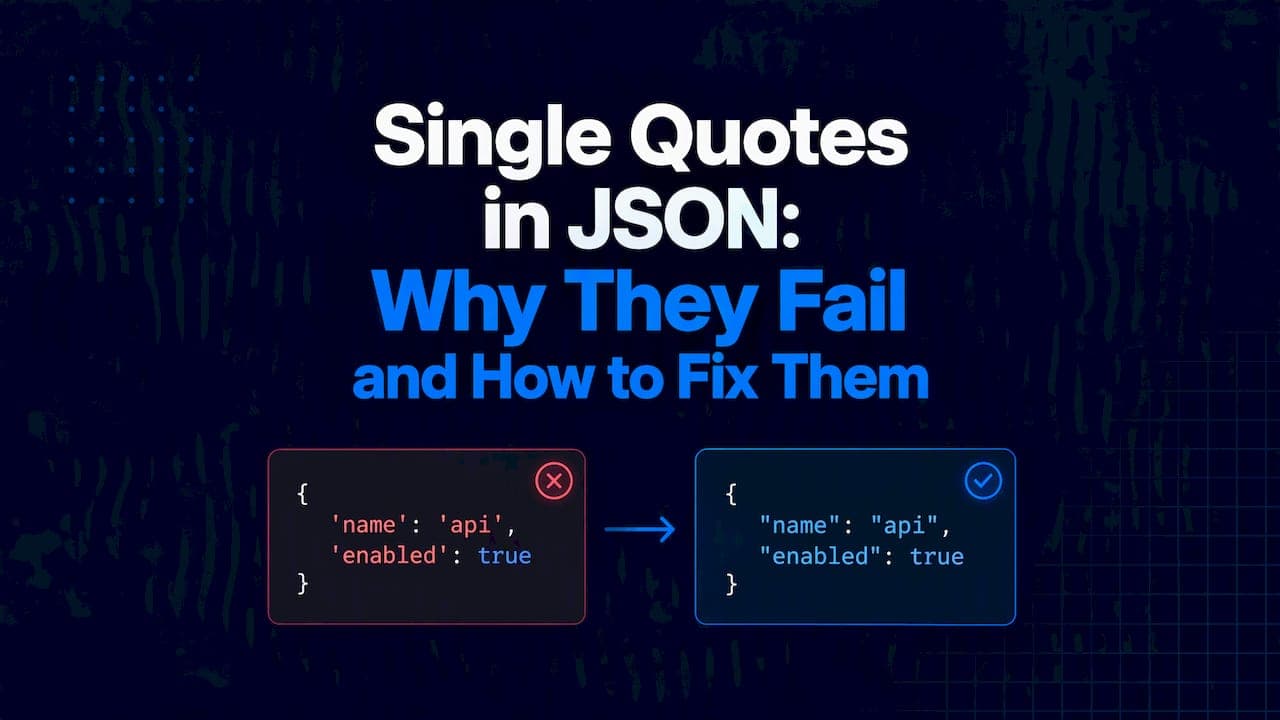
JSON does not allow single quotes. Keys and string values must use double quotes, and a standards-compliant parser rejects anything else with a SyntaxError. If your payload came from an LLM, a hand-written config or a Python print(), single quotes are the first thing to check.
This guide shows what breaks, why it breaks, and three fixes: one for your own code, one for strings you embed in code, and one for AI output you do not control.
TL;DR
- The JSON spec wraps every string and key in double quotes. Single quotes are invalid delimiters.
JSON.parseandjson.loadsboth throw on single-quoted keys and values.- If you produce JSON, use
JSON.stringifyorjson.dumps. Never build it by hand. - If an LLM produced it, treat it as untrusted input. Parse strictly, then repair deterministically, then validate.
- Do not swap quotes with a blind find and replace. Apostrophes inside values will break.
Table of Contents
- What breaks: a real failure
- Why JSON requires double quotes
- Cause and fix: three situations
- Why a blind quote swap is unsafe
- Python: do not reach for ast.literaleval by default
- Our perspective
- Fix single-quoted JSON from AI
- A quick debugging checklist
- FAQ
- Sources
What breaks: a real failure
This is the kind of output we see from LLMs that imitate code snippets:
{'name': 'Ada', 'role': 'admin', 'active': true}
It looks like JSON. It is a JavaScript object literal, or a Python dict printed with repr. Feed it to a strict parser:
JSON.parse("{'name': 'Ada'}");
// SyntaxError: JSON.parse: expected property name or '}'
MDN lists this exact case under property names must be double-quoted strings. The message text differs by engine, but the cause is the same.
Python fails the same way. The Python json documentation shows the decoder error format: it says it expected a property name enclosed in double quotes and reports the line and column. Use that position. It points at the first offending character, usually the opening single quote.
import json
json.loads("{'name': 'Ada'}")
# json.decoder.JSONDecodeError: Expecting property name enclosed in double quotes: line 1 column 2 (char 1)
The fix for this payload is mechanical:
{"name": "Ada", "role": "admin", "active": true}
The hard part is doing it safely when values contain apostrophes or double quotes. More on that below.
Why JSON requires double quotes
The grammar is fixed. A string is a sequence of Unicode characters wrapped in double quotes, using backslash escapes. There is no second string syntax.
The design was deliberate. JSON was modeled on C and Java style literals, where double quotes mean strings and single quotes mean single characters. JSON has no character type, so strings take double quotes everywhere. The format was also kept minimal on purpose: JSON's own description calls it a fat-free alternative to XML, and a single quoting rule keeps parsers small and consistent across languages.
That consistency is why the rule matters outside JavaScript. A parser in Go, Java or Rust implements one string syntax. It does not need to know that Python or Ruby accept more.
JavaScript is more lenient than JSON
The confusion starts here. MDN states that all JSON is a valid JavaScript literal, but not the reverse. JavaScript accepts single-quoted and unquoted keys. JSON does not.
So {'a': 1} works as code and fails as data. Developers copy an object literal from a console, paste it into an API body, and get a parse error.
Cause and fix: three situations
1. You generate the JSON
Do not concatenate strings. Serialize the object. JSON.stringify in JavaScript and json.dumps in Python put double quotes on every key and string and escape internal quotes for you.
import json
record = {"name": "O'Brien", "note": 'He said "hi"'}
print(json.dumps(record))
# {"name": "O'Brien", "note": "He said \"hi\""}
The apostrophe in O'Brien stays as is. Inside a double-quoted JSON string, a single quote is a normal character and needs no escape. The double quotes in note get a backslash.
2. You embed JSON in a code string
This is the most common source of quote bugs. You have two options, both described by MDN: wrap the outer string in single quotes, or escape the inner double quotes.
JSON.parse('{"key": "value"}');     // outer single quotes
JSON.parse("{\"key\": \"value\"}"); // escaped double quotes
The single quotes here belong to JavaScript, not to the JSON. The JSON inside still uses double quotes. Mixing the two up is the usual cause of failures on serialization and deserialization.
3. An LLM generated the JSON
You cannot fix the source, so you handle it on arrival. Datatool testing shows LLMs often emit relaxed JSON with single quotes, especially when they imitate conversational code snippets. A model that says "here is valid JSON" has not validated anything.
Treat the response as a raw string:
- Try a strict parse first. If it passes, you are done.
- If it fails, read the error position. Confirm the cause is quoting and not truncation or extra text.
- Repair with a tool that changes quotes only when it can prove the change is safe.
- Validate the result against your schema before it reaches business logic.
Step 3 is where naive fixes fail.
Why a blind quote swap is unsafe
Take this output:
{'title': 'Don't stop', 'quote': 'She said "go"'}
A global replace of ' with " produces:
{"title": "Don"t stop", "quote": "She said "go""}
That is still invalid, and worse, a different input could produce valid JSON with the wrong content. The apostrophe in Don't looks like a closing delimiter. The inner double quotes in "go" now end the string early.
A safe repair has to do more:
- Decide which single quotes are delimiters and which are apostrophes.
- Escape any double quotes inside converted strings.
- Leave the value alone when the intent is ambiguous.
The correct output for the example above is:
{"title": "Don't stop", "quote": "She said \"go\""}
In that case the repair is unambiguous. In cases like {'a': 'it's, b': 'x'} it is not, and a repair tool should refuse rather than guess. A guess that parses is more dangerous than an error, because the bad value flows downstream silently.

Python: do not reach for ast.literal_eval by default
Search results for this problem often suggest ast.literal_eval on a single-quoted string. It does parse a Python dict literal. But it parses Python, not JSON. true, false and null fail, because Python spells them True, False and None. Use it only when you know the source is a Python repr, and never eval. For LLM output, a JSON-aware repair step is the better fit.
Our perspective
We build for one failure pattern: models return data that looks right and is not. Single quotes are a good example because they are easy to fix by eye and hard to fix safely at scale.
Our position is simple. A repair step must be deterministic. The same input gives the same output every time. It must also refuse ambiguous cases instead of guessing. We log benchmarks so the behavior can be checked, and we test against real user issues, not only synthetic strings.

The same discipline applies beyond JSON. A syntax check passing does not prove the content is right, and that is true of config formats too, as this piece on Kubernetes YAML validation shows. Parse strictly, repair narrowly, validate against a schema. In that order.
For the background on why models produce this output, read why AI outputs broken JSON. For the validation step, see JSON schema validation.
— Gregory
Fix single-quoted JSON from AI
Paste messy JSON. Get valid JSON back. Our JSON repair tool handles single-quoted keys and values, along with wrapped responses, partial objects, invalid escaping and truncation. For pipelines, the @datatool/json-heal package runs the same repair logic in your code. Both are built to leave ambiguous input unrepaired rather than guess.
A quick debugging checklist
- Read the error position. Column 2 on line 1 usually means a single-quoted first key.
- Check for
True,False,Noneor trailing commas. Those are separate failures. - Check whether the string you see was printed with
repr. Aprintof a Python dict gives single quotes. - Confirm you are not looking at a JavaScript string wrapper. The outer quotes may not be part of the payload.
- Serialize with the standard library going forward.
For wider pipeline design, see our guides on validating AI generated structured data and JSON validators in AI pipelines.
FAQ
Can JSON use single quotes?
No. The spec allows only double-quoted strings and keys. A compliant parser such as JSON.parse or json.loads throws a SyntaxError on single quotes used as delimiters. Single quotes are fine as a character inside a double-quoted string.
How do I escape a single quote in JSON?
You do not need to. Inside a double-quoted JSON string, ' is an ordinary character. Escape double quotes with a backslash instead. If you serialize with JSON.stringify or json.dumps, both cases are handled for you.
Why does JSON.parse say unexpected token at line 1 column 1?
The parser hit a character that cannot start a JSON value at the very start of the text. Common causes are a leading single quote, a Markdown code fence, extra prose before the object, or an empty response. Log the raw string first, then see which one it is.
How do I fix single-quoted JSON from an LLM?
Try a strict parse, read the error position, then run a repair that converts delimiters and escapes inner double quotes only when the result is unambiguous. Validate the repaired output against a schema before using it.
Sources
- Introducing JSON
- JSON: The Fat-Free Alternative to XML
- json module, Python documentation
- SyntaxError: JSON.parse: bad parsing, MDN
- Working with JSON, MDN
- JSON.parse(), MDN
- JSON.stringify(), MDN
- Decoding JSON String with Single Quotes in Python, GeeksforGeeks